



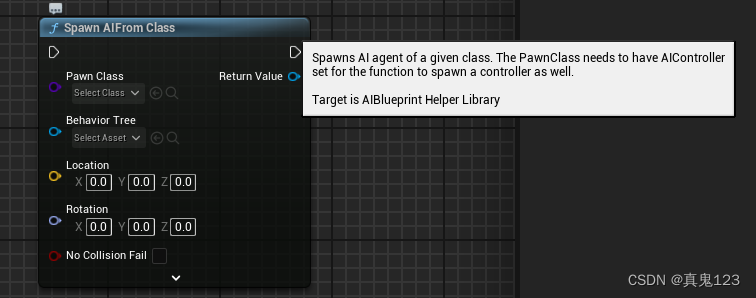
根据蓝图节点,可以发现此方法在AIBlueprintHelperLibrary中。
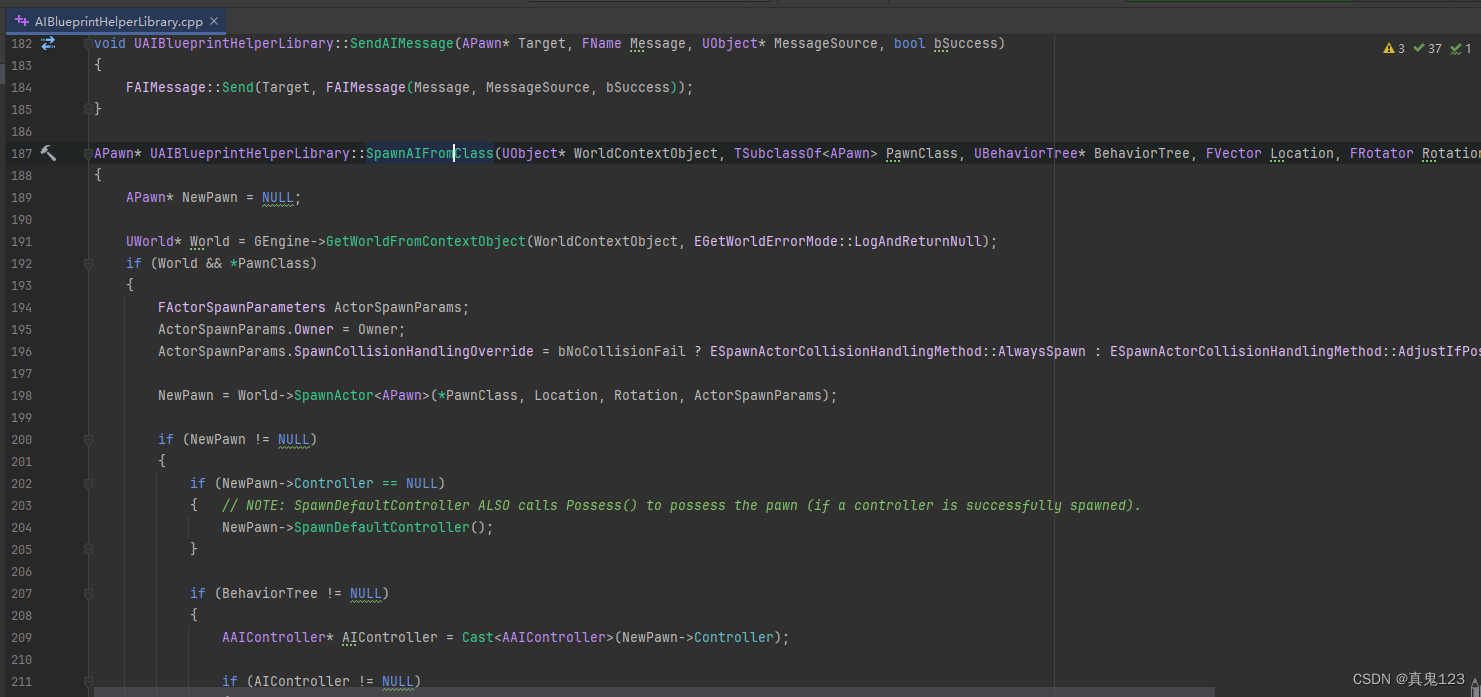
在.h文件中声明被创建的Class和需要使用的AITree
	void SpawnMyAI();

	UPROPERTY(EditAnywhere,BlueprintReadWrite,Category="Class")
	TSubclassOf<APawn> myclass;

	UPROPERTY(EditAnywhere,BlueprintReadWrite,Category="Class")
	UBehaviorTree* mytree;
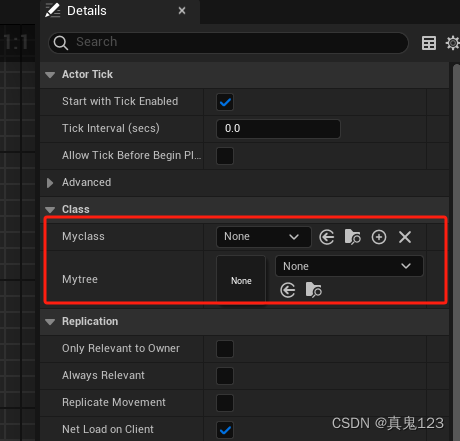
通过c++代码生成的蓝图中,可以绑定class和tree。
然后在.cpp中调用生成即可。
void AThirdInspectionItem::SpawnMyAI()
{
	UAIBlueprintHelperLibrary::SpawnAIFromClass(GWorld, myclass, mytree, FVector(0,0,0), FRotator(0,0,0));

}
通过c++代码动态获取tree
UBehaviorTree* behaviorTree = LoadObject<UBehaviorTree>(NULL, TEXT("BehaviorTree'/Game/mytree.mytree'"));





 扫一扫
扫一扫


 2057
2057

 被折叠的 条评论
为什么被折叠?
被折叠的 条评论
为什么被折叠?
 到【灌水乐园】发言





