


 本文档详细介绍了如何在Linux系统下利用C语言编写实现进度条的功能,包括创建目录、编写Makefile、头文件(proc.h)、源代码(proc.c)和主程序(main.c),并展示了最终的运行效果。
一.建立目录
mkdir proc
二.建立文件
touch Makefile
touch proc.c
touch proc.h
touch main.c
效果如下:

三.写入各个文件相应内容
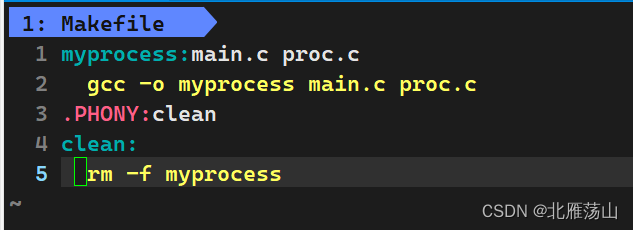
Makefile
 myprocess:main.c proc.c
    gcc -o myprocess main.c proc.c
  .PHONY:clean
  clean:
     rm -f myprocess
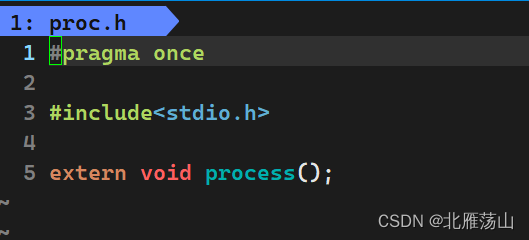
proc.h
  #pragma once

  #include<stdio.h>
  extern void process();
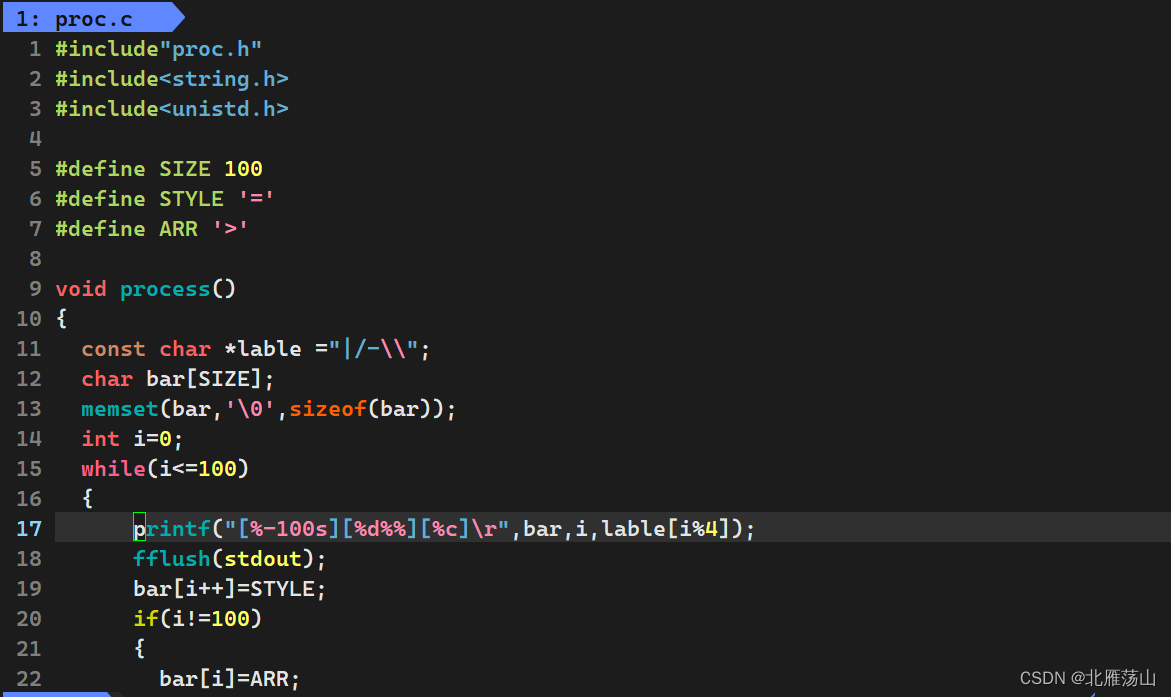
proc.c
#include"proc.h"
#include<string.h>
#include<unistd.h>

#define SIZE 100
#define STYLE '='
#define ARR '>'

void process()
{
  const char *lable ="|/-\\";
  char bar[SIZE];
  memset(bar,'\0',sizeof(bar));
  int i=0;
  while(i<=100)
  {
      printf("[%-100s][%d%%][%c]\r",bar,i,lable[i%4]);
      fflush(stdout);
      bar[i++]=STYLE;
      if(i!=100)
      {
        bar[i]=ARR;
      }
     usleep(100000);
  }
  printf("\n");
}
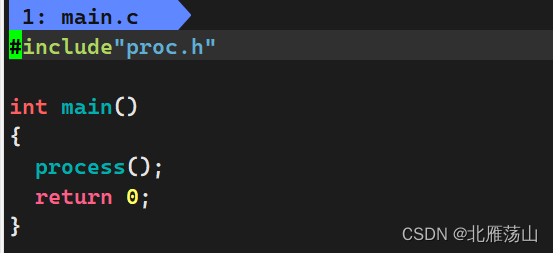
main.c
#include"proc.h"

int main()
{
  process();
  return 0;
}
成果展示
cd proc
make
ls
./myprocess






 扫一扫
扫一扫


 1548
1548

 被折叠的 条评论
为什么被折叠?
被折叠的 条评论
为什么被折叠?
 到【灌水乐园】发言





