拆包访问
打开控制台按照大小排序下
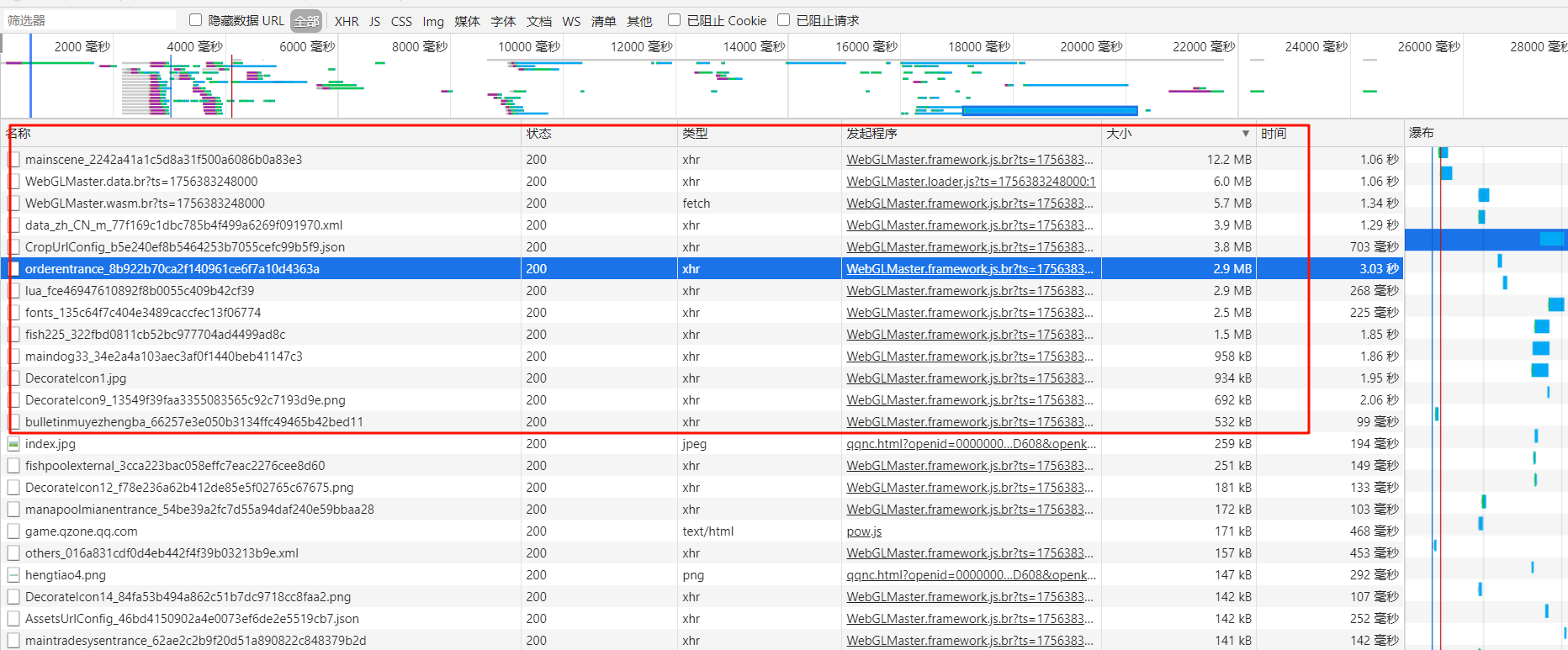
- 像这些比较大的,基本是资源文件
- 我们拿https://appimg.qq.com/happyfarm/unity/Assets/AssetBundles/WebGL/mainscene_2242a41a1c5d8a31f500a6086b0a83e3 来看看
- 下载到本地,然后拖过去
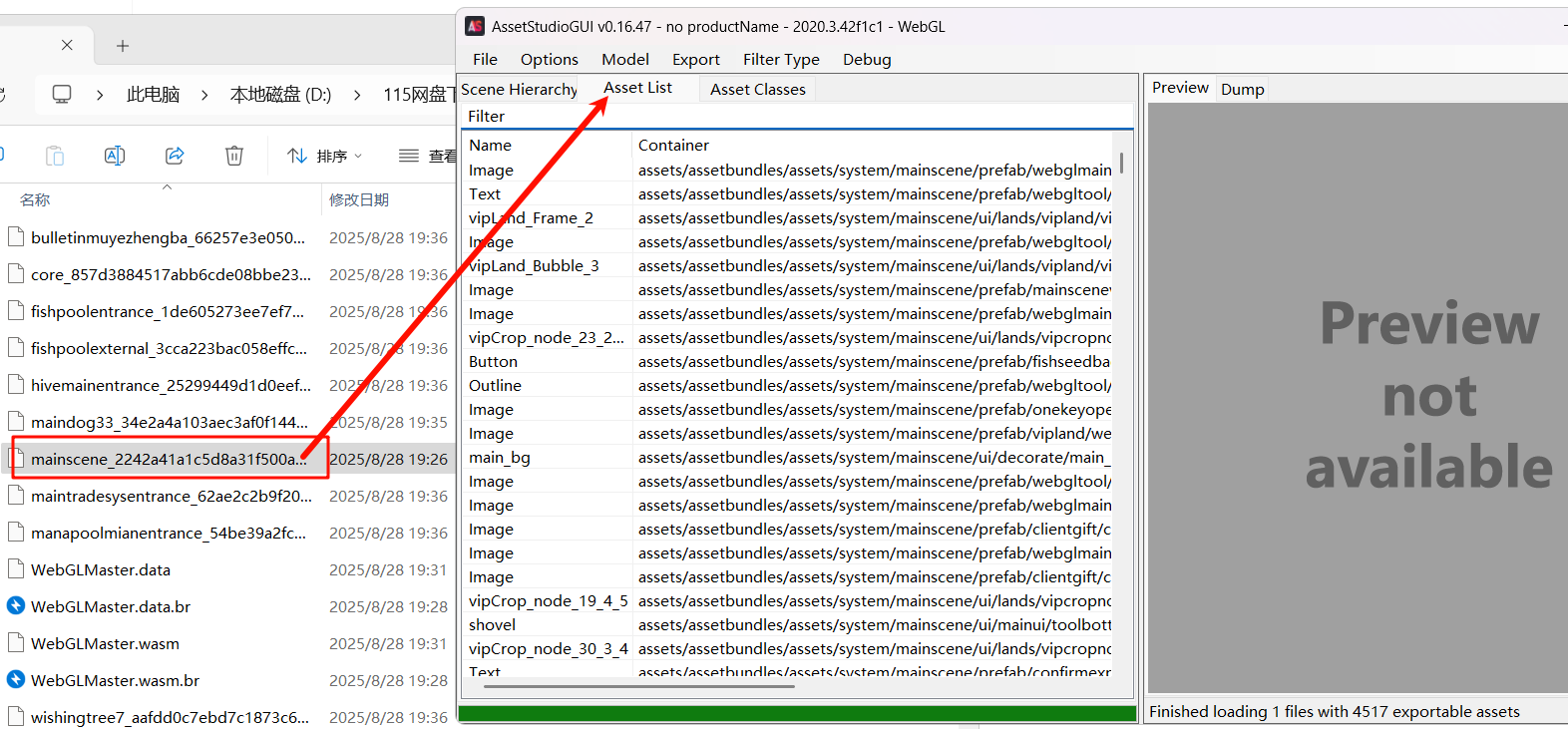
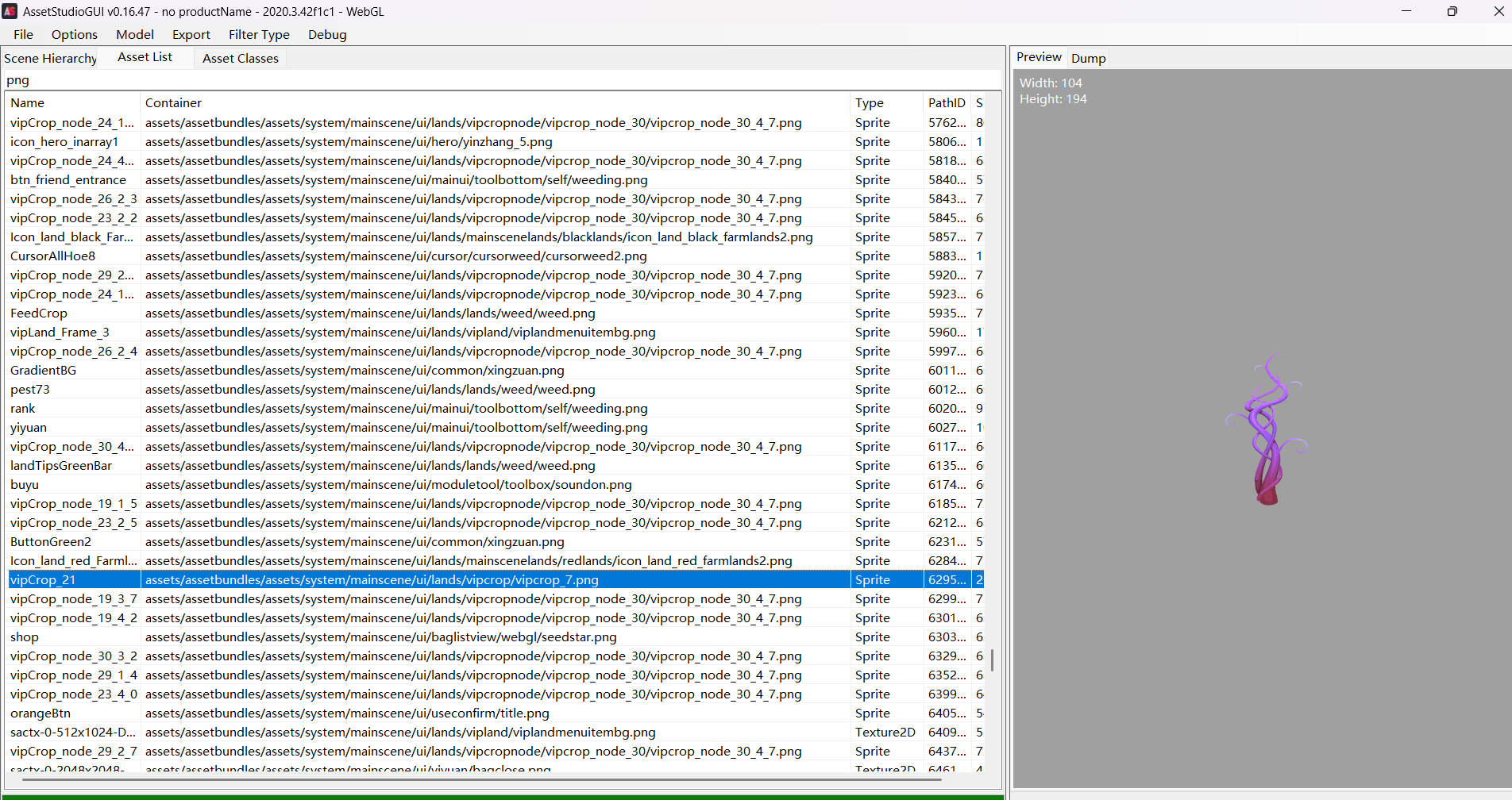
农场
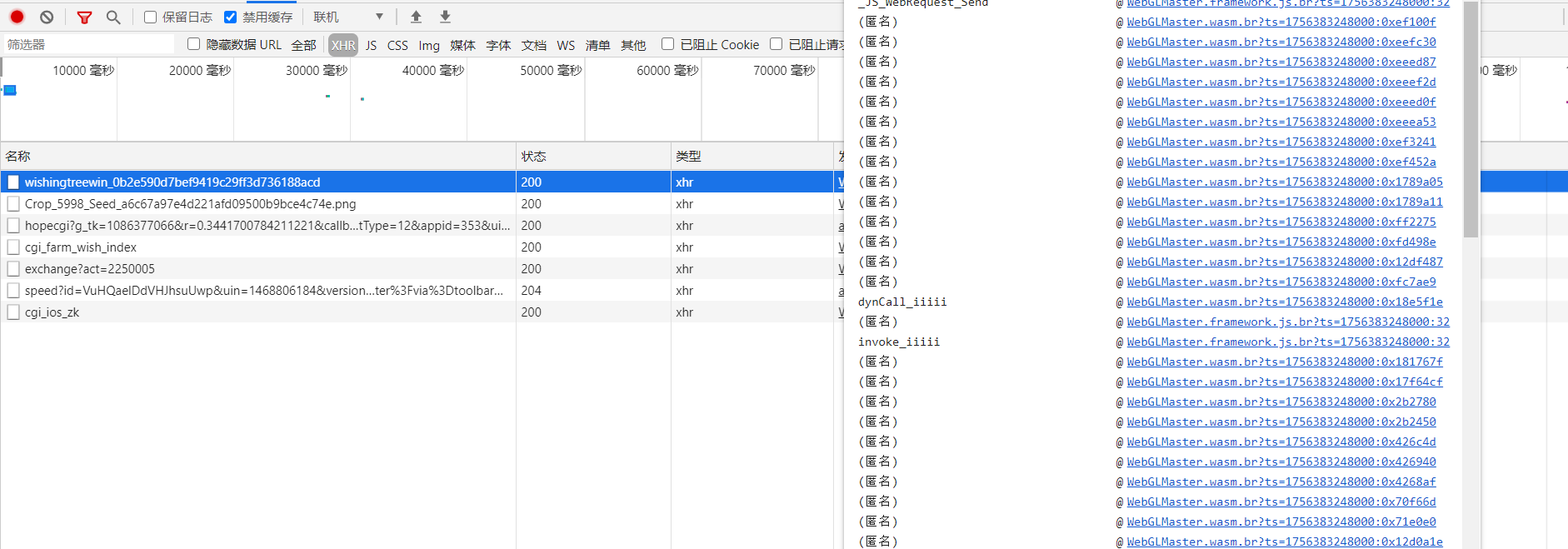
- 怎么拆开来我暂时不知道~WebGLMaster.wasm
牧场-控制台图片访问
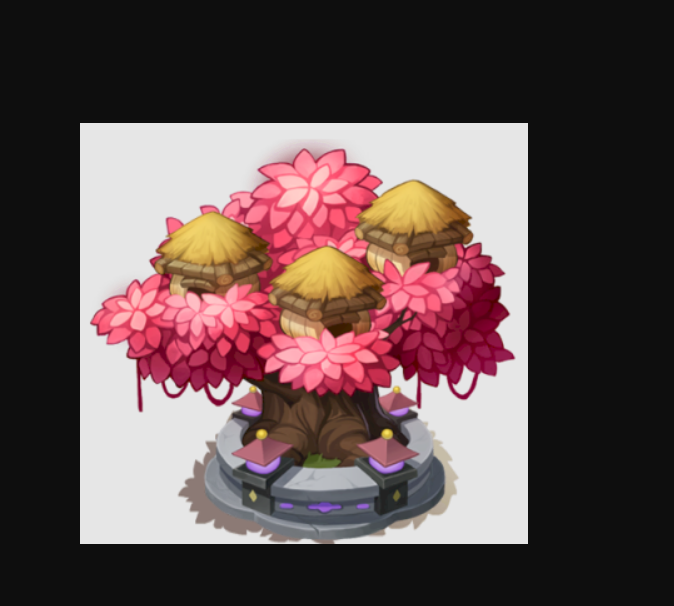
- 首先,那个栖息大树资源不是一开始就加载的,刚开始只加载了一个图片

- 并且请求url为
[https://appimg.qq.com/happymc/assets/icon/flybirdtree/tree_5_v_1.png](https://appimg.qq.com/happymc/assets/icon/flybirdtree/tree_5_v_1.png)
- 然后你看这个资源顺序就知道了,命名规则一般是归类的,我们全局搜索下,控制台情况下ctrl+shift+f
- 可以搜索看到有好几种这种形态
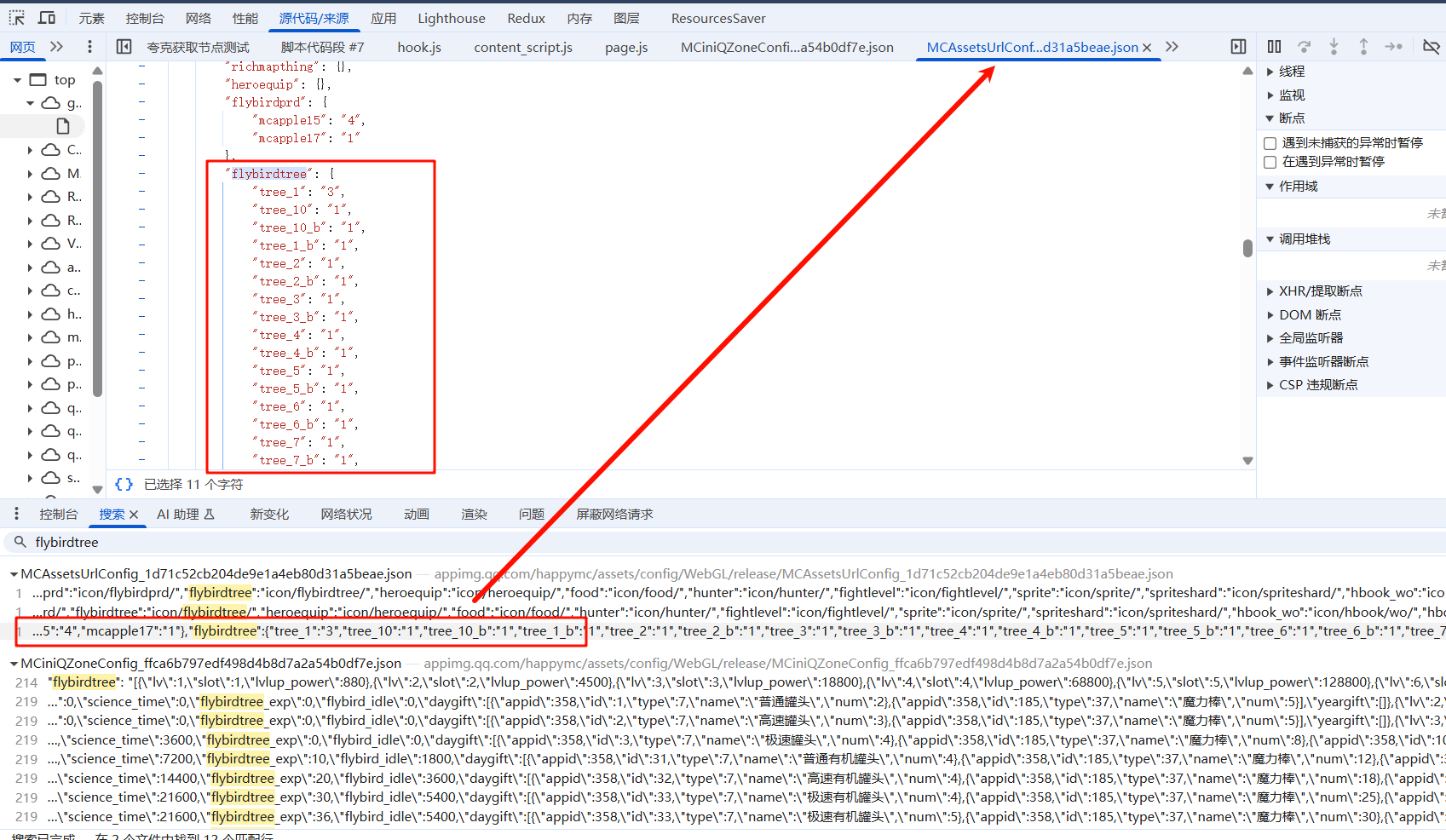
- 我们按照规律生成对应url如下
- https://appimg.qq.com/happymc/assets/icon/flybirdtree/key的值_b_v_value的值.png
https://appimg.qq.com/happymc/assets/icon/flybirdtree/tree_10_b_v_1.png
https://appimg.qq.com/happymc/assets/icon/flybirdtree/tree_1_b_v_1.png
https://appimg.qq.com/happymc/assets/icon/flybirdtree/tree_2_v_1.png
https://appimg.qq.com/happymc/assets/icon/flybirdtree/tree_2_b_v_1.png
https://appimg.qq.com/happymc/assets/icon/flybirdtree/tree_3_v_1.png
https://appimg.qq.com/happymc/assets/icon/flybirdtree/tree_3_b_v_1.png
https://appimg.qq.com/happymc/assets/icon/flybirdtree/tree_4_v_1.png
https://appimg.qq.com/happymc/assets/icon/flybirdtree/tree_4_b_v_1.png
https://appimg.qq.com/happymc/assets/icon/flybirdtree/tree_5_b_v_1.png
https://appimg.qq.com/happymc/assets/icon/flybirdtree/tree_6_v_1.png
https://appimg.qq.com/happymc/assets/icon/flybirdtree/tree_6_b_v_1.png
https://appimg.qq.com/happymc/assets/icon/flybirdtree/tree_7_v_1.png
https://appimg.qq.com/happymc/assets/icon/flybirdtree/tree_7_b_v_1.png
https://appimg.qq.com/happymc/assets/icon/flybirdtree/tree_8_v_1.png
https://appimg.qq.com/happymc/assets/icon/flybirdtree/tree_8_b_v_1.png
https://appimg.qq.com/happymc/assets/icon/flybirdtree/tree_9_v_1.png
https://appimg.qq.com/happymc/assets/icon/flybirdtree/tree_9_b_v_1.png





 扫一扫
扫一扫


 被折叠的 条评论
为什么被折叠?
被折叠的 条评论
为什么被折叠?
 到【灌水乐园】发言





