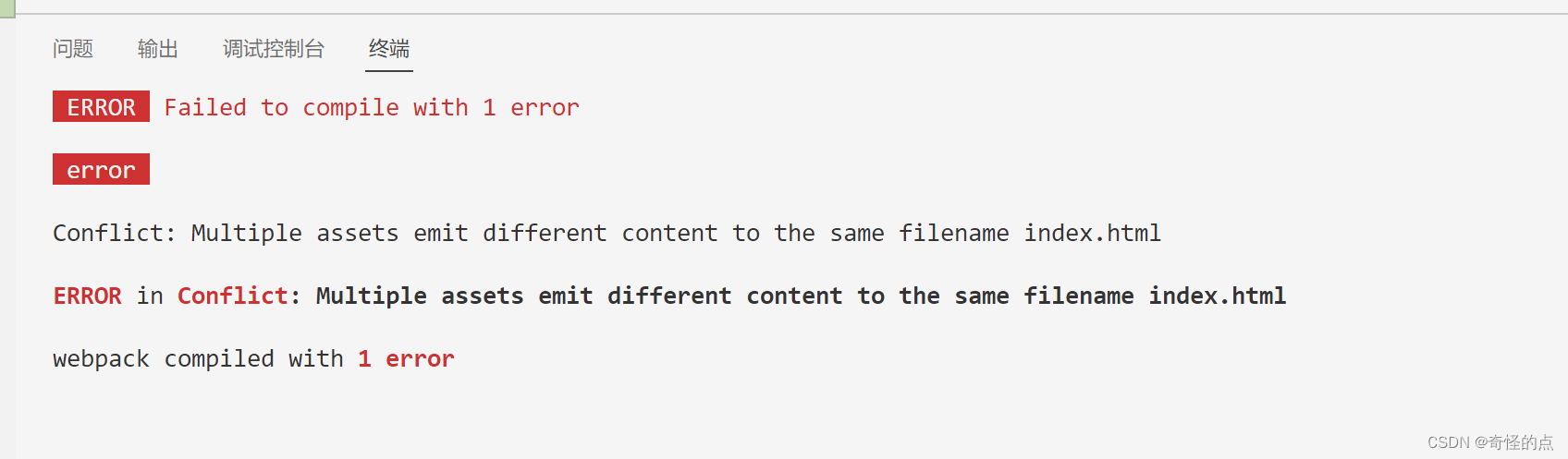
解决ERROR in Conflict: Multiple assets emit different content to the same filename index.html 的问题


于 2022-09-23 20:00:09 首次发布
 这篇博客介绍了在项目中遇到的Webpack构建错误:Multiple assets emit different content to the same filename index.html。解决方案包括将项目目录名改为英文,修改webpack配置文件添加html模板路径,并将index.html重命名为index.ejs。通过这些步骤,作者成功解决了文件名冲突问题。







 扫一扫
扫一扫


 1833
1833

 被折叠的 条评论
为什么被折叠?
被折叠的 条评论
为什么被折叠?
 到【灌水乐园】发言





