 解决Nginx运行PHP环境中的403和Whoops错误


 本文讲述了如何在Nginx中配置运行PHP环境,包括处理404错误,安装php-fpm,以及解决Whoops调试显示writeable权限问题的过程。
> 主要是为了用Nginx运行PHP环境
1. Nginx
官方文档的配置
default.conf
This configuration enables URLs without “index.php” in them and using CodeIgniter’s “404 - File Not Found” for URLs ending with “.php”.
server {
    listen 80;
    listen [::]:80;

    server_name example.com;

    root  /var/www/example.com/public;
    index index.php index.html index.htm;

    location / {
        try_files $uri $uri/ /index.php$is_args$args;
    }

    location ~ \.php$ {
        include snippets/fastcgi-php.conf;

        # With php-fpm:
        fastcgi_pass unix:/run/php/php7.3-fpm.sock;
        # With php-cgi:
        # fastcgi_pass 127.0.0.1:9000;
    }

    error_page 404 /index.php;

    # deny access to hidden files such as .htaccess
    location ~ /\. {
        deny all;
    }
}
配完后出现403
2. php-fpm
这个php-fpm的配置想了想,自己电脑之前应该没安装。
这里使用Ubuntu
sudo apt-get install php8.1-fpm
sudo systemctl restart nginx.service
配完后没有403,跳到了whoop的错误页面
Whoops! We seem to have hit a snag. Please try again later
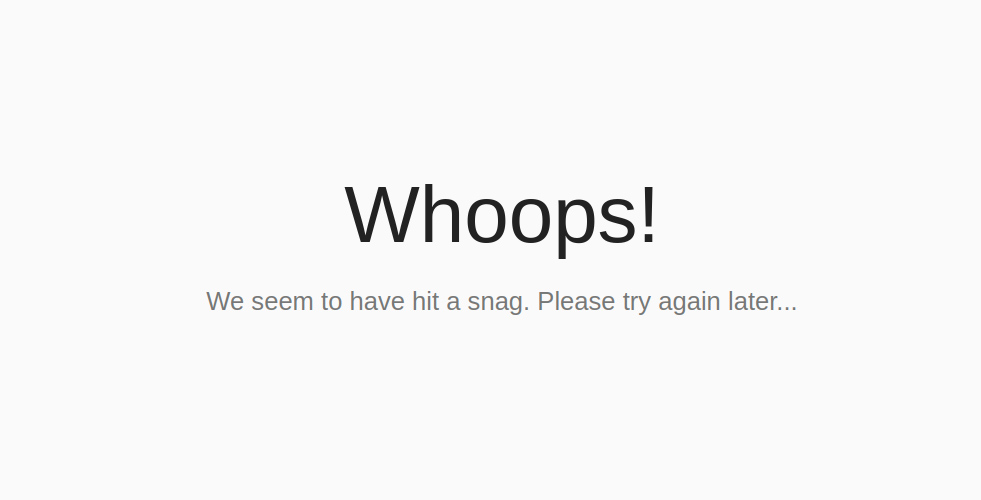
3. 关闭whoop调试
Config/Boot/production.php :
| 1 |
|
再次刷新看到是writeable没有权限,权限配好后错误消失。





 扫一扫
扫一扫


 324
324

 被折叠的 条评论
为什么被折叠?
被折叠的 条评论
为什么被折叠?
 到【灌水乐园】发言





