



💓 博客主页:瑕疵的CSDN主页
📝 Gitee主页:瑕疵的gitee主页
⏩ 文章专栏:《热点资讯》
使用Web Service技术实现跨平台数据交换与业务集成
随着信息技术的飞速发展,跨平台的数据交换和业务集成成为现代企业信息系统的重要需求。Web Service 技术作为一种标准化的服务模型,能够在不同的平台和应用程序之间实现无缝的数据交换和业务集成。本文将详细介绍 Web Service 技术的基本概念、工作原理以及在实际项目中的应用。
Web Service 是一种基于网络的平台独立的业务逻辑单元,它使用标准的 Web 协议(如 HTTP、XML、SOAP、WSDL 等)进行通信。Web Service 的主要目标是实现不同应用程序之间的互操作性,无论这些应用程序是运行在相同的平台上还是不同的平台上。
- 平台独立性:Web Service 可以在不同的操作系统和硬件平台上运行。
- 语言无关性:Web Service 可以使用不同的编程语言实现。
- 标准协议:Web Service 使用标准的 Web 协议(如 HTTP、XML、SOAP、WSDL 等)进行通信。
- 松耦合:Web Service 之间的交互是松耦合的,可以独立于具体的实现细节。
- 可重用性:Web Service 可以被多个应用程序重复使用。
- 企业内部集成:实现企业内部不同系统的数据交换和业务集成。
- B2B 集成:实现不同企业之间的数据交换和业务集成。
- 云服务:提供基于云的 Web Service,实现远程访问和数据处理。
- 移动应用:实现移动应用与后端系统的数据交换和业务集成。
XML(可扩展标记语言)是一种用于表示结构化数据的标记语言。在 Web Service 中,XML 用于定义数据的格式和结构。
SOAP(简单对象访问协议)是一种基于 XML 的协议,用于在网络上传输结构化信息。SOAP 消息通常通过 HTTP 协议传输。
WSDL(Web Services Description Language)是一种基于 XML 的语言,用于描述 Web Service 的接口、绑定和地址信息。WSDL 文件定义了 Web Service 的操作、消息格式、绑定方式和访问地址。
UDDI(Universal Description, Discovery and Integration)是一个全球性的注册表,用于发布和查找 Web Service。UDDI 提供了一个标准化的机制,使得应用程序可以发现和绑定到所需的 Web Service。
以下是一个简单的 Web Service 示例,展示如何使用 Java 和 JAX-WS 实现一个简单的 Web Service。
import javax.jws.WebService;
import javax.jws.WebMethod;

@WebService
public class HelloWorld {
  @WebMethod
  public String sayHello(String name) {
    return "Hello, " + name;
  }
}
import javax.xml.ws.Endpoint;

public class HelloWorldPublisher {
  public static void main(String[] args) {
    Endpoint.publish("http://localhost:8080/hello", new HelloWorld());
  }
}
import javax.xml.namespace.QName;
import javax.xml.ws.Service;
import java.net.URL;

public class HelloWorldClient {
  public static void main(String[] args) throws Exception {
    URL url = new URL("http://localhost:8080/hello?wsdl");
    QName qname = new QName("http://example.com/", "HelloWorldService");
    Service service = Service.create(url, qname);
    HelloWorld hello = service.getPort(HelloWorld.class);
    System.out.println(hello.sayHello("World"));
  }
}
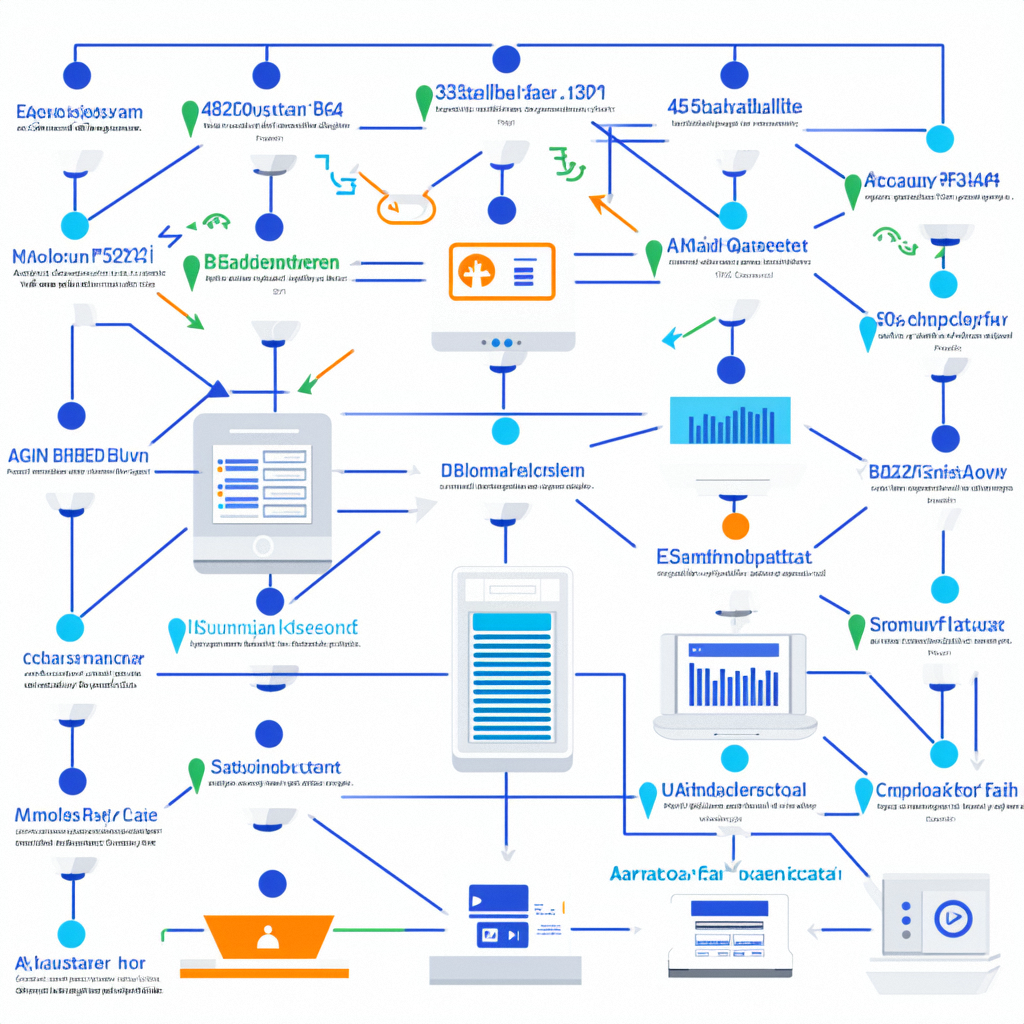
- 确定服务功能:明确 Web Service 的功能和操作。
- 定义接口:使用 WSDL 文件定义 Web Service 的接口、消息格式、绑定方式和访问地址。
<definitions name="HelloWorld"
             targetNamespace="http://example.com/"
             xmlns:tns="http://example.com/"
             xmlns:xsd="http://www.w3.org/2001/XMLSchema"
             xmlns:soap="http://schemas.xmlsoap.org/wsdl/soap/"
             xmlns="http://schemas.xmlsoap.org/wsdl/">
  <message name="SayHelloRequest">
    <part name="name" type="xsd:string"/>
  </message>
  <message name="SayHelloResponse">
    <part name="result" type="xsd:string"/>
  </message>
  <portType name="HelloWorldPortType">
    <operation name="sayHello">
      <input message="tns:SayHelloRequest"/>
      <output message="tns:SayHelloResponse"/>
    </operation>
  </portType>
  <binding name="HelloWorldBinding" type="tns:HelloWorldPortType">
    <soap:binding style="rpc" transport="http://schemas.xmlsoap.org/soap/http"/>
    <operation name="sayHello">
      <soap:operation soapAction="sayHello"/>
      <input>
        <soap:body use="encoded" namespace="http://example.com/" encodingStyle="http://schemas.xmlsoap.org/soap/encoding/"/>
      </input>
      <output>
        <soap:body use="encoded" namespace="http://example.com/" encodingStyle="http://schemas.xmlsoap.org/soap/encoding/"/>
      </output>
    </operation>
  </binding>
  <service name="HelloWorldService">
    <port name="HelloWorldPort" binding="tns:HelloWorldBinding">
      <soap:address location="http://localhost:8080/hello"/>
    </port>
  </service>
</definitions>
- 选择实现技术:选择合适的编程语言和技术实现 Web Service,如 Java、.NET 等。
- 编写实现代码:根据定义的接口,编写实现代码。
import javax.jws.WebService;
import javax.jws.WebMethod;

@WebService
public class HelloWorld {
  @WebMethod
  public String sayHello(String name) {
    return "Hello, " + name;
  }
}
- 配置服务端:配置服务端,发布 Web Service。
- 生成 WSDL 文件:生成 WSDL 文件,供客户端调用。
import javax.xml.ws.Endpoint;

public class HelloWorldPublisher {
  public static void main(String[] args) {
    Endpoint.publish("http://localhost:8080/hello", new HelloWorld());
  }
}
- 配置客户端:配置客户端,调用 Web Service。
- 解析 WSDL 文件:解析 WSDL 文件,获取服务的接口信息。
- 调用服务:调用 Web Service 的方法,获取结果。
import javax.xml.namespace.QName;
import javax.xml.ws.Service;
import java.net.URL;

public class HelloWorldClient {
  public static void main(String[] args) throws Exception {
    URL url = new URL("http://localhost:8080/hello?wsdl");
    QName qname = new QName("http://example.com/", "HelloWorldService");
    Service service = Service.create(url, qname);
    HelloWorld hello = service.getPort(HelloWorld.class);
    System.out.println(hello.sayHello("World"));
  }
}
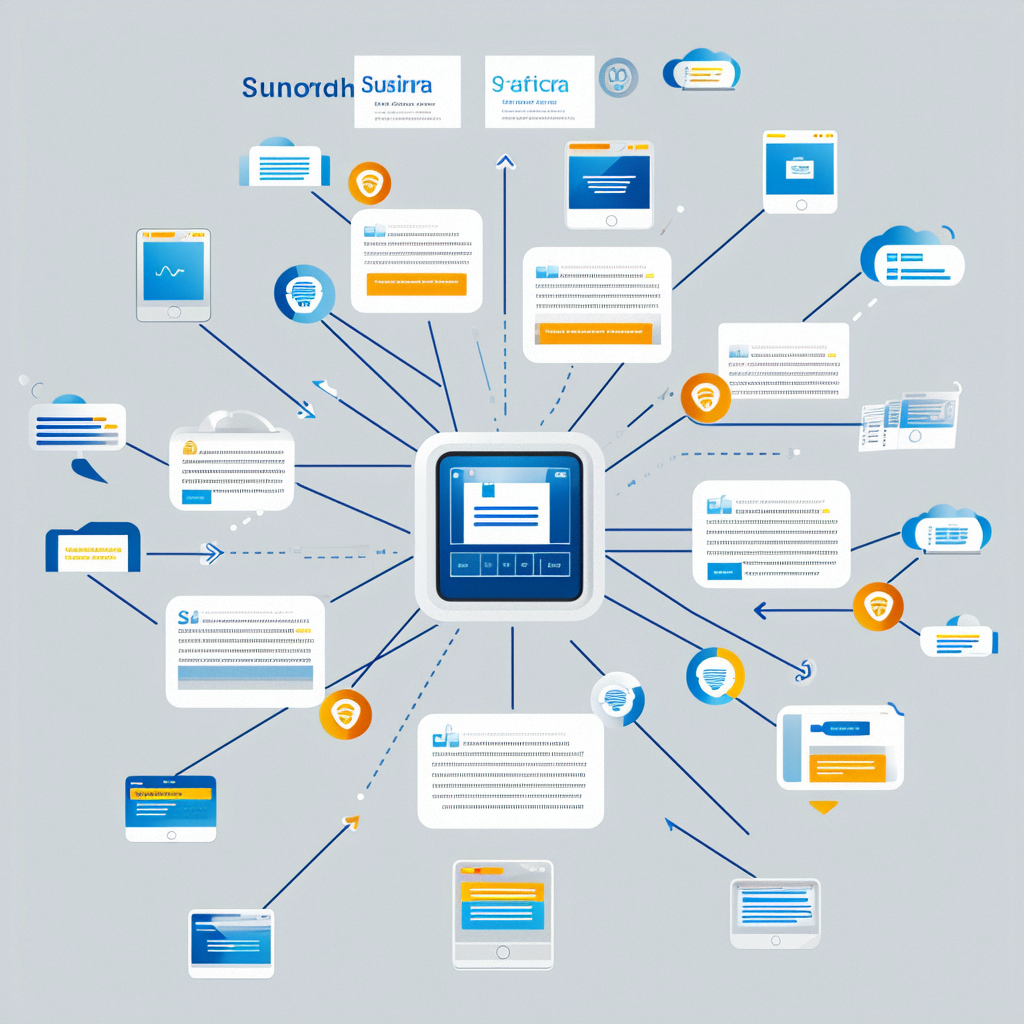
- 异步处理:使用异步处理,提高响应速度。
- 缓存策略:使用缓存策略,减少重复计算和网络请求。
- 负载均衡:使用负载均衡,提高系统的可用性和性能。
- 认证和授权:实现认证和授权机制,确保只有合法用户可以访问 Web Service。
- 数据加密:对敏感数据进行加密传输,防止数据泄露。
- 防火墙和安全组:配置防火墙和安全组,限制对 Web Service 的访问。
- 模块化设计:将系统分为不同的模块,提高代码的可维护性和可扩展性。
- 文档编写:编写详细的文档,提高系统的可维护性和可扩展性。
- 单元测试:编写单元测试,确保每个模块的功能正确。
- 多协议支持:支持多种协议,如 SOAP、REST 等,提高兼容性。
- 多语言支持:支持多种编程语言,提高兼容性。
- 多平台支持:支持多种操作系统和硬件平台,提高兼容性。
- 分层设计:将系统分为不同的层次,如表示层、业务层、数据层等。
- 代码复用:复用通用的代码,减少代码冗余。
- 单元测试:编写单元测试,确保每个模块的功能正确。
- 集成测试:编写集成测试,确保各个模块之间的协同工作。
- 文档规范:编写详细的文档,提高系统的可维护性和可扩展性。
- 示例代码:提供示例代码,帮助开发者快速上手。
- 参与社区:积极参与 Web Service 社区,获取技术支持和资源。
- 贡献代码:贡献代码和文档,促进社区的发展。
假设我们要开发一个企业内部集成系统,实现不同部门之间的数据交换和业务集成。通过使用 Web Service 技术,可以实现以下功能:
- 技术选型:使用 Web Service 技术实现跨平台的数据交换和业务集成。
- 功能实现:定义和实现 Web Service 接口,实现不同部门之间的数据交换和业务集成。
- 性能优化:使用异步处理和缓存策略,提高系统的性能。
- 安全性:实现认证和授权机制,确保数据的安全性。
<definitions name="InternalIntegration"
             targetNamespace="http://company.com/"
             xmlns:tns="http://company.com/"
             xmlns:xsd="http://www.w3.org/2001/XMLSchema"
             xmlns:soap="http://schemas.xmlsoap.org/wsdl/soap/"
             xmlns="http://schemas.xmlsoap.org/wsdl/">
  <message name="GetDataRequest">
    <part name="department" type="xsd:string"/>
  </message>
  <message name="GetDataResponse">
    <part name="data" type="xsd:string"/>
  </message>
  <portType name="InternalIntegrationPortType">
    <operation name="getData">
      <input message="tns:GetDataRequest"/>
      <output message="tns:GetDataResponse"/>
    </operation>
  </portType>
  <binding name="InternalIntegrationBinding" type="tns:InternalIntegrationPortType">
    <soap:binding style="rpc" transport="http://schemas.xmlsoap.org/soap/http"/>
    <operation name="getData">
      <soap:operation soapAction="getData"/>
      <input>
        <soap:body use="encoded" namespace="http://company.com/" encodingStyle="http://schemas.xmlsoap.org/soap/encoding/"/>
      </input>
      <output>
        <soap:body use="encoded" namespace="http://company.com/" encodingStyle="http://schemas.xmlsoap.org/soap/encoding/"/>
      </output>
    </operation>
  </binding>
  <service name="InternalIntegrationService">
    <port name="InternalIntegrationPort" binding="tns:InternalIntegrationBinding">
      <soap:address location="http://localhost:8080/integration"/>
    </port>
  </service>
</definitions>
import javax.jws.WebService;
import javax.jws.WebMethod;

@WebService
public class InternalIntegration {
  @WebMethod
  public String getData(String department) {
    // 模拟数据获取
    return "Data from " + department;
  }
}
假设我们要开发一个 B2B 集成系统,实现不同企业之间的数据交换和业务集成。通过使用 Web Service 技术,可以实现以下功能:
- 技术选型:使用 Web Service 技术实现跨企业的数据交换和业务集成。
- 功能实现:定义和实现 Web Service 接口,实现不同企业之间的数据交换和业务集成。
- 性能优化:使用异步处理和缓存策略,提高系统的性能。
- 安全性:实现认证和授权机制,确保数据的安全性。
<definitions name="B2BIntegration"
             targetNamespace="http://b2b.com/"
             xmlns:tns="http://b2b.com/"
             xmlns:xsd="http://www.w3.org/2001/XMLSchema"
             xmlns:soap="http://schemas.xmlsoap.org/wsdl/soap/"
             xmlns="http://schemas.xmlsoap.org/wsdl/">
  <message name="PlaceOrderRequest">
    <part name="order" type="xsd:string"/>
  </message>
  <message name="PlaceOrderResponse">
    <part name="confirmation" type="xsd:string"/>
  </message>
  <portType name="B2BIntegrationPortType">
    <operation name="placeOrder">
      <input message="tns:PlaceOrderRequest"/>
      <output message="tns:PlaceOrderResponse"/>
    </operation>
  </portType>
  <binding name="B2BIntegrationBinding" type="tns:B2BIntegrationPortType">
    <soap:binding style="rpc" transport="http://schemas.xmlsoap.org/soap/http"/>
    <operation name="placeOrder">
      <soap:operation soapAction="placeOrder"/>
      <input>
        <soap:body use="encoded" namespace="http://b2b.com/" encodingStyle="http://schemas.xmlsoap.org/soap/encoding/"/>
      </input>
      <output>
        <soap:body use="encoded" namespace="http://b2b.com/" encodingStyle="http://schemas.xmlsoap.org/soap/encoding/"/>
      </output>
    </operation>
  </binding>
  <service name="B2BIntegrationService">
    <port name="B2BIntegrationPort" binding="tns:B2BIntegrationBinding">
      <soap:address location="http://localhost:8080/b2b"/>
    </port>
  </service>
</definitions>
import javax.jws.WebService;
import javax.jws.WebMethod;

@WebService
public class B2BIntegration {
  @WebMethod
  public String placeOrder(String order) {
    // 模拟订单处理
    return "Order placed successfully: " + order;
  }
}
- 原因:服务端代码错误。
- 解决方法:编写单元测试,逐步调试服务端代码。
- 原因:客户端代码错误。
- 解决方法:编写单元测试,逐步调试客户端代码。
- 原因:系统性能低下。
- 解决方法:使用异步处理和缓存策略,优化系统性能。
- 原因:数据传输不安全。
- 解决方法:实现认证和授权机制,对敏感数据进行加密传输。
Web Service 技术通过标准化的方式实现了跨平台的数据交换和业务集成,使得不同平台和应用程序之间可以无缝地进行数据交换和业务协作。通过本文的介绍,希望读者能够更好地理解和应用 Web Service 技术,优化企业信息系统的开发和维护。实际案例展示了如何在不同场景下使用 Web Service 技术,希望这些案例能够为读者提供实际的参考和启发。





 扫一扫
扫一扫


 626
626

 被折叠的 条评论
为什么被折叠?
被折叠的 条评论
为什么被折叠?
 到【灌水乐园】发言





