



 在Docker环境下启动MySQL时遇到错误,容器持续重启。通过`docker logs`命令查看日志,发现错误信息指出mysqld在检查配置时失败,具体错误为'utf8_unicode_ci'字符集在'latin1'字符集中无效。这表明MySQL配置文件中的字符集设置与实际使用的不符。解决方法是调整MySQL配置文件的字符集设置,确保与数据库支持的字符集相匹配。
现象
docker启动mysql失败,报错docker exec -it mysql mysql -uroot -proot
Error response from daemon: Container 0f83eee59a75595deedecbd40b384333e6db35edd90c5d4c3a0eb3212f2e4665 is restarting, wait until the container is running
一直显示正在重启
解决
使用docker logs --tail 50 --follow --timestamps ID/NAME命令,根据id号查看错误日志定位原因,发现日志报错
2022-06-10T16:40:18.022297089Z 2022-06-10 16:40:17+00:00 [Note] [Entrypoint]: Entrypoint script for MySQL Server 5.7.36-1debian10 started.
2022-06-10T16:40:18.089266142Z 2022-06-10 16:40:18+00:00 [ERROR] [Entrypoint]: mysqld failed while attempting to check config
2022-06-10T16:40:18.089293382Z  command was: mysqld --verbose --help --log-bin-index=/tmp/tmp.nwVhNzo5Rx
2022-06-10T16:40:18.089301169Z  2022-06-10T16:40:18.059605Z 0 [ERROR] COLLATION 'utf8_unicode_ci' is not valid for CHARACTER SET 'latin1'
2022-06-10T16:40:18.089308353Z 2022-06-10T16:40:18.066793Z 0 [ERROR] Aborting
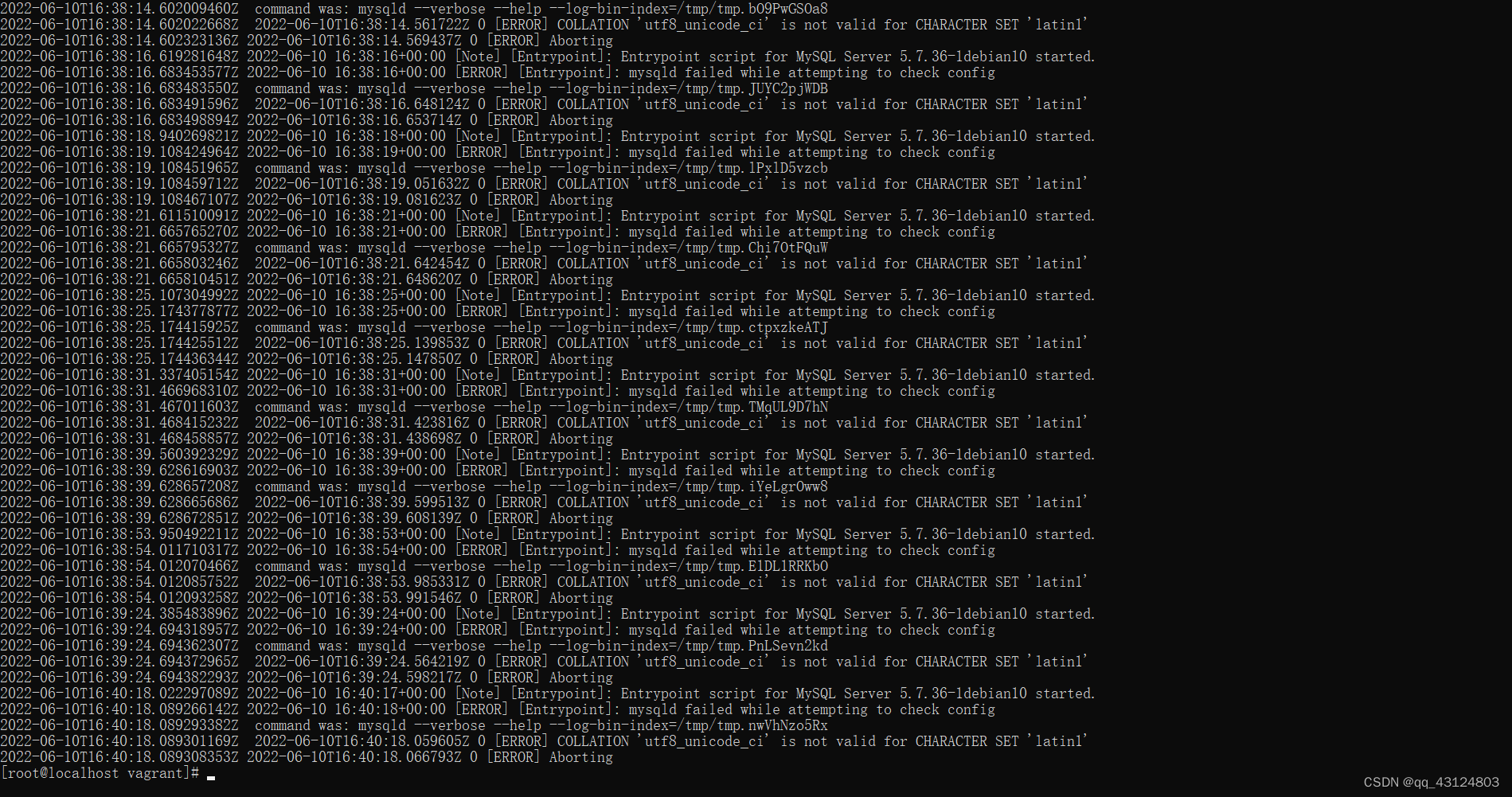
问题在于mysqld在试图检查配置时失败。检查mysql的配置文件信息即可





 扫一扫
扫一扫


 1381
1381

 被折叠的 条评论
为什么被折叠?
被折叠的 条评论
为什么被折叠?
 到【灌水乐园】发言





