



 博客内容讲述了在尝试使用pip在命令提示符下安装Git时遇到的错误,包括找不到指定文件和Git命令不在PATH路径中。作者尝试了直接安装Git,但问题依然存在。为了解决问题,作者按照Git官网的指引下载并安装了Git Bash,过程中提到了Git Bash的安装和使用教程,尽管这个过程较为复杂。
命令提示符下安装“git”:

D:\PycharmProjects\pythonProject\venv\Scripts>pip install -q git+https://github.
com/tensorflow/examples.git
  ERROR: Error [WinError 2] 系统找不到指定的文件。 while executing command git c
lone -q https://github.com/tensorflow/examples.git 'C:\Users\ADMINI~1\AppData\Lo
cal\Temp\pip-req-build-50tp7914'
ERROR: Cannot find command 'git' - do you have 'git' installed and in your PATH?
D:\PycharmProjects\pythonProject\venv\Scripts>pip install git
ERROR: Could not find a version that satisfies the requirement git (from version
s: none)
ERROR: No matching distribution found for git
Pycharm安装git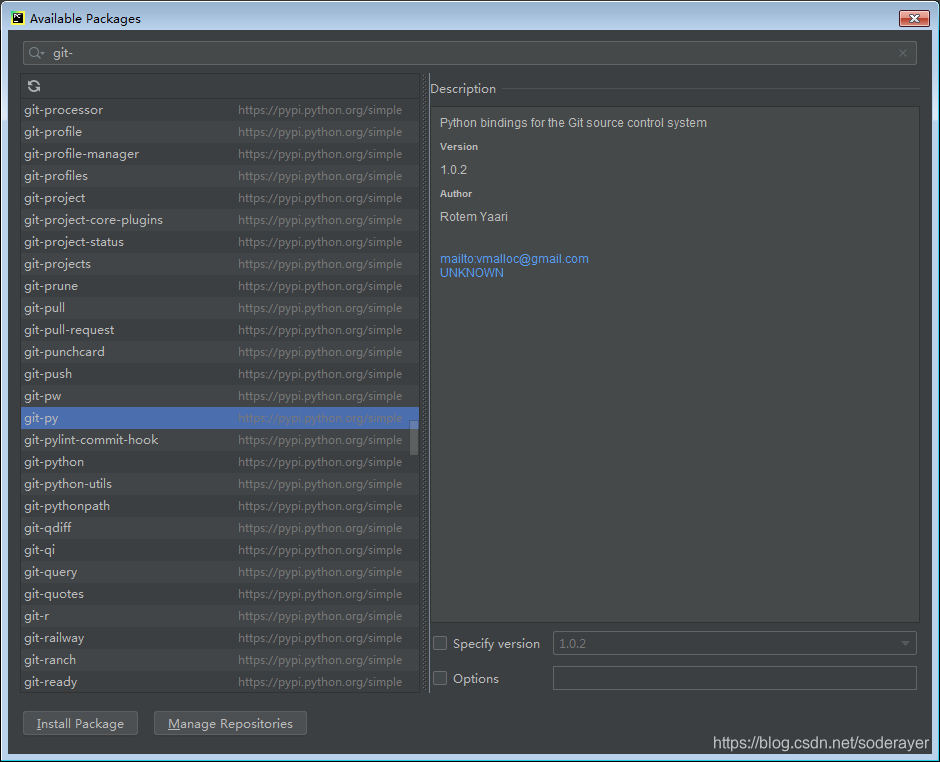
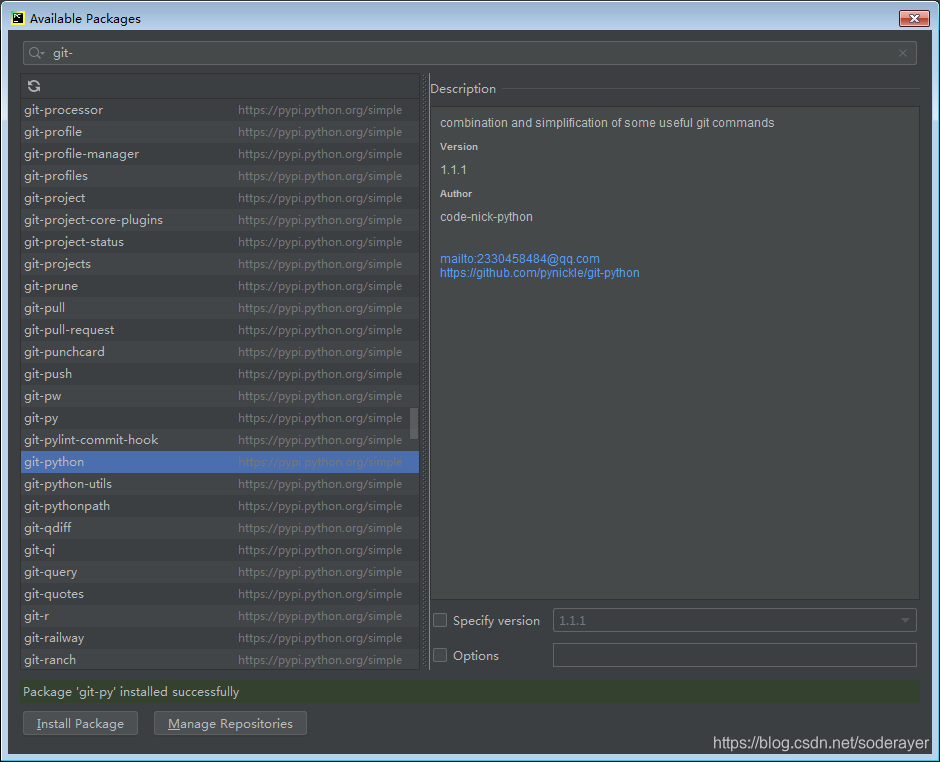
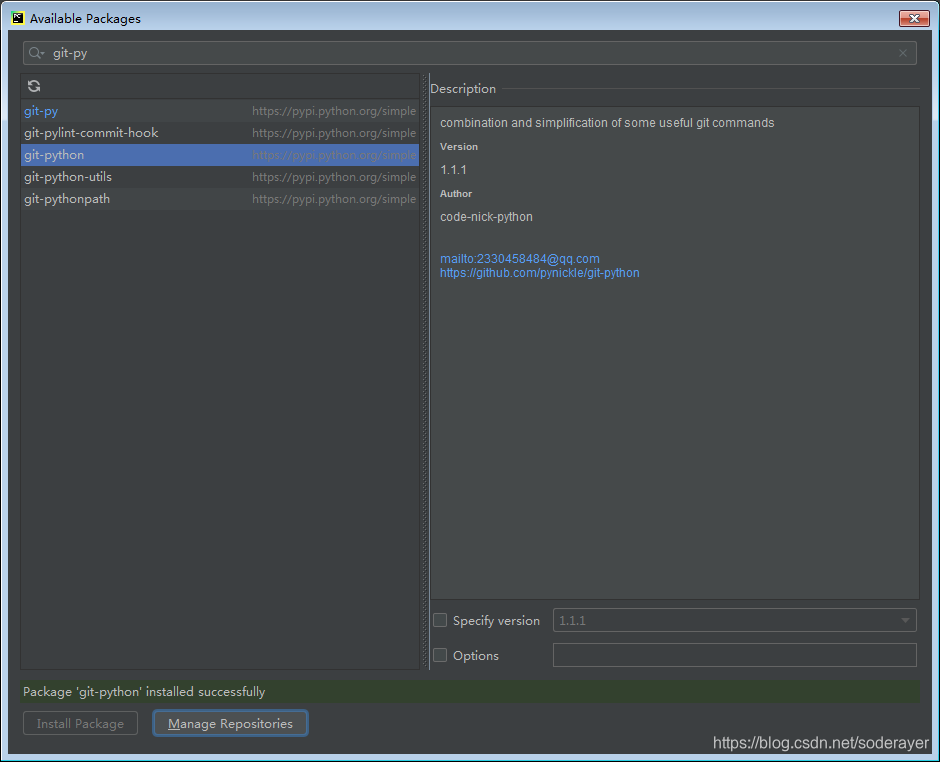
安装了依旧不行。
进入官网下载一个安装:
https://git-scm.com/download/win
git bash 过程:
过程也挺复杂的。






 扫一扫
扫一扫


 1774
1774

 被折叠的 条评论
为什么被折叠?
被折叠的 条评论
为什么被折叠?
 到【灌水乐园】发言





