



一、官网地址
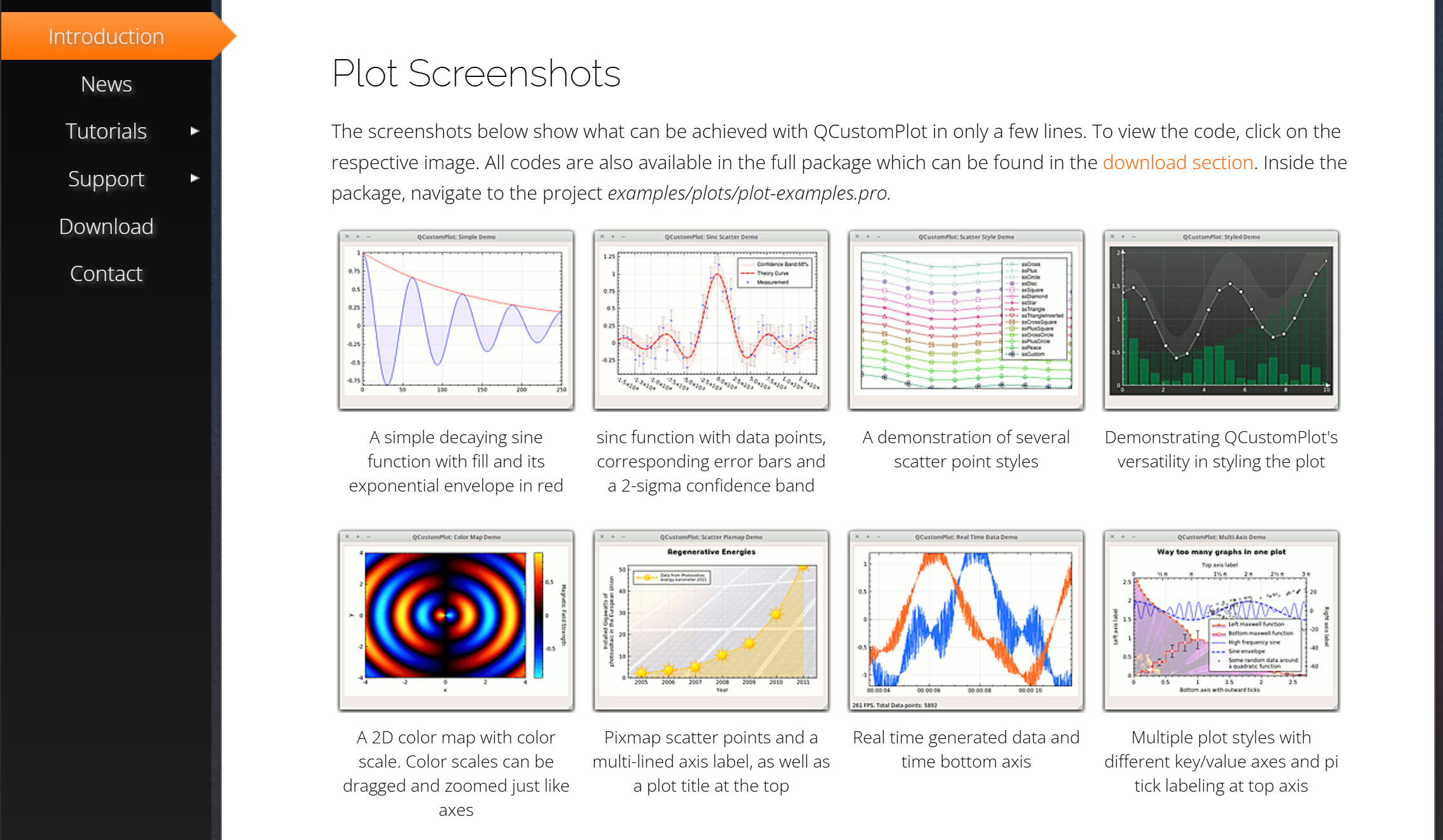
https://www.qcustomplot.com/index.php/introduction
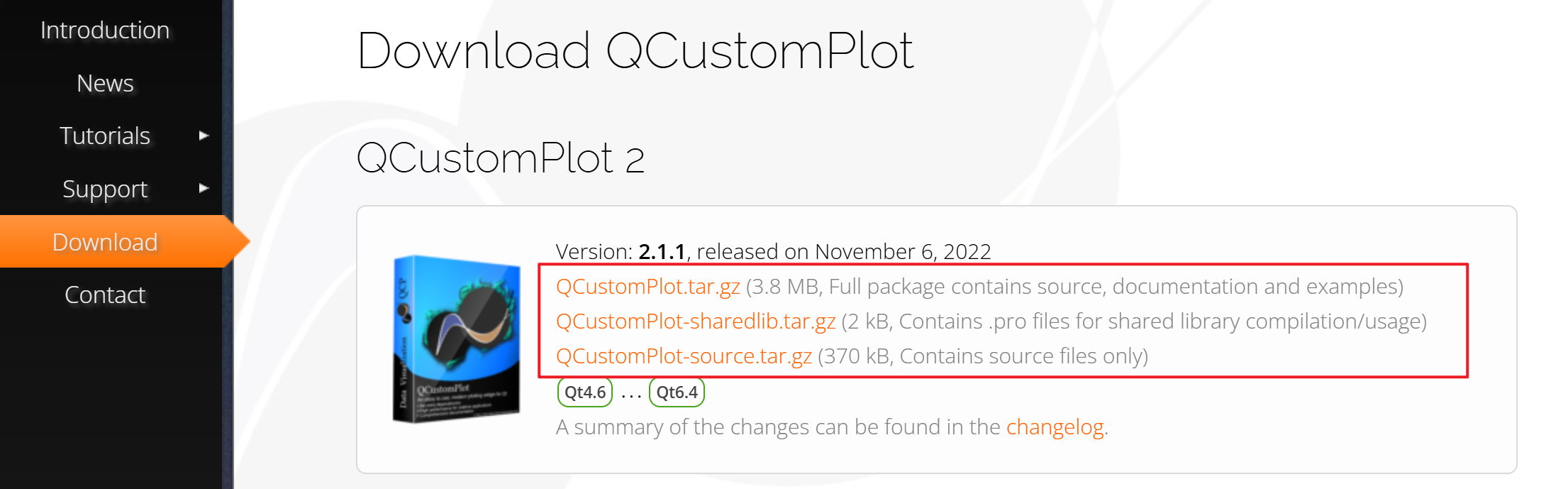
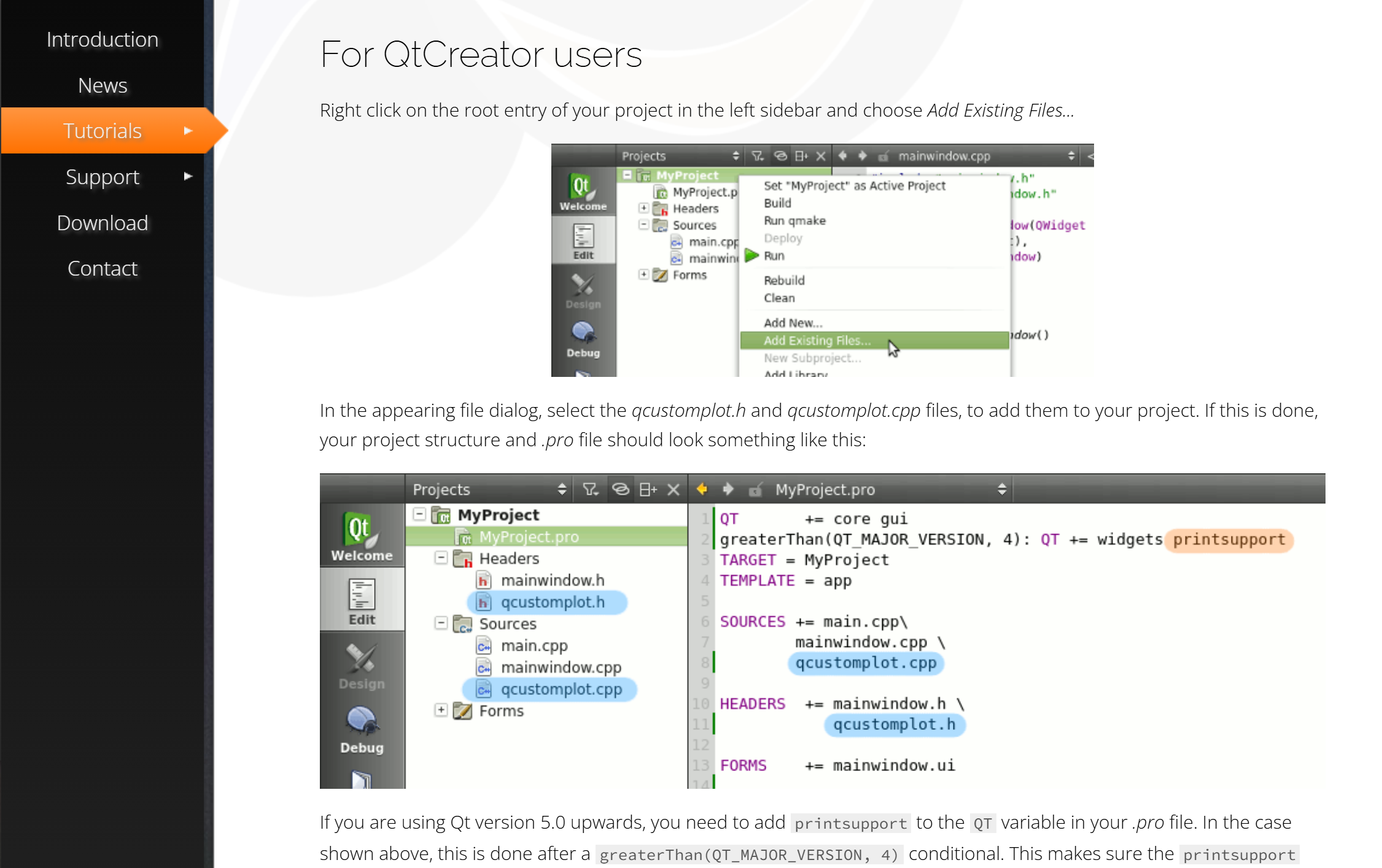
下载压缩包,解压后将qcustomplot.h和qcustomplot.cpp文件添加到项目中
如何引入项目
二、代码实现
widget.h
#ifndef WIDGET_H
#define WIDGET_H

#include <QWidget>

QT_BEGIN_NAMESPACE
namespace Ui {
class Widget;
}
QT_END_NAMESPACE

class Widget : public QWidget
{
    Q_OBJECT

public:
    Widget(QWidget *parent = nullptr);
    ~Widget();

private:
    Ui::Widget *ui;
};
#endif // WIDGET_H
widget.cpp
#include "widget.h"
#include "ui_widget.h"
#include "qcustomplot.h"
#include "QBrush"
#include <QVector>
#include <QtGlobal>

Widget::Widget(QWidget *parent)
    : QWidget(parent)
    , ui(new Ui::Widget)
{
    ui->setupUi(this);

    /*折线图创建*/
    ui->charts->setStyleSheet("background-color: black;");
    // 创建主布局(仅放折线图),谁是容器就把哪个传进去
    QVBoxLayout *chartLayout  = new QVBoxLayout(ui->charts);
    chartLayout ->setContentsMargins(0, 0, 0, 0); // 边缘留白
    chartLayout->setSpacing(0);

    // 创建QCustomPlot实例(核心绘图控件)
    QCustomPlot *plot = new QCustomPlot(this);
    chartLayout ->addWidget(plot);

    /*图表样式*/
    // 1. 图表背景:纯黑色
    plot->setBackground(Qt::black);

    // 2. 标题设置(2.1.1 正确用法:setDefaultTextColor + setFont)
    plot->plotLayout()->insertRow(0); // 插入标题行
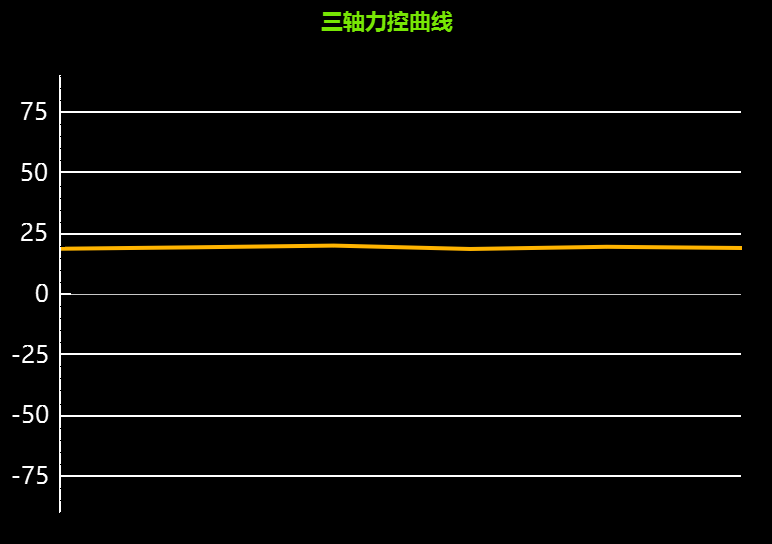
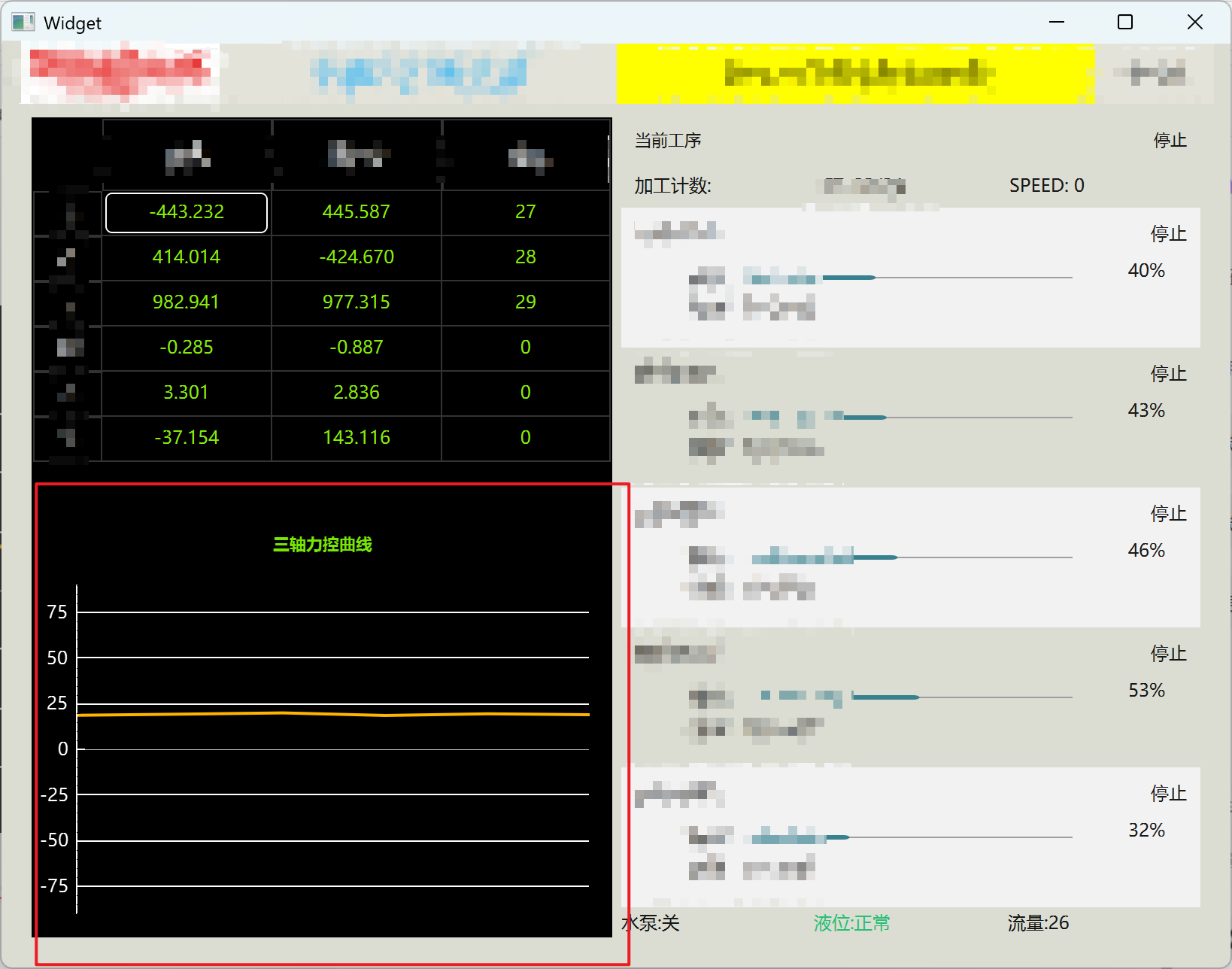
    QCPTextElement *title = new QCPTextElement(plot, "三轴力控曲线");
    title->setTextColor(QColor(119, 230, 4));//表格标题颜色
    title->setFont(QFont("Microsoft YaHei", 8, QFont::Bold)); // 加粗字体
    plot->plotLayout()->addElement(0, 0, title); // 标题居中

    // 3. X/Y 轴配置
    QCPAxis *xAxis = plot->xAxis;
    QCPAxis *yAxis = plot->yAxis;

    // 刻度文字 + 刻度线:白色
    xAxis->setTickLabelColor(Qt::white);
    yAxis->setTickLabelColor(Qt::white);
    // 轴范围
    yAxis->setRange(-80, 80);

    // 网格线:白色虚线
    yAxis->grid()->setPen(QPen(Qt::white, 1, Qt::SolidLine));
    xAxis->grid()->setVisible(false);// 隐藏 X 轴网格线(横向网格)
    yAxis->grid()->setVisible(true);

    xAxis->setVisible(false); // 整体隐藏 X 轴(最关键)

    // 隐藏坐标轴线条 + 轴标签
    xAxis->setBasePen(QPen(Qt::NoPen));//x轴不显示
    yAxis->setBasePen(QPen(Qt::white, 0.8, Qt::SolidLine));//y轴样式
    xAxis->setLabel("");//轴标签
    yAxis->setLabel("");
    // yAxis->setTickLengthIn(20);//轴的刻度长度
    // yAxis->setTickLengthOut(20);//轴的刻度长度

    yAxis->setTickPen(QPen(Qt::white, 0.8, Qt::SolidLine));//刻度样式

    // 隐藏图例(单曲线无需显示)
    plot->legend->setVisible(false);


    /*绘制曲线*/
    QVector<double> xData, yData;
    // 生成 X=0~100 的数据,Y 在 19~21 之间波动(模拟稳定力控)
    for (int i = 0; i <= 100; ++i) {
        xData.append(i);
        yData.append(20 + (rand() % 20 - 10) * 0.1);
    }
    // 创建曲线(2.1.1 支持 setPen 直接设置颜色和线宽)
    QCPGraph *graph = plot->addGraph();
    graph->setPen(QPen(QColor(255, 180, 0), 2)); // 橙黄色,线宽2(抗锯齿后更平滑)
    graph->setData(xData, yData); // 绑定数据
}

Widget::~Widget()
{
    delete ui;
}





 扫一扫
扫一扫


 4562
4562

 被折叠的 条评论
为什么被折叠?
被折叠的 条评论
为什么被折叠?
 到【灌水乐园】发言





