 Genymotion安装APK问题






 本文介绍了解决Genymotion模拟器无法安装APK的问题。由于模拟器使用x86架构,而部分APK为ARM架构导致安装失败。文中提供了两种解决方案:一是创建ARM虚拟机;二是使用Genymotion提供的ARM转换工具包,将ARM架构的APK转换为x86架构。
Genymotion模拟器不能安装APK的原因
官网给出的解释:Genymotion模拟器使用的是x86架构,在第三方市场上的应用有部分不采用x86这么一种架构,所以在编译的时候不通过,报“APP not installed”,可以下载Genymotion提供的ARM转换工具包,将应用市场中的ARM架构的apk转换成Genymotion可以编译的x86架构;
出错效果图
An error occured while deploying the file.
This probably means that the app contains ARM native code and your Genymotion device cannot run ARM instructions. You should either build your native code to x86 or install an ARM translation tool in your device.
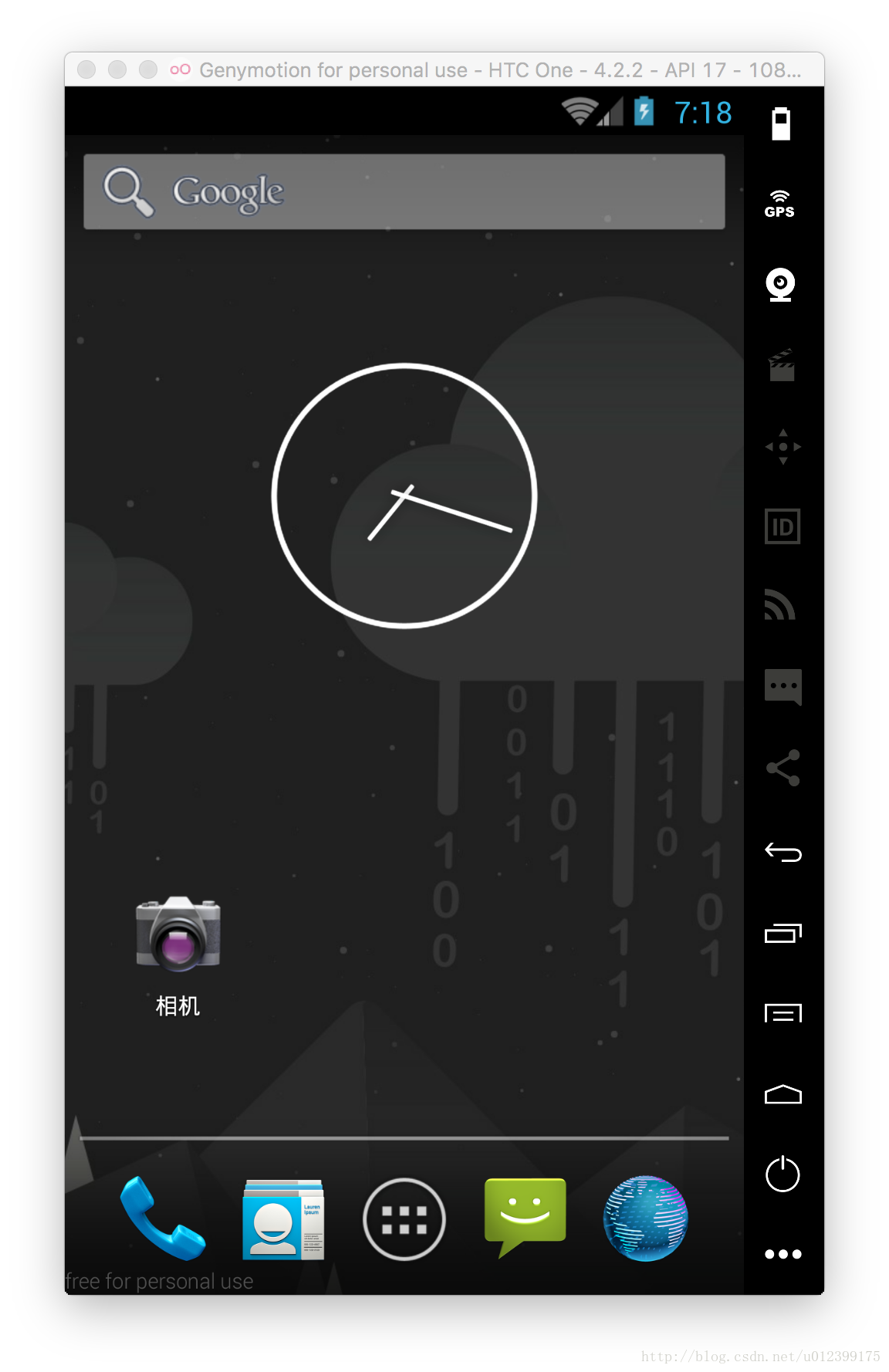
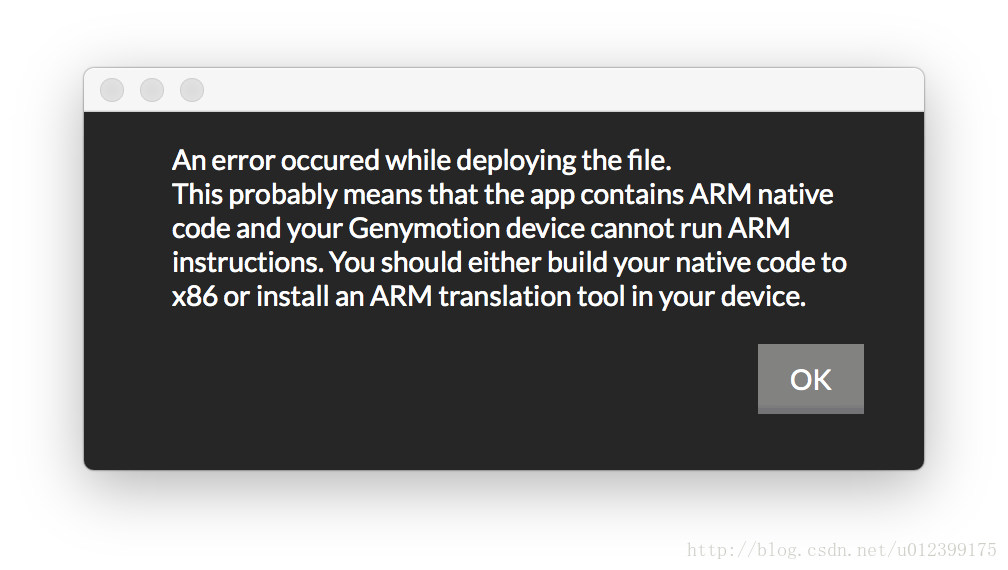
部署文件时出错。
这可能意味着应用程序包含本地ARM代码和你的genymotion设备无法运行ARM指令。你可以建立你的原生代码的x86或在您的设备上安装一个臂的翻译工具。
解决方法
1.用Android Studio 创建一个ARM的虚拟机;(当然这个不是你想要的)
2.下载Genymotion-ARM-Translation-Librarities工具转换包;下载路径:**
https://pan.baidu.com/s/1kUAftyR
**
将下载号的工具包直接拖拽到Genymotion中,然后提示重启模拟器;
安装完效果
File Genymotion-ARM-Translation.zip has been flashed successfully. Please restart the virtual device.

文件genymotion-arm-translation.zip已经亮出成功。请重新启动虚拟设备。





 扫一扫
扫一扫


 1万+
1万+

 被折叠的 条评论
为什么被折叠?
被折叠的 条评论
为什么被折叠?
 到【灌水乐园】发言





