


安装:
npm install shpjs --save引入:
参考了很多篇文章,博主们使用的import引入或者require,我试过了不好使,
若使用 import shp from 'shpjs' 报错:
Uncaught ReferenceError: global is not defined
at node_modules/immediate/lib/browser.js (browser.js:2:16)
at __require2 (chunk-GFT2G5UO.js?v=3a3694f4:18:50)
at node_modules/lie/lib/browser.js (browser.js:2:17)
at __require2 (chunk-GFT2G5UO.js?v=3a3694f4:18:50)
at node_modules/shpjs/lib/binaryajax-browser.js (binaryajax-browser.js:2:17)
at __require2 (chunk-GFT2G5UO.js?v=3a3694f4:18:50)
at node_modules/shpjs/lib/binaryajax-fetch.js (binaryajax-fetch.js:2:18)
at __require2 (chunk-GFT2G5UO.js?v=3a3694f4:18:50)
at node_modules/shpjs/lib/index.js (index.js:7:20)
at __require2 (chunk-GFT2G5UO.js?v=3a3694f4:18:50)
若使用 let shapefile = require('shpjs/dist/shp') 报错:
Uncaught ReferenceError: require is not defined
    at fileReader.onload
于是安装 require 然后就各种报错了,dev都进展不下去,又把require 给卸了
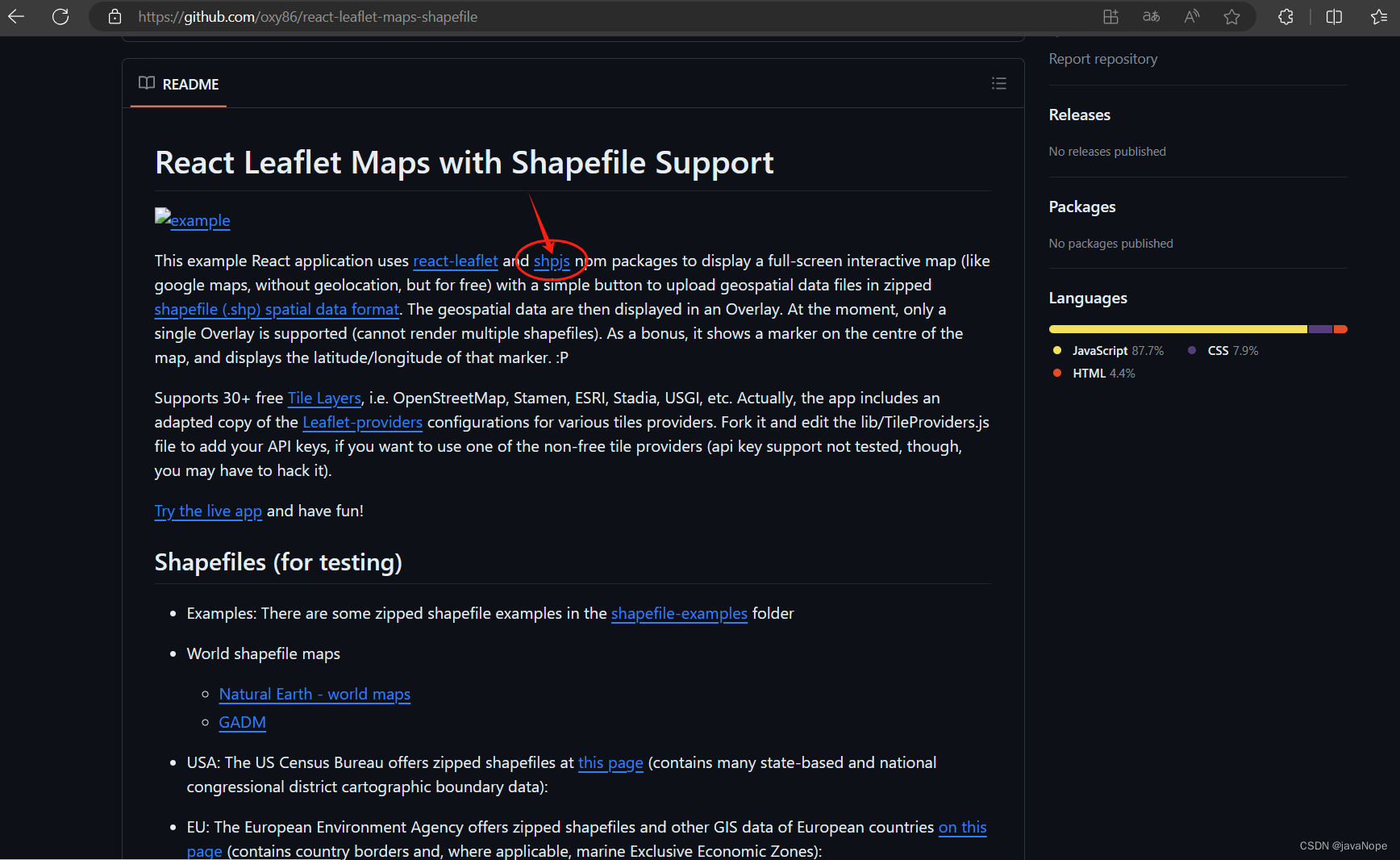 点击这个 shpjs链接,跳转到npm shpjs - npm (npmjs.com)
 https://www.npmjs.com/package/shpjs?activeTab=readme,里面有解释怎么使用shpjs,介绍用的是
<script src='dist/shp.js'> </script> 引入,
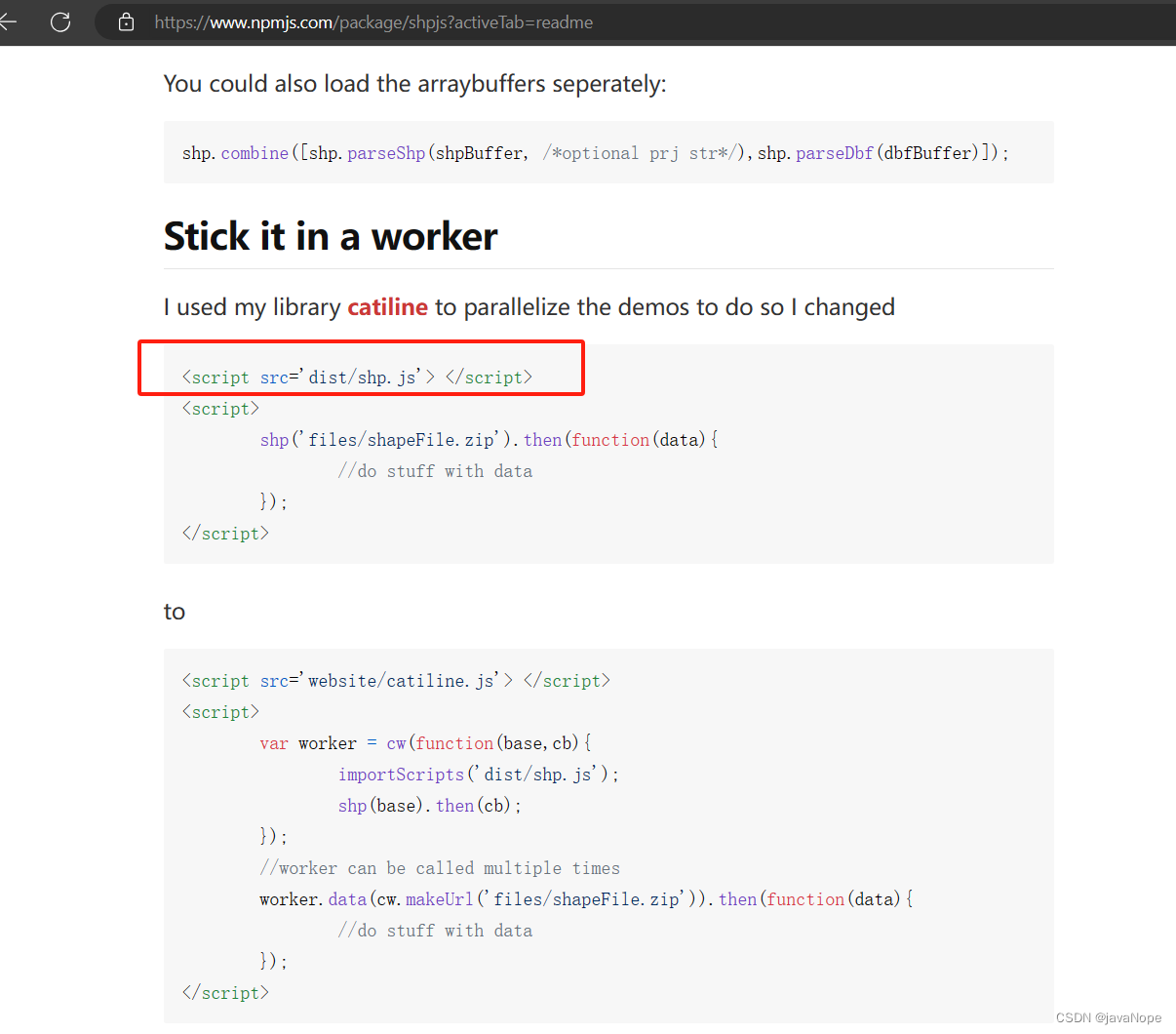
注意:要看自己安装好了shpjs之后,dist/shp.js在哪里,我安装好后是在node_modules/shpjs/dist/shp.js,于是在index.html加上这一行:
<script src='/node_modules/shpjs/dist/shp.js'> </script>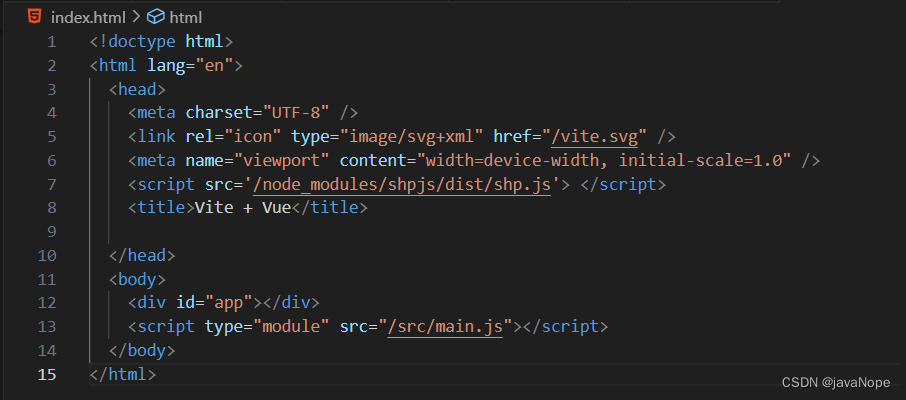
试一下:
const loadShpZip = (e) => {
  let file = e.target.files[0];
  let [name, format] = file.name.split(".");
  // if (file?.size / 1024 / 1024 > 10) {
  //     alert("请选择内容小于10MB的文件!")
  // }
  if (".zip".includes(format)) {
    let fileReader = new FileReader();
    fileReader.readAsArrayBuffer(file);
    fileReader.onload = function () {
      shp.parseZip(this.result).then((geojson) => {
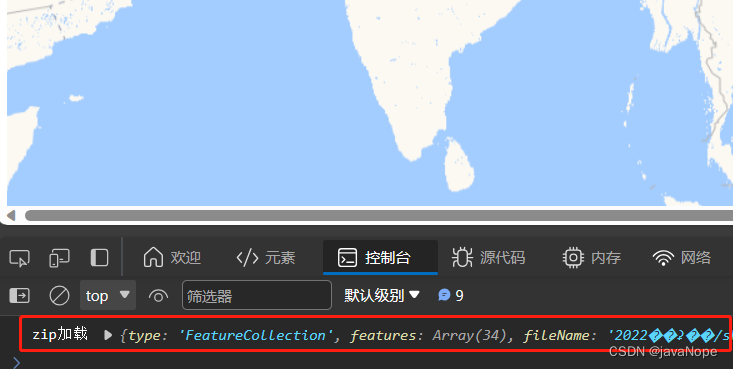
        console.log("zip加载", geojson);
        // addGeoJsonToMap(geojson, name)
      });
    };
  } else {
    alert("暂不支持该类型数据文件");
  }
};
成功了
参考:
shpjs - npm (npmjs.com)https://www.npmjs.com/package/shpjs?activeTab=readme前端加载shapefile数据_shpjs-CSDN博客https://blog.csdn.net/yememory/article/details/127810563?spm=1001.2014.3001.5506shp文件纯前端的上传、解析、编辑、下载_shpjs-CSDN博客https://blog.csdn.net/weixin_43081649/article/details/128713219?spm=1001.2014.3001.5506





 扫一扫
扫一扫


 307
307

 被折叠的 条评论
为什么被折叠?
被折叠的 条评论
为什么被折叠?
 到【灌水乐园】发言





