


前言
本文使用SpringBoot+SpringMVC对接支付宝电脑网站支付接口。接下来将详细讲解开发步骤及一些常见问题。
官方文档:https://opendocs.alipay.com/open/270
1.首先打开支付宝开放平台,
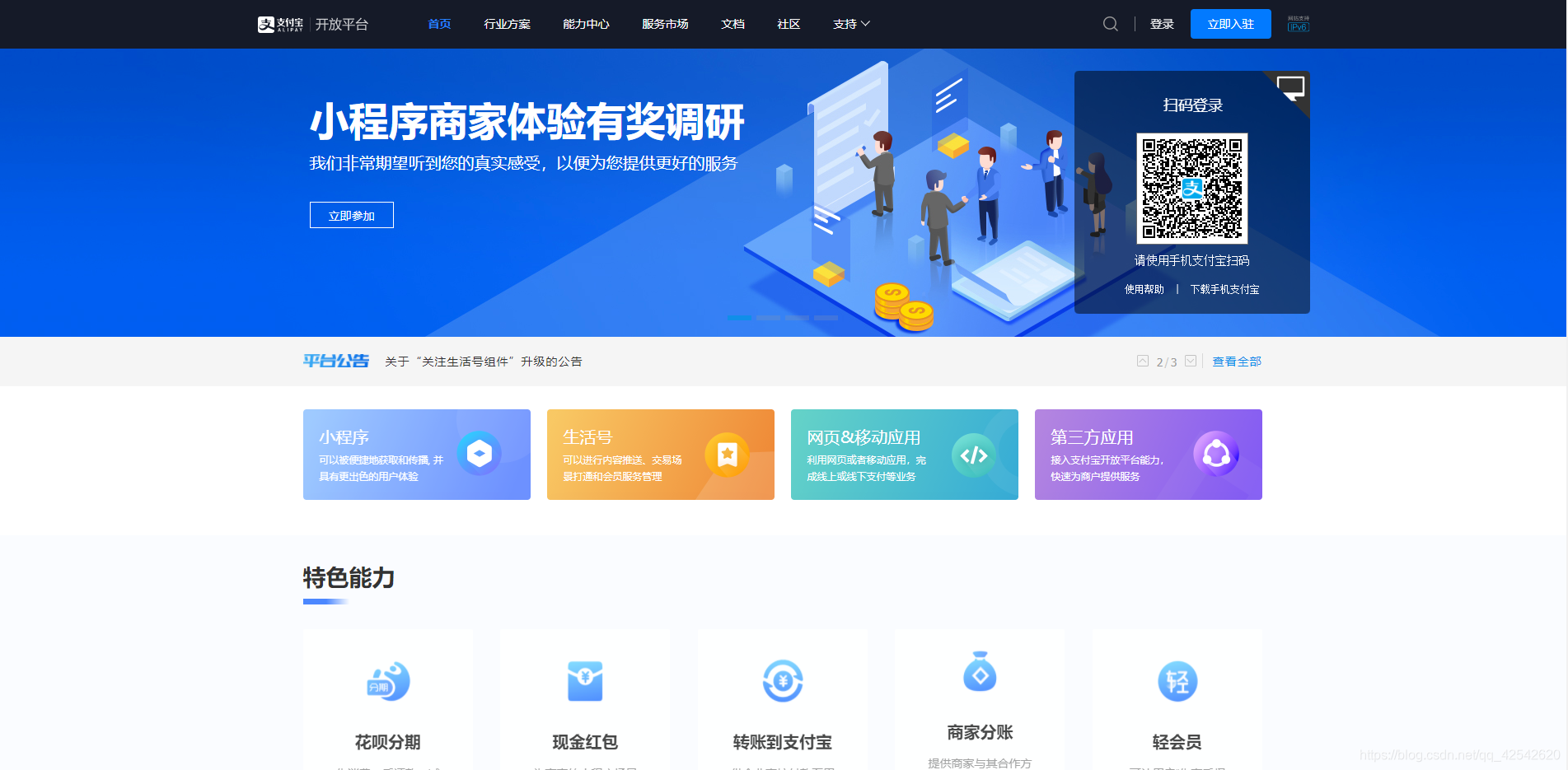
2.点击研发服务。因为正式接入需要企业签约,所以我们这里先用沙盒模式进行模拟接入,完成签约后将程序中的部分参数替换即可。
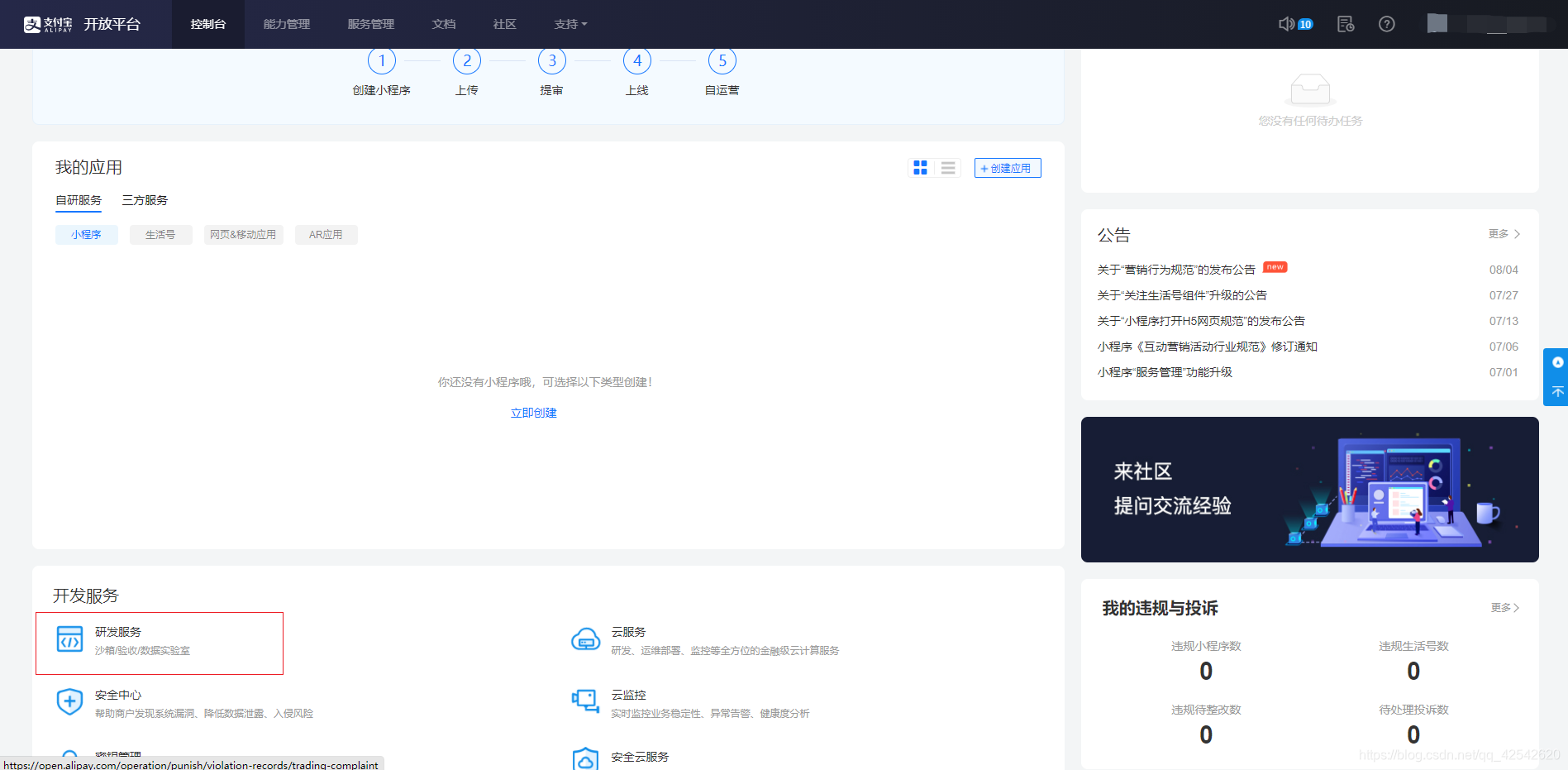
3.点击沙盒应用,查看APPID等参数
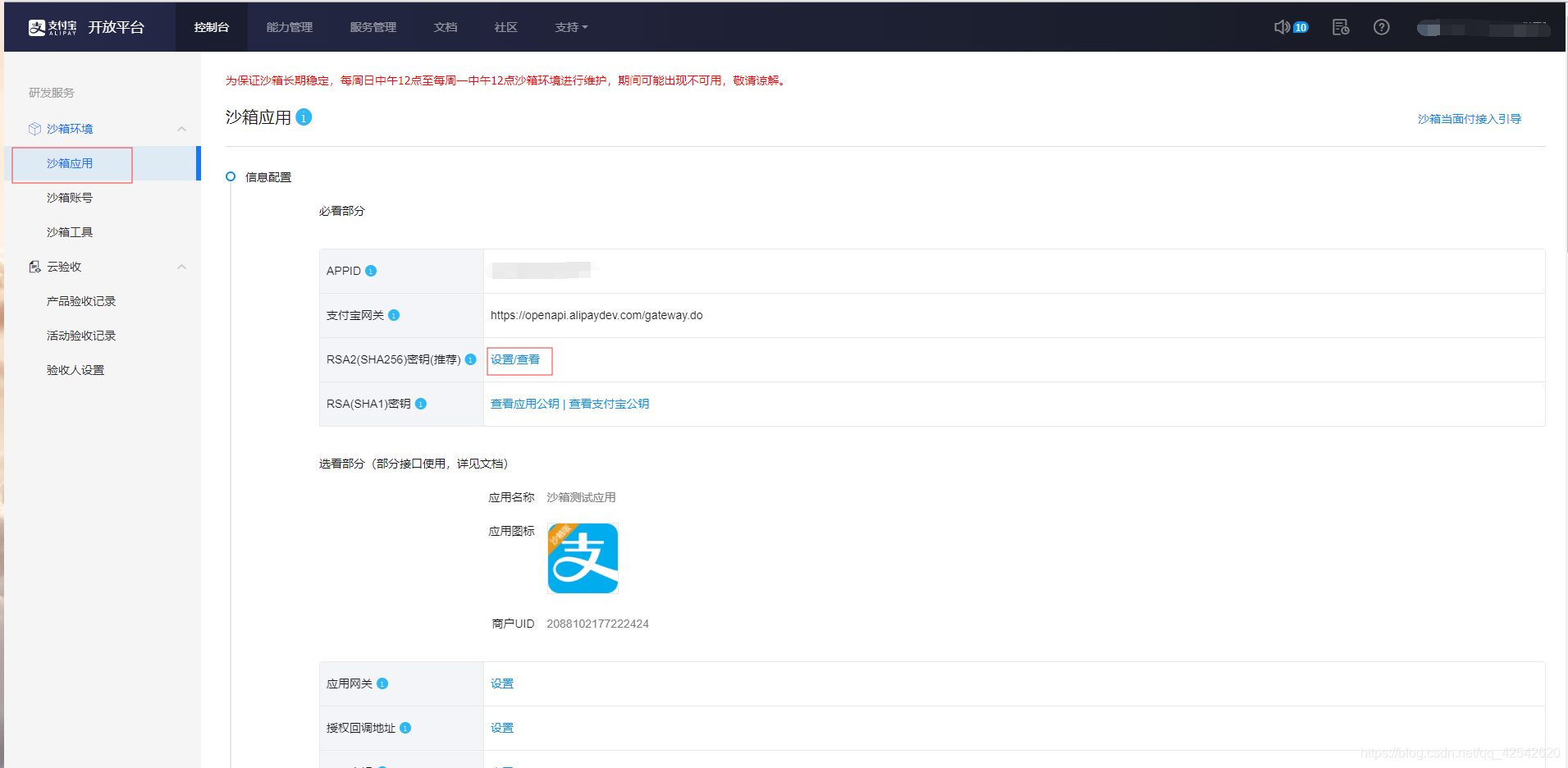
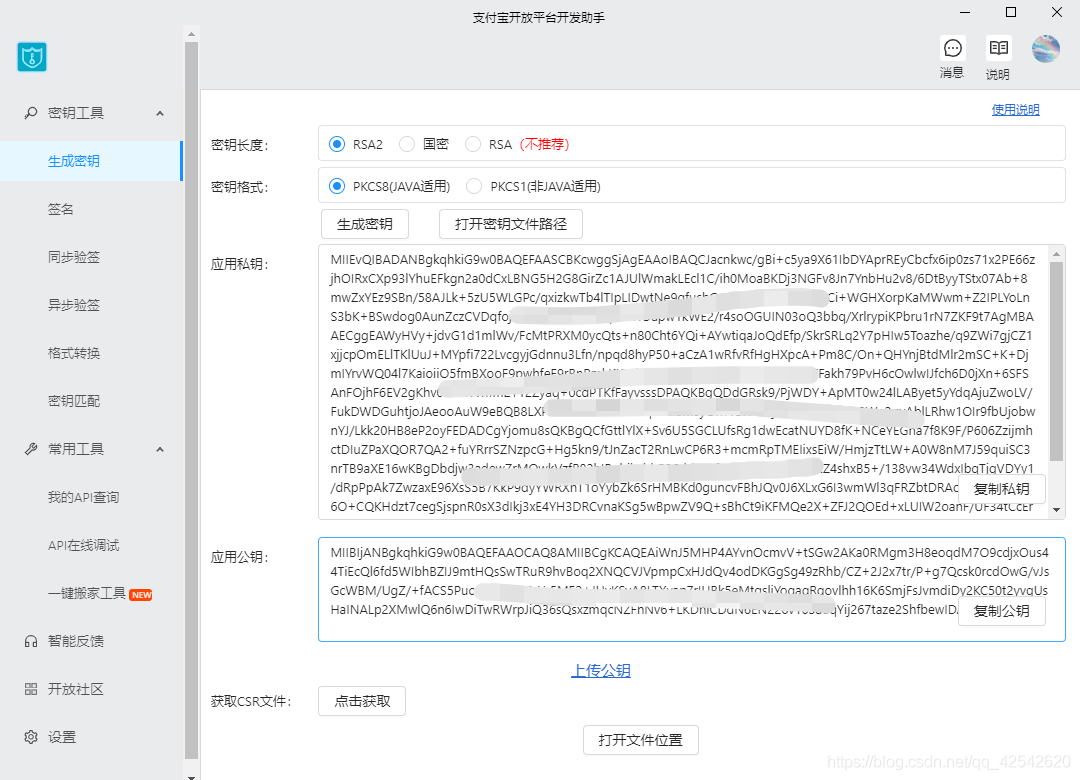
4.设置RSA2密钥
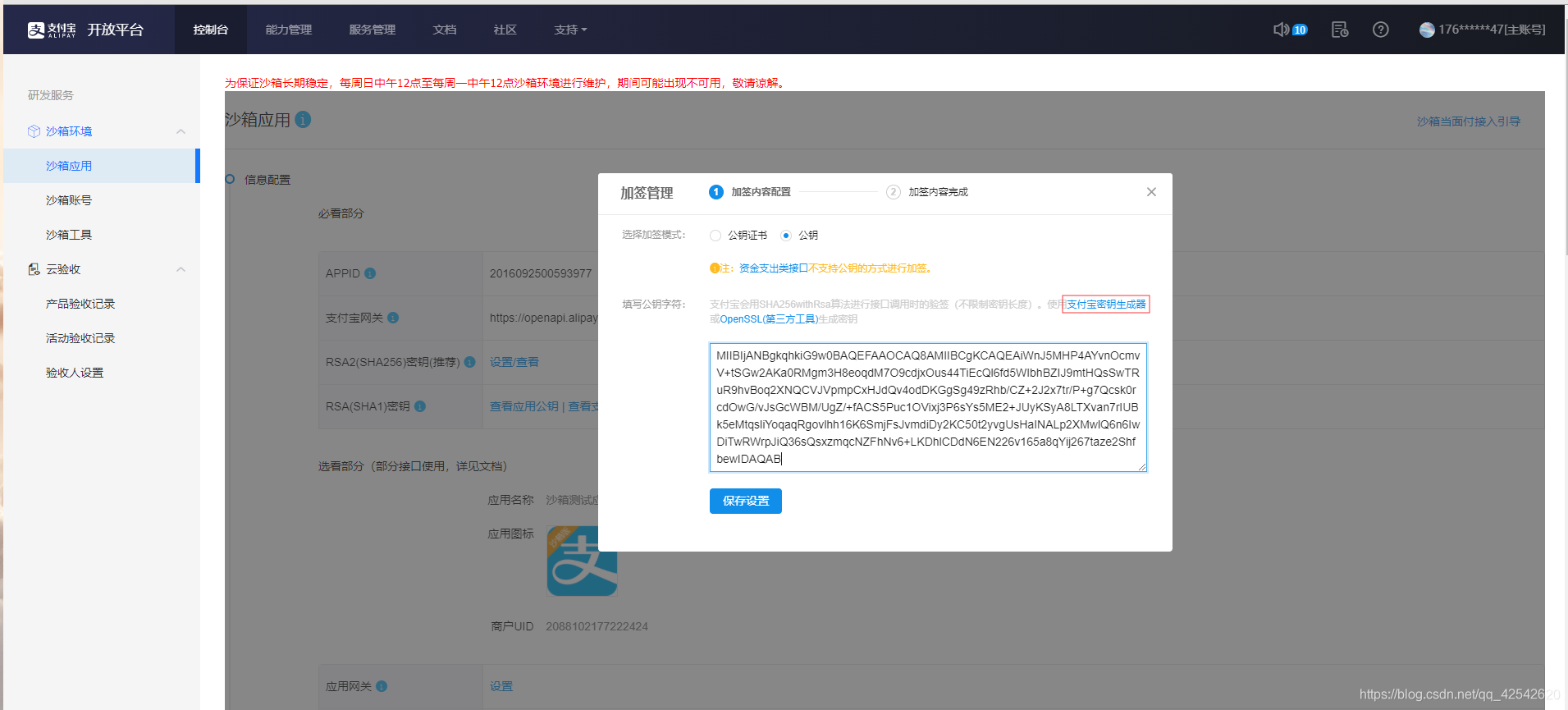
使用官方密钥生成工具生成密钥,将生成的密钥填入
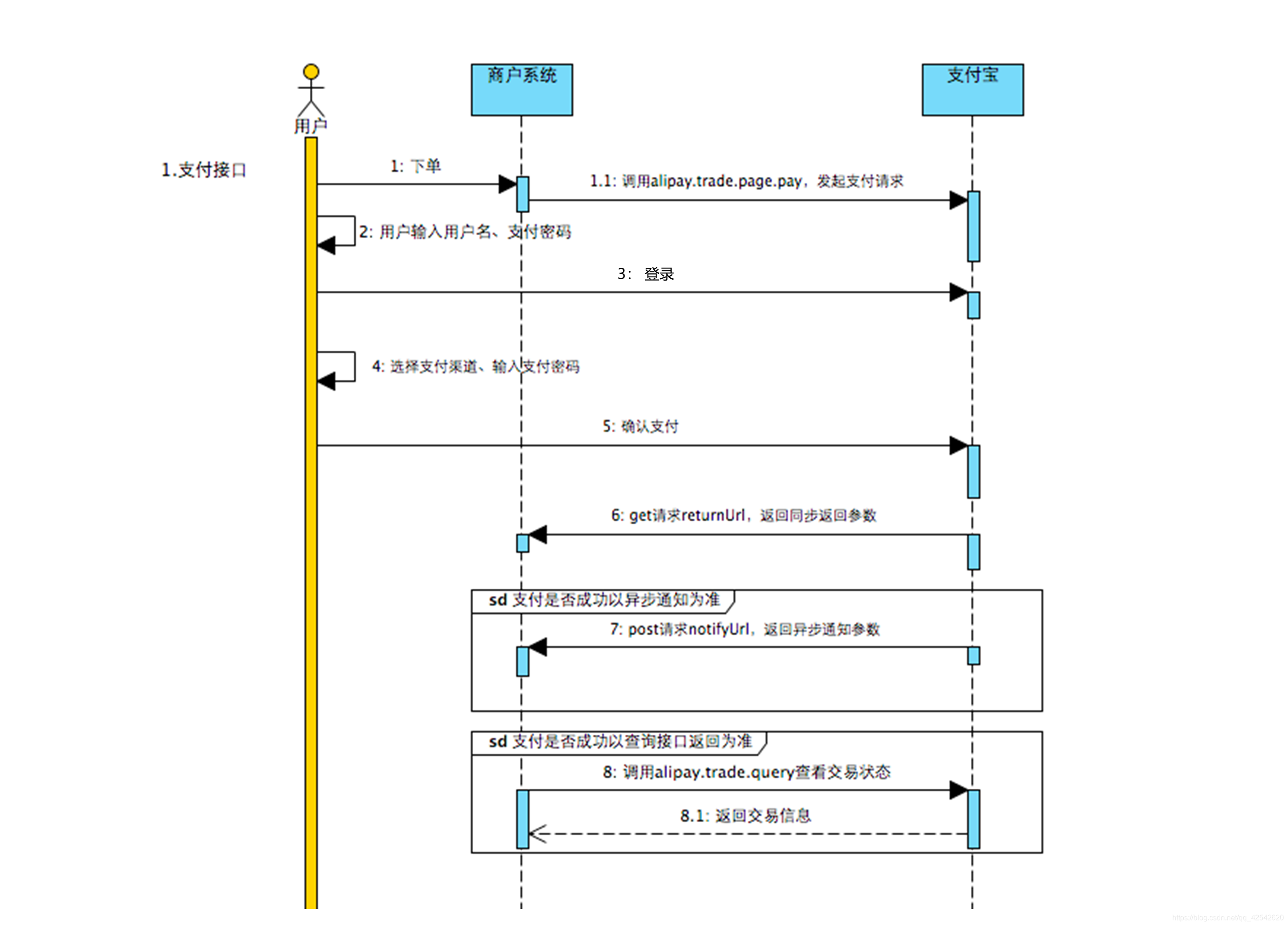
时序图
正式开发
依赖pom.xml
<parent>
<groupId>org.springframework.boot</groupId>
<artifactId>spring-boot-starter-parent</artifactId>
<version>2.2.4.RELEASE</version>
<relativePath/> <!-- lookup parent from repository -->
</parent>
<dependencies>
<dependency>
<groupId>org.springframework.boot</groupId>
<artifactId>spring-boot-starter-web</artifactId>
</dependency>
<dependency>
<groupId>org.springframework.boot</groupId>
<artifactId>spring-boot-devtools</artifactId>
<scope>runtime</scope>
<optional>true</optional>
</dependency>
<dependency>
<groupId>org.projectlombok</groupId>
<artifactId>lombok</artifactId>
<optional>true</optional>
</dependency>
<dependency>
<groupId>org.springframework.boot</groupId>
<artifactId>spring-boot-starter-thymeleaf</artifactId>
<version>2.2.4.RELEASE</version>
</dependency>
<dependency>
<groupId>org.springframework.boot</groupId>
<artifactId>spring-boot-starter-test</artifactId>
<scope>test</scope>
<exclusions>
<exclusion>
<groupId>org.junit.vintage</groupId>
<artifactId>junit-vintage-engine</artifactId>
</exclusion>
</exclusions>
</dependency>
<!--支付宝支付SDK-->
<dependency>
<groupId>com.alipay.sdk</groupId>
<artifactId> 最低0.47元/天 解锁文章






 扫一扫
扫一扫


 1179
1179

 被折叠的 条评论
为什么被折叠?
被折叠的 条评论
为什么被折叠?
 到【灌水乐园】发言





