



最近工作中安排了一个Python web项目,使用Pycharm从git拉取代码后,配置号Python的解释器和pip后,Pycharm自动下载安装项目所需的依赖,但是有一个依赖django-auth-ldap==4.1.0安装始终失败,最初的异常信息提示是:Microsoft Visual C++ 14.0 or greater is required,Get it with "Microsoft C++ Build Tools": https://visualstudio.microsoft.com/visual-cpp-build-tools/
直接根据提示去微软官网下载相关c++构建工具
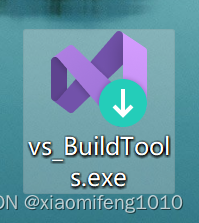 ,然后使用这个工具去安装c++桌面开发工具(只选择C++桌面开发就行了),默认选中的组件安装就可以了,安装好了,再次在终端执行pip install django-auth-ldap==4.1.0 仍然还是会报错,
3.5.2->Django>=2.2->django-auth-ldap==4.1.0) (4.11.0)
Building wheels for collected packages: python-ldap
Building wheel for python-ldap (PEP 517): started
Building wheel for python-ldap (PEP 517): finished with status 'error'
Failed to build python-ldap
根据提示语:是构建python-ldap的时候失败了,说明安装 django-auth-ldap是依赖python-ldap的,所以单独执行 pip install python-ldap
Collecting django-auth-ldap==4.1.0
Using cached django_auth_ldap-4.1.0-py3-none-any.whl (20 kB)
Collecting python-ldap>=3.1
根据提示,python-ldap的版本大于3.1就符合要求,但是 单独执行 pip install python-ldap ,仍然报错;粘贴下最关键的错误信息:
fatal error C1083: 无法打开包括文件: “lber.h”: No such file or directory
error: command 'D:\\Program Files (x86)\\Microsoft Visual Studio\\2022\\BuildTools\\VC\\Tools\\MSVC\\14.39.33519\\bin\\HostX86\\x64\\cl.exe' failed with exit code 2
----------------------------------------
ERROR: Failed building wheel for python-ldap
ERROR: Could not build wheels for python-ldap which use PEP 517 and cannot be installed directly
重点关注这个lber.h ;经过查询,这个文件是ldap协议的头部,在相关文件中没有找到lber.h的声明,所以编译报错;
接下来比较坑的地方来了,去python-ldap官网(Installing python-ldap — python-ldap 3.4.3 documentation)和python-ldap的官方github旧仓库(Python 3.6.1 error Modules/errors.h:8:18: fatal error: lber.h: No such file or directory · Issue #91 · pyldap/pyldap · GitHub)去看这个问题的相关说明;python-ldap的依赖在windows系统上是无法正常安装的,官方给的解决方法就是去下载离线whl,给了一个离线whl下载网站(https://www.lfd.uci.edu/~gohlke/pythonlibs/),大家也不用去访问这个网站了,这个实验室网站已经移除whl下载功能了,访问也是page not found,而且国内的大学镜像网站比如清华的(Simple Index),目前也是404状态,不知道为啥全都不让下载这些离线已经构建好的whl文件了,所以真的没有办法,最后只能在网上购买了一个whl文件
这个文件分享不了(csdn的限制,分享失败,如果需要可以私信我或者文章评论留下邮箱,看到后发送),最后反正是花了十来块钱买了一个
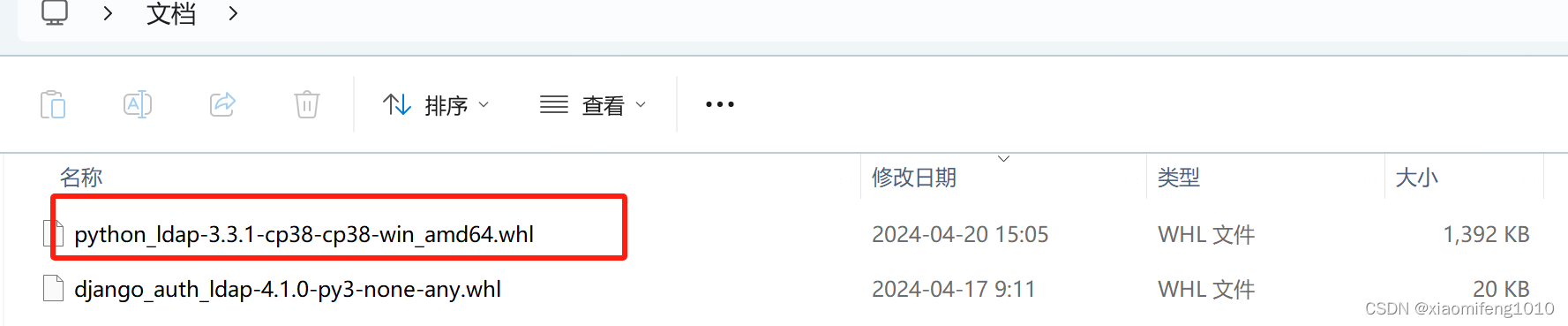
与windows系统匹配的已经构建好的whl文件,然后使用powershell在该目录下执行命令:
pip install python_ldap-3.3.1-cp38-cp38-win_amd64.whl然后就可以成功安装python_ldap-3.3.1-cp38-cp38-win_amd64.whl,3.3.1是python_ldap的版本,cp38表示python的版本3.8,后边的win表示windows系统,所以为了满足这个whl条件,我又额外安装了python3.8版本,执行上边的命令后,就会安装python-ldap成功,python-ldap安装成功,就可以安装django_auth_ldap==4.1.0了,我直接去django_auth_ldap官网下载的,所以再次执行:
pip install django_auth_ldap-4.1.0-py3-none-any.whl会执行成功,没有异常信息;我把pip也更新到了最新版本
这时,项目中还是提示缺少这个依赖,让安装,这时因为我安装python的时候,使用的是python的默认设置,python默认安装依赖在这个路径:
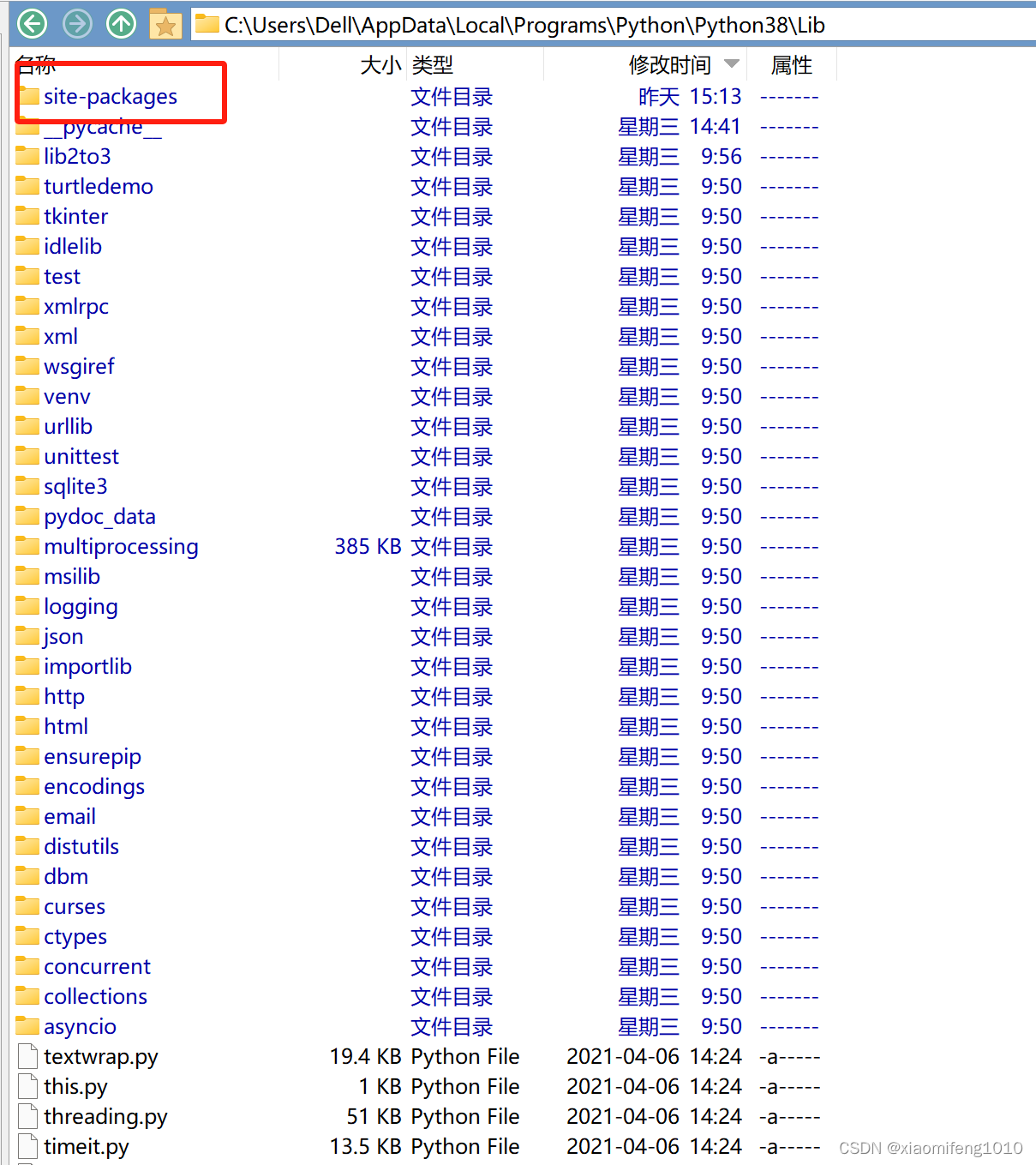
是在系统盘C盘的,但是我的项目是在E盘放的,创建的venv(Python虚拟环境)也是在项目下边,所以项目下虚拟环境的site-package下并没有安装上;其实很简单,直接将C盘下的site-package下新增的文件全部复制到项目下的venv
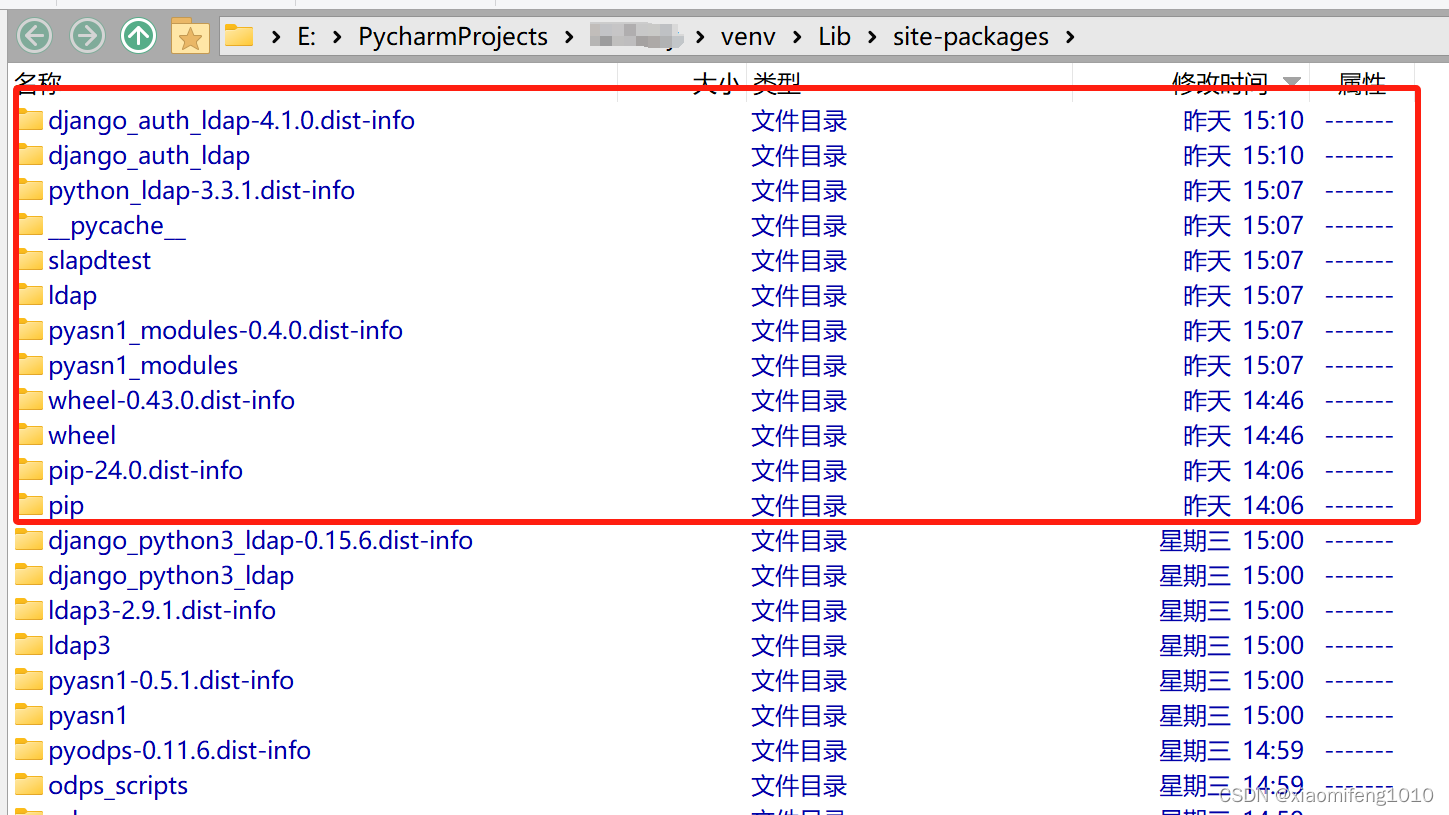 复制完成就ok,Pycharm就不会提示缺少依赖了,requirements.txt文件中也不会有依赖爆红了!至此成功解决这个依赖问题
如果是linux系统则只需要安装对应的ldap协议开发工具即可
即:centos系统:
yum install openldap-devel python-devel以及如果是alpine系统:
apk add build-base openldap-dev python3-devdebian系统:
apt-get install build-essential python3-dev \
    libldap2-dev libsasl2-dev slapd ldap-utils tox \
    lcov valgrind





 扫一扫
扫一扫


 3876
3876

 被折叠的 条评论
为什么被折叠?
被折叠的 条评论
为什么被折叠?
 到【灌水乐园】发言





