


 这篇博客介绍了如何在PHPStorm中快速查看PHP基础函数的中文文档和使用示例,默认快捷键为Ctrl+Q。如果Ctrl+Q不起作用,可以通过File->Settings->Keymap查找并设置快捷键。此外,还推荐安装'Chinese PHP Document'插件以方便查阅。
介绍
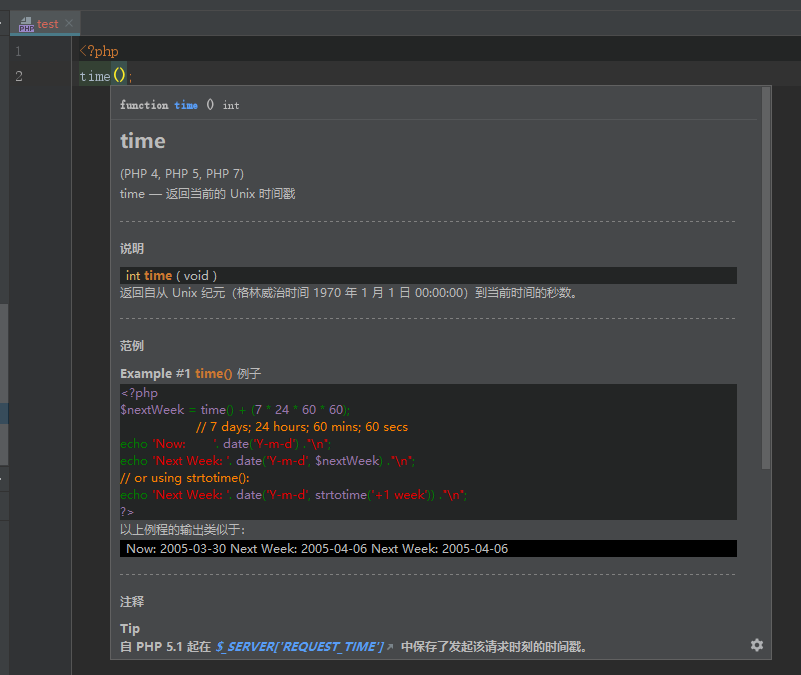
在代码上快速查看php基本函数的中文文档和使用示例, 默认快捷键ctrl+q.
// 如果ctrl+q快捷键没有反应,打开File->setting->keymap 搜索quick document,查看你的快捷键是什么,也可以自己设置
安装
在phpstorm的插件中心搜索chinese php document, 点击安装
introduction.
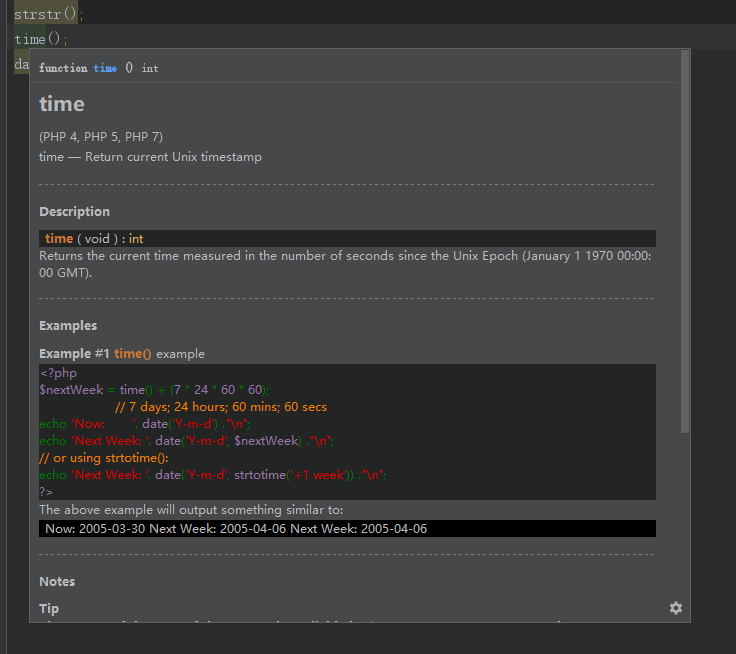
Quickly view the Chinese documentation and usage examples of php basic functions on the code. Default shortcut key ctrl+q.
// if the ctrl+q shortcut does not respond, open File- > setting- > keymap and search quick document, to see what your shortcut key is, or you can set it yourself.
installation.
Search for chinese php document, in phpstorm's plugin center and click install.
示例/example





 扫一扫
扫一扫


 541
541

 被折叠的 条评论
为什么被折叠?
被折叠的 条评论
为什么被折叠?
 到【灌水乐园】发言





