 VS Code远程连接Ubuntu失败原因及解决


一.报错类型无法与主机连接
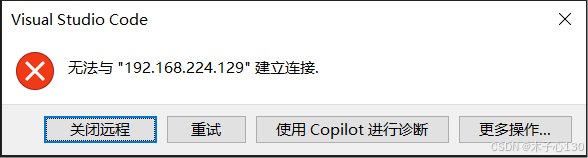
这通常出现在你使用 VS Code 的 Remote - SSH 插件或类似远程开发插件时尝试连接远程服务器失败。
原因可能是:
1.目标主机不在线或 IP 不可达
解决方案:
-
确认
192.168.224.129的机器是开机状态,并且与你的设备处于同一网络中。 -
可以尝试在终端运行
ping 192.168.224.129检查网络连通。 -
终端运行ifconfig确认IP地址是否输入正确。
2.Ubuntu系统SSH服务未开启或配置错误
确认Ubuntu虚拟机是否安装了openssh-server
sudo systemctl status ssh

这个表示没有安装,或者输出内容为not found 也说明没有安装
👉 安装 SSH 服务:
sudo apt update
sudo apt install openssh-server


安装完后启动:
sudo systemctl enable ssh
sudo systemctl start ssh

最后确认状态:
sudo systemctl status ssh
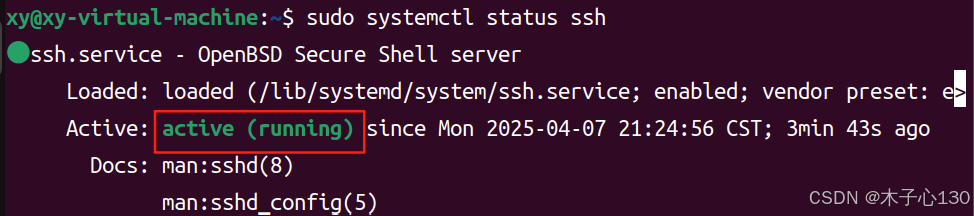
看到“active(running)就表示成功了。
最后重新打开vscode进行远程连接应该就可以成功。





 扫一扫
扫一扫


 1万+
1万+

 被折叠的 条评论
为什么被折叠?
被折叠的 条评论
为什么被折叠?
 到【灌水乐园】发言





