


1. 创建项目结构
• 创建一个名为"LearningNotes"的项目目录
• 在项目中创建三个子目录:
"lectures"(用于存放课程笔记)
"references"(用于存放参考资料)
"backups"(用于存放备份文件)
• 切换到lectures目录
cd ~
mkdir LearningNotes
cd LearningNotes
mkdir lectures references backups
cd lectures
pwd (确认当前位置)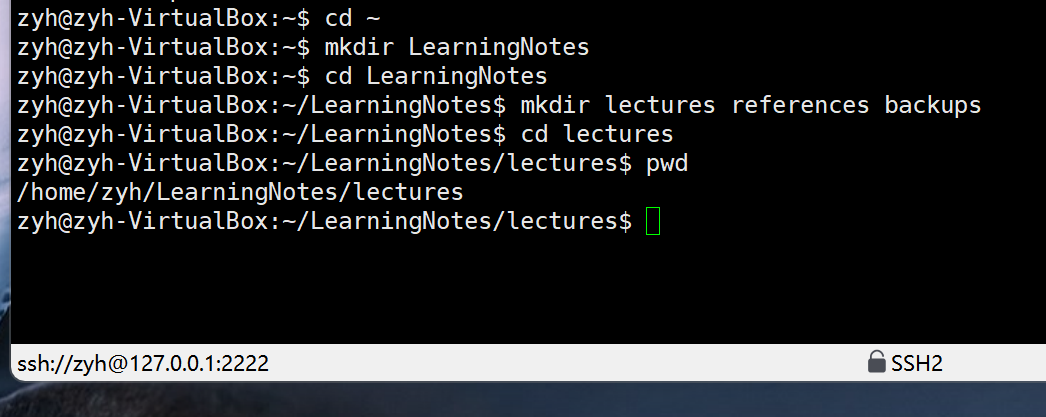
2. 创建和编辑笔记
• 创建一个名为"linux_basics.txt"的笔记文件
• 创建一个名为"commands_cheatsheet.txt"的备忘文件
• 用适当的方法在linux_basics.txt中添加以下内容:
Linux Command Basics
cd: Change directory
ls: List files and directories
pwd: Print working directory
• 用适当的方法在commands_cheatsheet.txt中添加以下内容:
cat: Display entire file
head: Show first 10 lines
tail: Show last 10 lines
less: Interactive file viewer
touch linux_basics.txt commands_cheatsheet.txt
添加内容到linux_basics.txt:
echo -e "Linux Command Basics\ncd: Change directory\nls: List files and directories\npwd: Print working directory" > linux_basics.txt
添加内容到commands_cheatsheet.txt:
echo -e "cat: Display entire file\nhead: Show first 10 lines\ntail: Show last 10 lines\nless: Interactive file viewer" > commands_cheatsheet.txt
 3. 文件操作
• 将commands_cheatsheet.txt复制到references目录,副本命名为
"command_reference.txt"
• 将lectures目录中的linux_basics.txt重命名为"linux_fundamentals.txt"
• 为linux_fundamentals.txt创建一个备份文件到backups目录
• 更新commands_cheatsheet.txt的时间戳(不修改内容)
复制文件:
cp commands_cheatsheet.txt ../references/command_reference.txt
重命名文件:
mv linux_basics.txt linux_fundamentals.txt
创建备份:
cp linux_fundamentals.txt ../backups/
更新时间戳:
touch commands_cheatsheet.txt

4. 查看和分析文件内容
• 使用适当命令查看linux_fundamentals.txt的内容
• 查看command_reference.txt的前两行内容
• 查看commands_cheatsheet.txt的后三行内容
• 使用交互式浏览器查看command_reference.txt内容
查看完整文件:
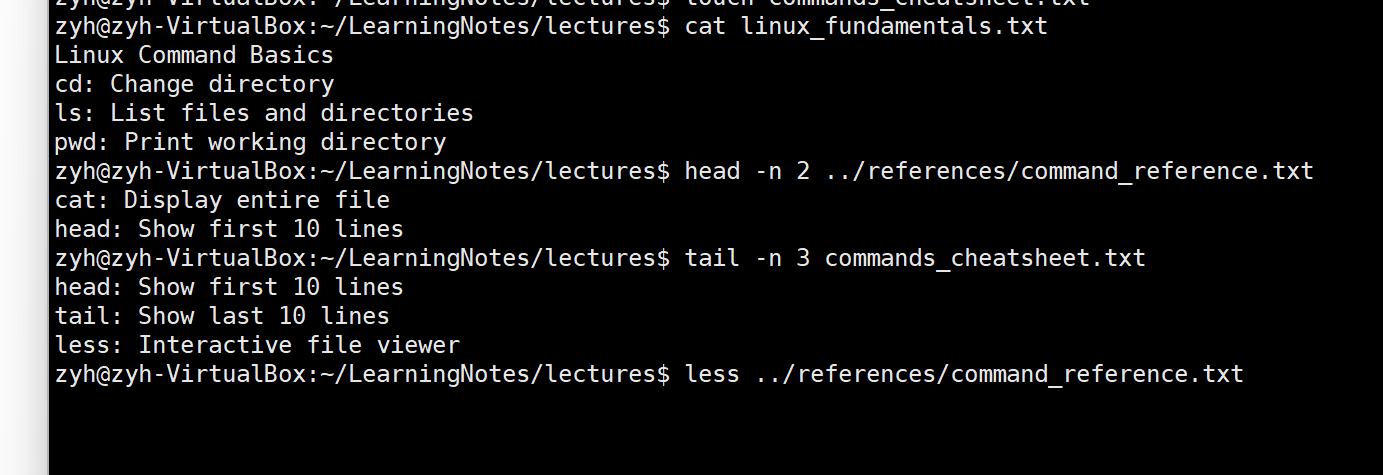
cat linux_fundamentals.txt
查看前两行:
head -n 2 ../references/command_reference.txt
查看后三行:
tail -n 3 commands_cheatsheet.txt
交互式查看:
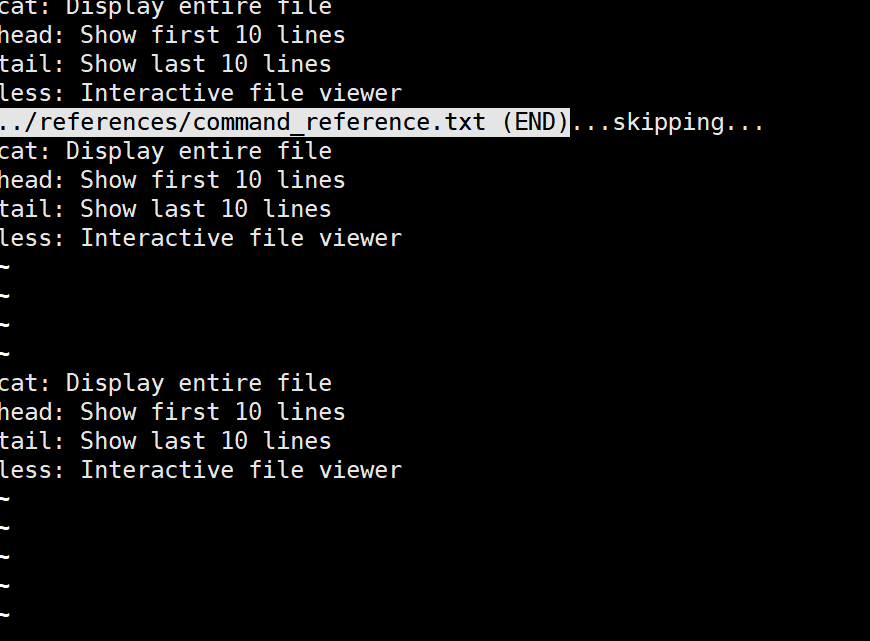
less ../references/command_reference.txt
5. 项目维护
• 切换到项目根目录
• 列出项目的完整结构(包括所有子目录和文件)
• 删除references目录中多余的command_reference.txt文件
• 创建一个新的空文件"project_status.txt"在项目根目录
• 更新所有文件的访问时间
返回项目根目录:
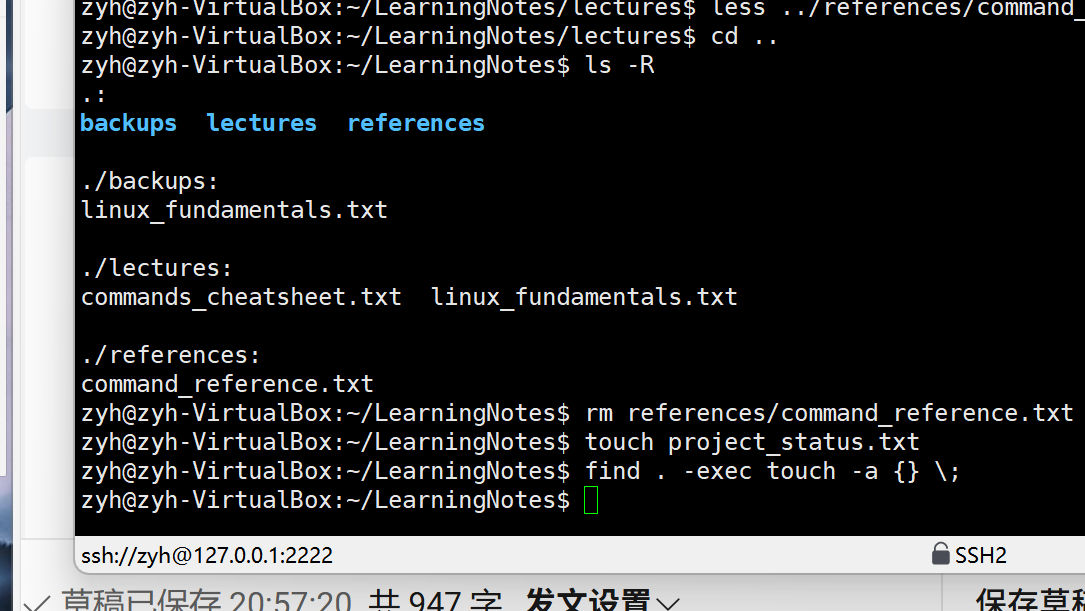
cd ..
列出完整结构:
ls -R
删除多余文件:
rm references/command_reference.txt
创建新文件:
touch project_status.txt
更新所有文件访问时间:
find . -exec touch -a {} \;





 扫一扫
扫一扫


 被折叠的 条评论
为什么被折叠?
被折叠的 条评论
为什么被折叠?
 到【灌水乐园】发言





