



Typetester
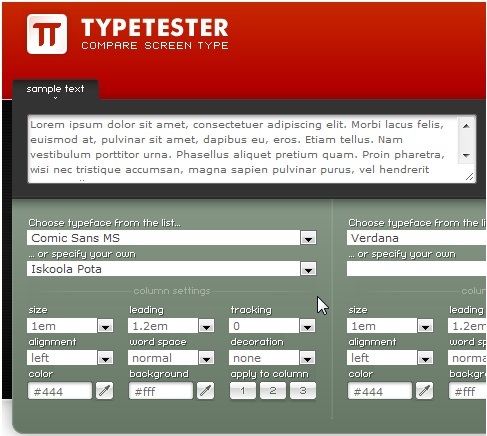
Typetester is an online application for comparing how different fonts and font attributes will appear on a given set of text. Its primary role is to make the life of a web designer easier by allowing them to quickly and easily visually compare different typefaces.
pForm
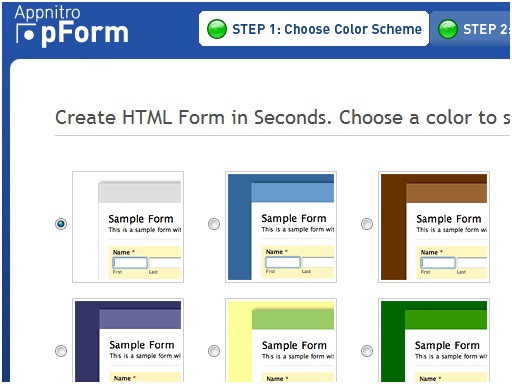
Create a php form in seconds with this free and easy to use tool. If you need a little more power you can check out its parent program MachForm or great alternatives wufoo and formspring (both of which offer limited free versions and paid premium versions).
ColourLovers
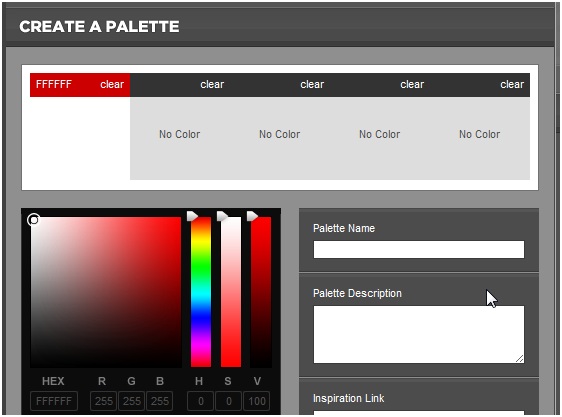
An international site created for color lovers. You can search the site for color palettes that you may use for projects or create new palettes which can be rated by peers. Great for inspiration or critique of design ideas.
Firebug
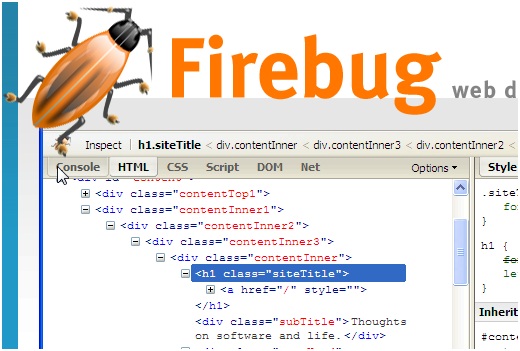
Firebug integrates with Firefox to put a wealth of web development tools at your fingertips while you browse. You can edit, debug, and monitor CSS, HTML, and JavaScript live in any web page. This is probably one of the most widely used web developer tools out there. If you don't have it, get it now!
HTML Entity Character Lookup
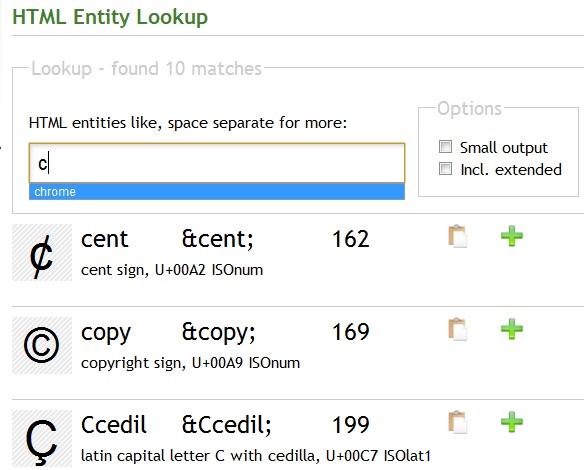
Need to know how to display the trademark symbol on one of your pages, this tool if just for you. The HTML Entity Lookup searches the html entities for matches to the searched character based on how the character looks. For instance, the letter "c" would match © and ¢ entity, because of the way they look. This is really a tool that you need to try to understand how useful it is (also available as a dashboard widget for you Mac users).
960 Grid System
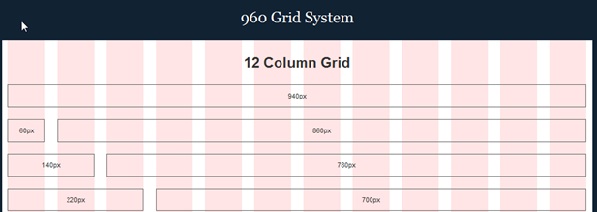
The 960 Grid System is an effort to streamline web development workflow by providing commonly used dimensions, based on a width of 960 pixels. There are two variants: 12 and 16 columns, which can be used separately or in tandem. Watch an in depth screencast on this framework.
Em Calculator
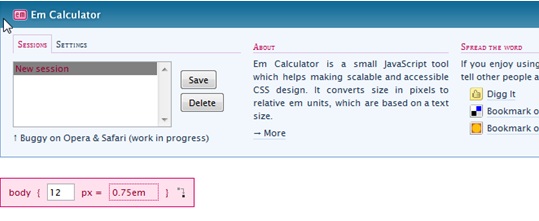
Em Calculator is a small JavaScript tool which allows you to enter a size in pixels and displays what the corresponding em value would be. This tool is extremely easy to use and handy for a quick reference.
Browser Shots

Browser Shots allows you to view your website in around 100 different browsers on 4 different platforms to determine the ultimate cross browser support. Given how many different types of configurations exists today, it is important to ensure that your site looks its best on as many platforms as possible.
Icon Finder
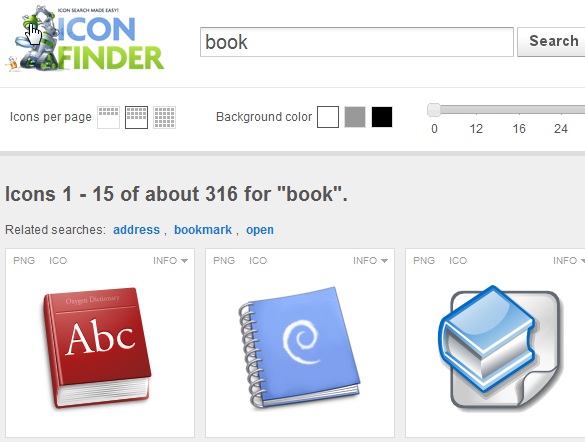
Iconfinder provides high quality icons for web designers and developers in an easy and efficient way. You simply type in a keyword into the search box and Iconfinder brings you back icons beautiful icons which you can freely use.
WhatTheFont
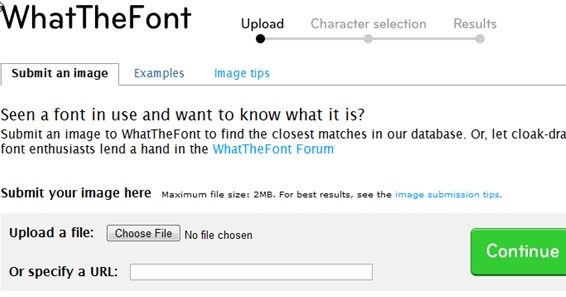
Want to know the font that your favorite blog uses, this tool can help you. Just upload an image of the font that you are intrigued about and the tool will do its best to match it with the right font. If you would rather trust a real person, the WhatTheFont forums are a great resource as well.
MeasureIt
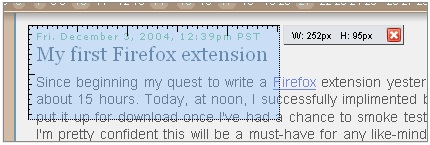
A great Firefox plugin that lets you draw out a ruler to get the pixel width and height of any elements on a webpage.
ColorZilla
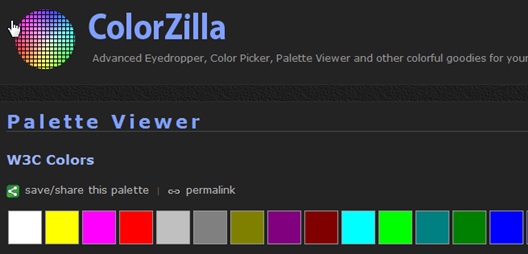
With ColorZilla you can get a color reading from any point in your browser, quickly adjust this color and paste it into another program. You can zoom the page you are viewing and measure distances between any two points on the page.
Pingdom
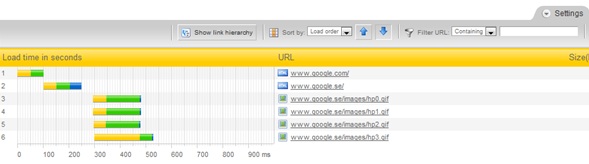
Pingdom loads a complete HTML page including all objects (images, CSS, JavaScripts, RSS, Flash and frames/iframes). It mimics the way a page is loaded in a web browser and then displays how long each of those elements took to load using nice visual time bars. This can be very useful when you are trying to improve the efficiency of your site.
Test Everything
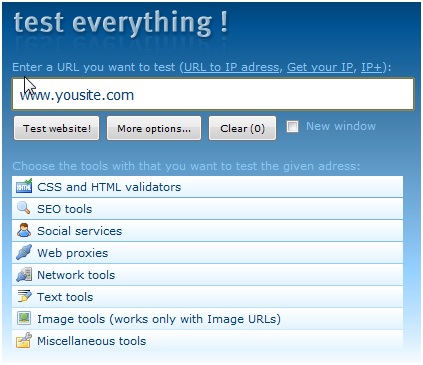
Test Everything lets you run your website though approx. 100 different validators and testers, all from the comfort of one application. This can save an enormous amount of time during the testing phase of your site development.
CSS Sprite Generator
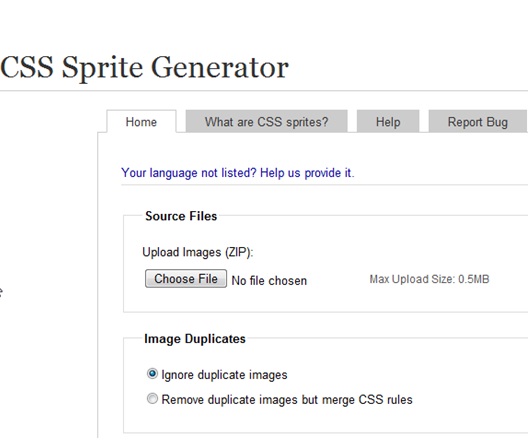
Sprites can increase the speed of your site by reducing the number of HTTP requests and are therefore becoming more popular. Using them, however, requires a good amount of foresight and planning which can make using them somewhat difficult. This amazing online tool allows you to upload your images in a zip file where they are then combined into a sprite. Once the sprite is created, it creates the CSS that you will need to use the sprite and allows you to download all of if free of charge.
Web Developer Toolbar
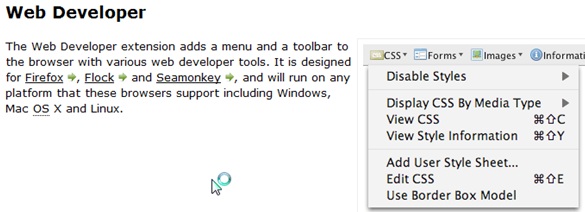
An extremely useful Firefox plugin which provides many tools which web developers use on a daily basis. Great for quickly validating your XHTML or inspecting HTTP header information.
Domainr
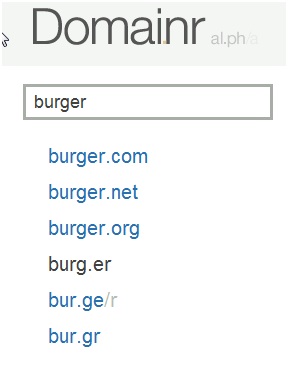
There are plenty of tools available that tell you whether a domain is taken or not. What sets Domainr apart is that it takes your query and then tries to create a more memorable name. Domainr helps you explore the entire domain name space beyond the ubiquitous and crowded .com, .net and .org. Inspired by jish.nu, burri.to and del.icio.us this tool can come in handy when you just can't think of a unique domain name.
Font Burner
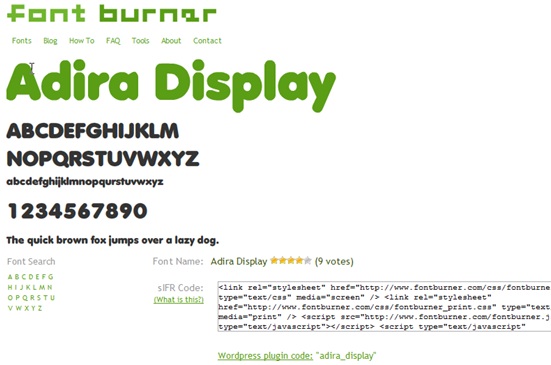
Font Burner is a free online tool that allows you to search through over 1000 fonts they have available. Once you have found a font you like, the tool provides you with a snippet of code which allows you to use the font on your site, free of charge. The font will then be displayed on every computer, regardless if the user has the font installed or not.
Smush.It
Smush.It is a neat application which uses non-lossy image optimization tools to squeeze the last bytes out of your images
Load Impact
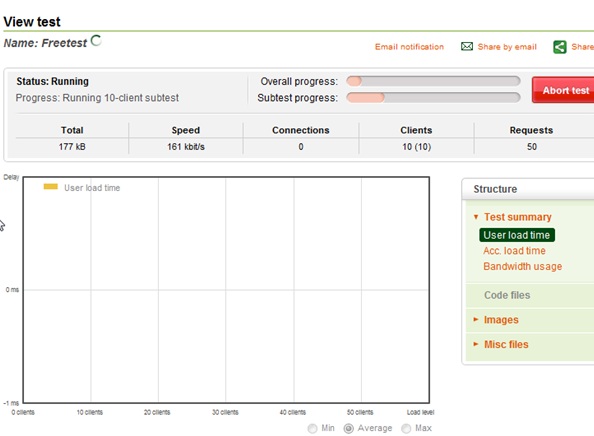
Are you about to release a product or come out of beta and are wondering whether your site will be able to take the increased traffic? Load Impact is a free tool which tests your site at different load levels and then displays your results in an easy to understand graph.





 扫一扫
扫一扫


 1393
1393

 被折叠的 条评论
为什么被折叠?
被折叠的 条评论
为什么被折叠?
 到【灌水乐园】发言





