


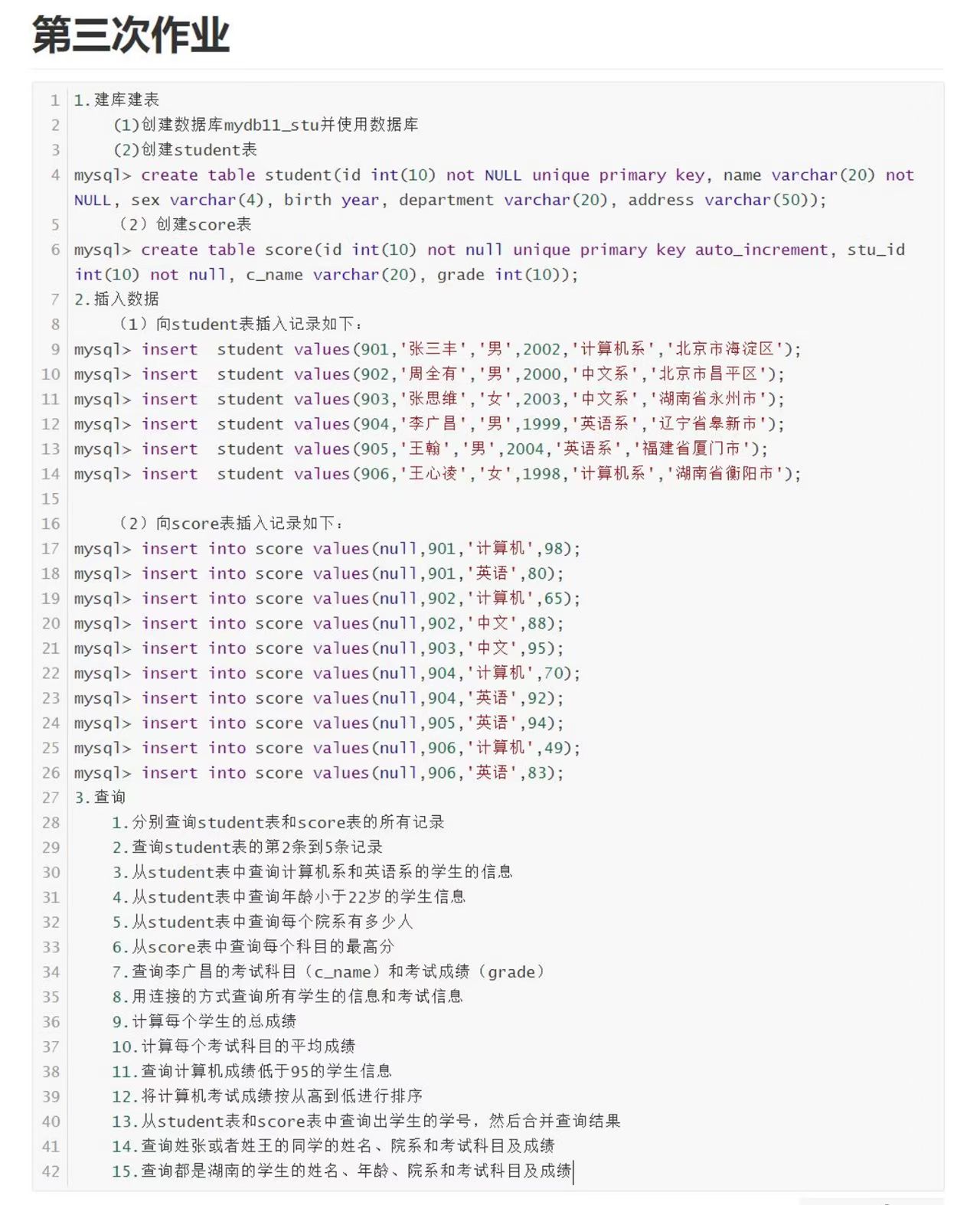
一、第三作业
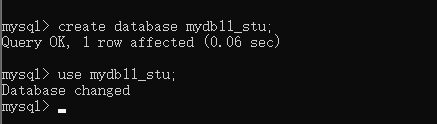
(1) 创建数据库 mydb11_stu 并使用数据库
create database if not exists mydb11_stu;
use mydb11_stu;
(2)创建表
student 表
create table student(
id int(10) not null unique primary key,
name varchar(20) not null,
sex varchar(4),
birth year,
department varchar(20),
address varchar(50)
);
score 表
create table score(
id int(10) not null unique primary key auto_increment,
stu_id int(10) not null,
c_name varchar(20),
grade int(10)
);
2.插入数据
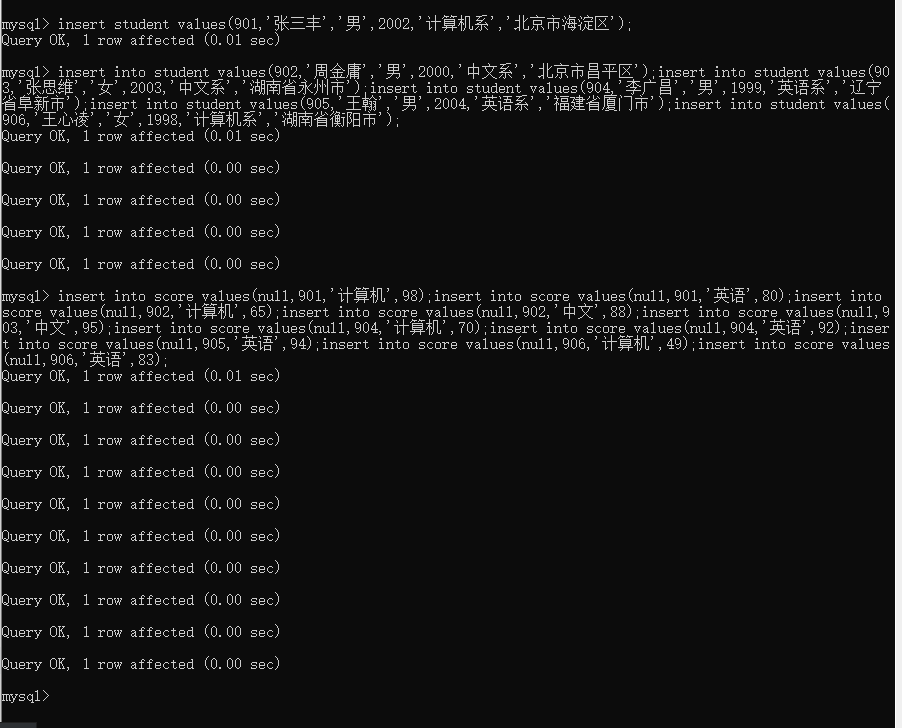
(1)向student表插入数据
insert into student values(901,'张三丰','男',2002,'计算机系','北京市海淀区');
insert into student values(902,'周金庸','男',2000,'中文系','北京市昌平区');
insert into student values(903,'张思维','女',2003,'中文系','湖南省永州市');
insert into student values(904,'李广昌','男',1999,'英语系','辽宁省阜新市');
insert into student values(905,'王翰','男',2004,'英语系','福建省厦门市');
insert into student values(906,'王心凌','女',1998,'计算机系','湖南省衡阳市');
(2)向score表插入数据
insert into score values(null,901,'计算机',98);
insert into score values(null,901,'英语',80);
insert into score values(null,902,'计算机',65);
insert into score values(null,902,'中文',88);
insert into score values(null,903,'中文',95);
insert into score values(null,904,'计算机',70);
insert into score values(null,904,'英语',92);
insert into score values(null,905,'英语',94);
insert into score values(null,906,'计算机',49);
insert into score values(null,906,'英语',83);
3.查询
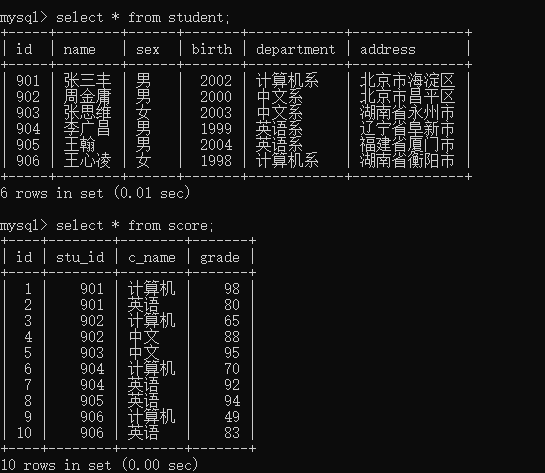
1. 分别查询 student 表和 score 表的所有记录
select * from student;
select * from score;
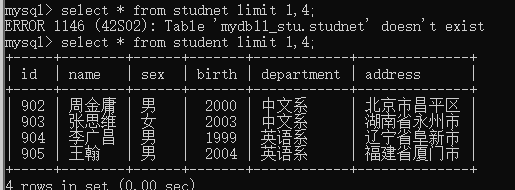
2. 查询 student 表的第 2 条到第 5 条记录
select * from student limit 1,4;
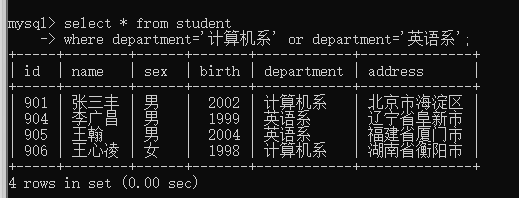
3. 从 student 表中查询计算机系和英语系的学生的信息
select * from student
where department = '计算机系' or department = '英语系';
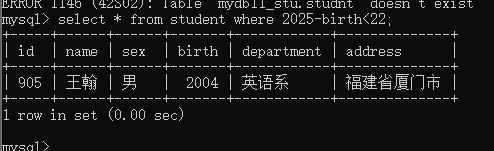
4. 从 student 表中查询年龄小于 22 岁的学生信息
select * from student where 2025 - birth < 22;
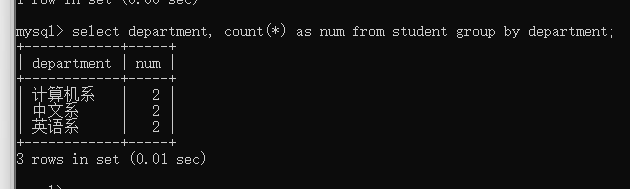
5. 从 student 表中查询每个院系有多少人
select department, count(*) as num from student group by department;
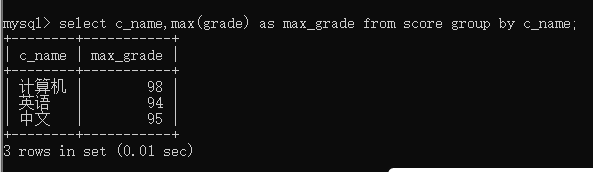
6. 从 score 表中查询每个科目的最高分
select c_name, max(grade) as max_grade from score group by c_name;
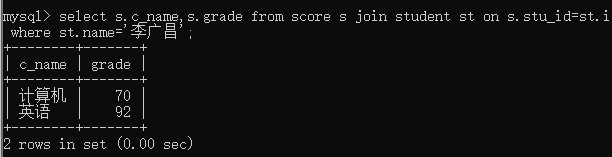
7. 查询李广昌的考试科目(c_name)和考试成绩(grade)
select s.c_name, s.grade from score s
join student st on s.stu_id = st.id where st.name = '李广昌';
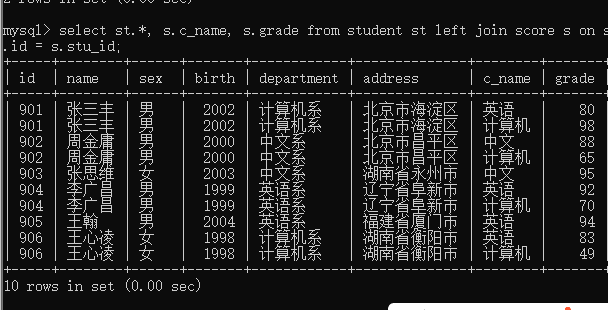
8. 用连接的方式查询所有学生的信息和考试信息
select st.*, s.c_name, s.grade
from student st left join score s on st.id = s.stu_id;
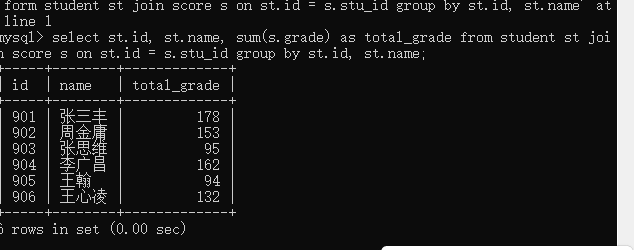
9. 计算每个学生的总成绩
select st.id, st.name, sum(s.grade) as total_grade
from student st
join score s on st.id = s.stu_id
group by st.id, st.name;
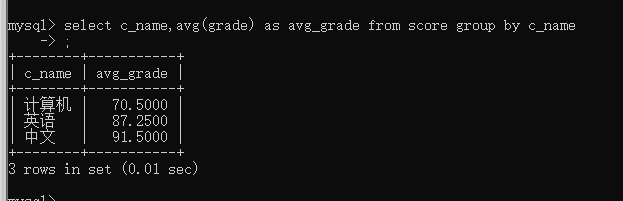
10. 计算每个考试科目的平均成绩
select c_name, avg(grade) as avg_grade from score group by c_name;
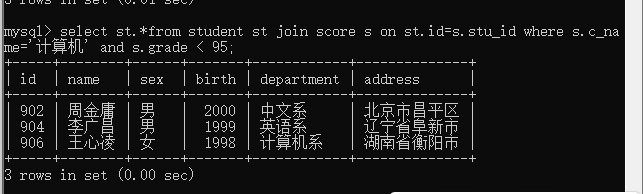
11. 查询计算机成绩低于 95 的学生信息
select st.* from student st join score s on st.id = s.stu_id where s.c_name = '计算机' and s.grade < 95;
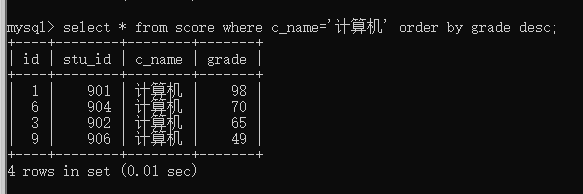
12. 将计算机考试成绩按从高到低进行排序
select * from score where c_name = '计算机' order by grade desc;
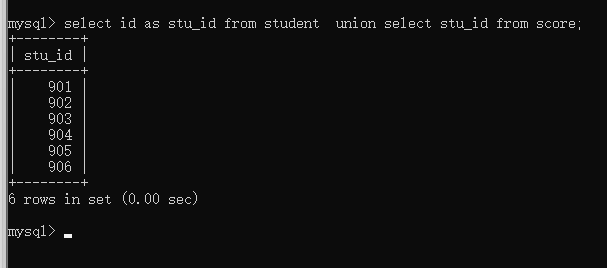
13. 从 student 表和 score 表中查询出学生的学号,然后合并查询结果(这里假设是 union 去重合并,若要包含重复用 union all )
select id as stu_id from student union select stu_id from score;
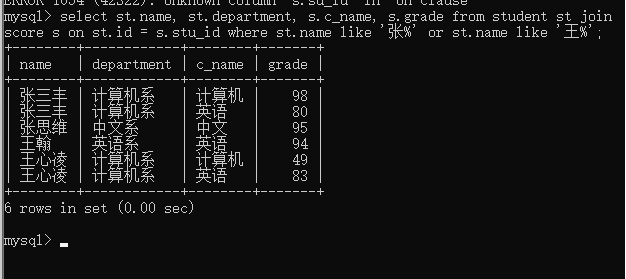
14. 查询姓张或者姓王的同学的姓名、院系和考试科目及成绩
select st.name, st.department, s.c_name, s.grade
from student st join score s on st.id = s.stu_id where st.name like '张%' or st.name like '王%';
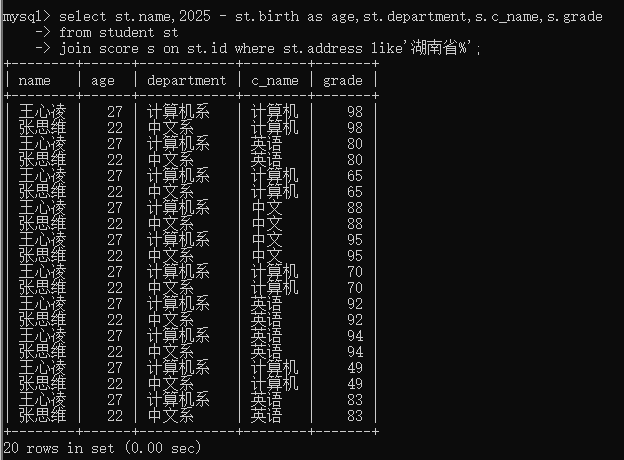
15. 查询都是湖南的学生的姓名、年龄、院系和考试科目及成绩
select st.name, 2025 - st.birth as age, st.department, s.c_name, s.grade
from student st
join score s on st.id = s.stu_id where st.address like '湖南省%';
二、第四次作业
以mydb9_stusys为例
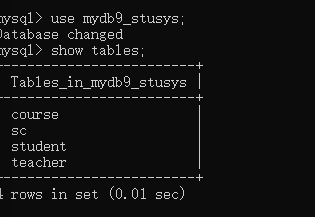
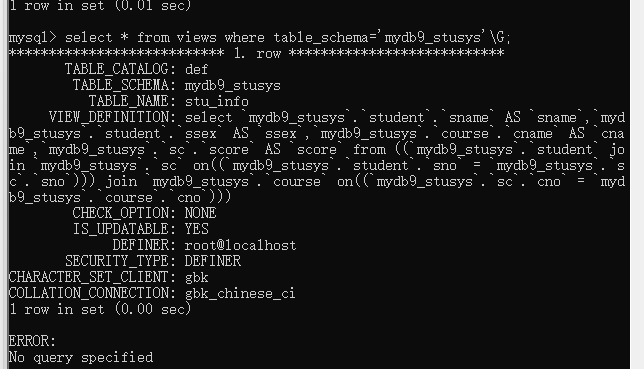
创建视图,在这个视图表当中将三张表进行连接

2.在db_test数据库创建-视图stu_info查询全体学生的姓名,性别,课程名,成绩。
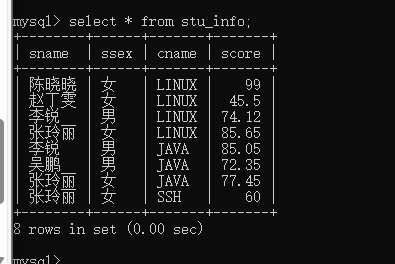
3.查看mdb9_stusys库下那些是视图表;
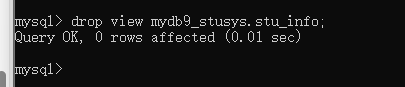
4.删除视图





 扫一扫
扫一扫


 4039
4039

 被折叠的 条评论
为什么被折叠?
被折叠的 条评论
为什么被折叠?
 到【灌水乐园】发言





