


Scrapy爬虫学习
一、安装Scrapy
下载最新版本Scrapy:
https://pypi.org/project/Scrapy/#files
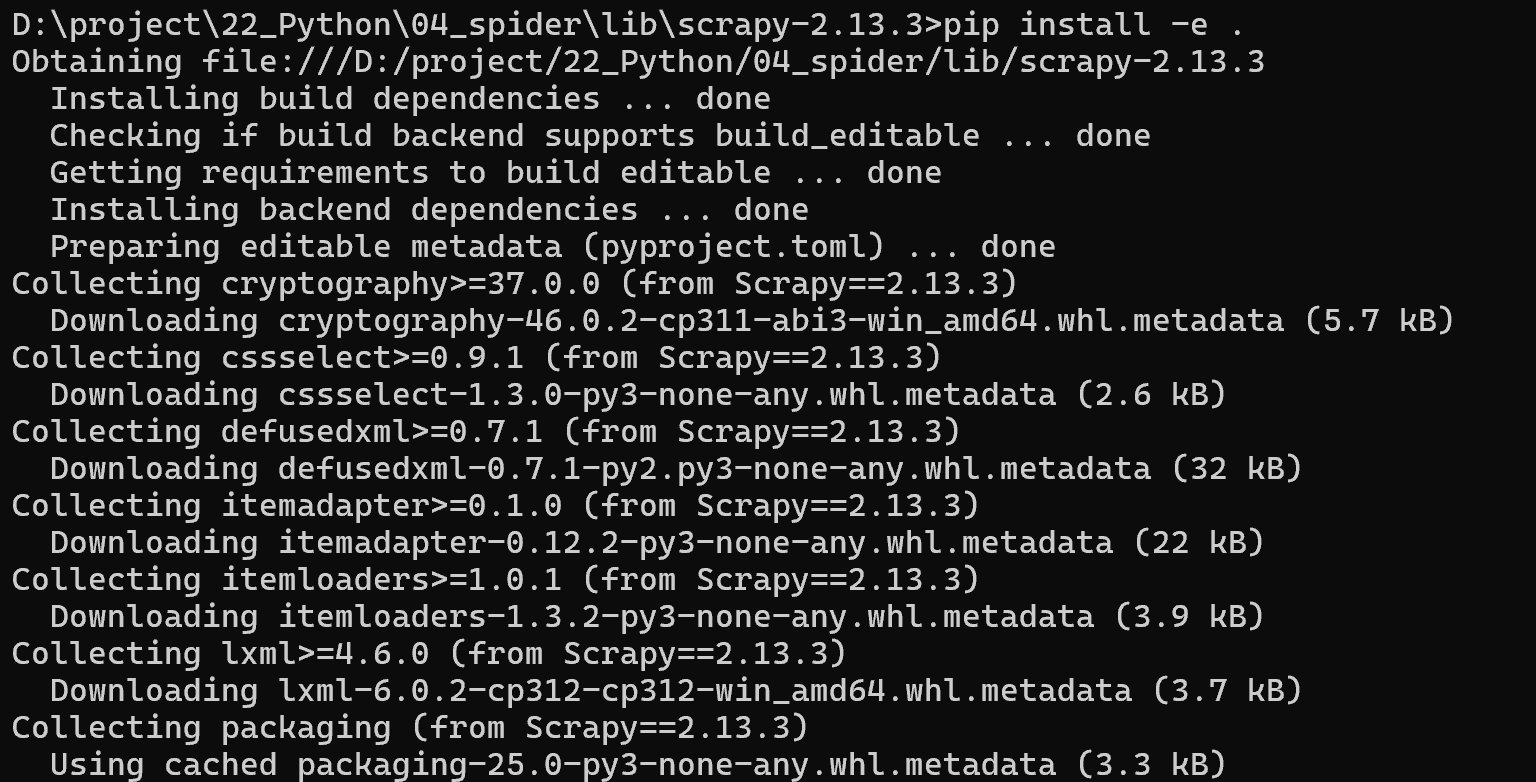
通过cmd本地源码安装,保持网络畅通:
xxx/scrapy-2.13.3> pip install -e .
二、创建爬虫工程
新建文件夹spiderDemo_0,通过cmd进入到此文件夹中,
spiderDemo_0> scrapy startproject spider

三、生成爬虫文件
在cmd中
cd spider
spiderDemo_0\spider>scrapy genspider articles www.xxx.com
修改以下两个文件:
articles.py:
import scrapy
class ArticlesSpider(scrapy.Spider):
name = “articles”
# allowed_domains = [“www.xxx.com”]
start_urls = [“https://www.gushiwen.cn/shiwenv_632c5beb84eb.aspx”]
def parse(self, response):
    print(response.text)
settings.py
修改USER_AGENT,通过浏览器按F12查看:
USER_AGENT = “Mozilla/5.0 (Windows NT 10.0; Win64; x64) AppleWebKit/537.36 (KHTML, like Gecko) Chrome/140.0.0.0 Safari/537.36 Edg/140.0.0.0”
关闭robots协议:
ROBOTSTXT_OBEY = False
LOG_LEVEL = ‘ERROR’
去年以下的注释,启用数据管道:
ITEM_PIPELINES = {
“spider.pipelines.SpiderPipeline”: 300,
}
三、运行爬虫
在cmd中
spiderDemo_0\spider>scrapy crawl articles
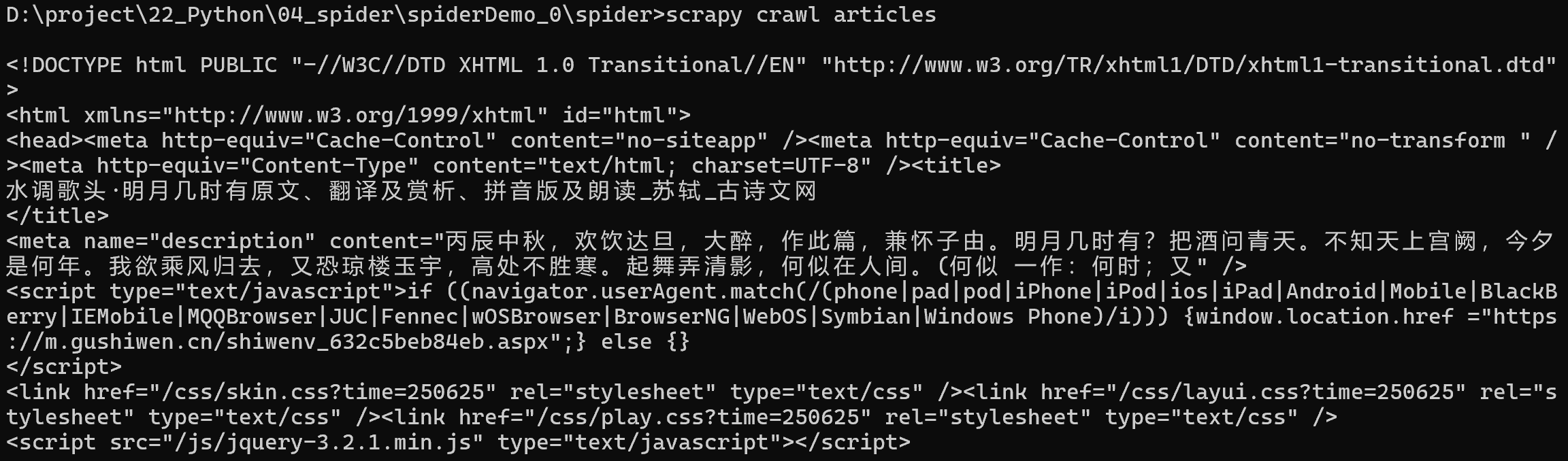
成功地爬取了网页内容。





 扫一扫
扫一扫


 1031
1031

 被折叠的 条评论
为什么被折叠?
被折叠的 条评论
为什么被折叠?
 到【灌水乐园】发言





