


Unity 场景模型批量替换工具
前言
在 Unity 项目开发过程中,我们常常会遇到需要批量替换场景模型的需求。比如在模型迭代更新、资源替换或者优化场景结构时,手动一个个替换不仅效率低下,还容易出错。
我开发了一款 Unity编辑器 模型替换工具,通过自定义编辑器窗口,实现根据名称模糊搜索并替换模型,同时支持灵活控制模型 Transform 属性的继承,还能选择性替换特定模型。接下来就为大家详细介绍这款工具的功能、使用方法和实现原理。
使用说明
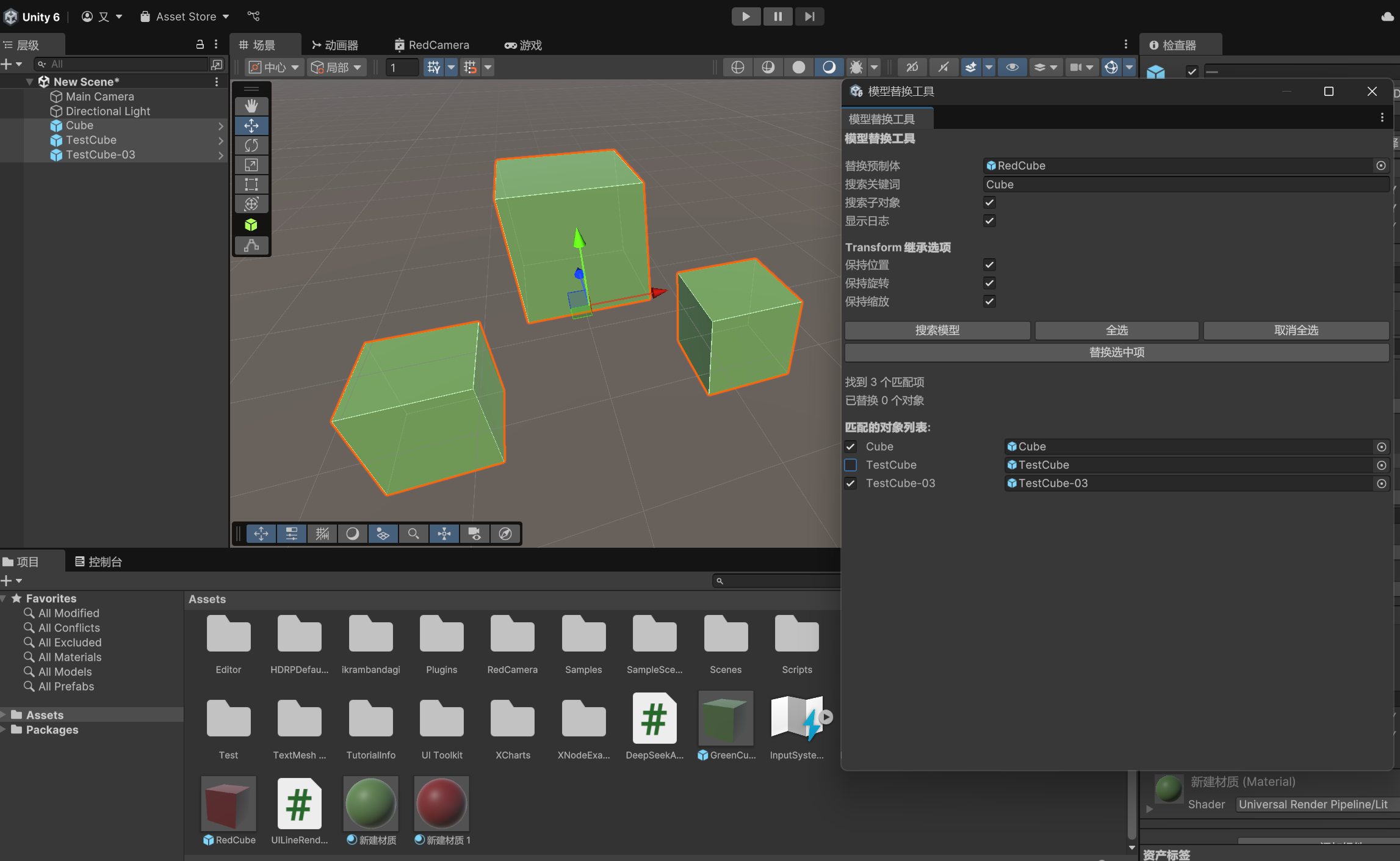
- 选择需要替换场景的用的预制体,再进行名字搜索
- 搜索模型后,每个结果前都会有一个复选框
- 通过复选框选择想要替换的模型
- 使用 “全选” 和 “取消全选” 快速操作所有复选框
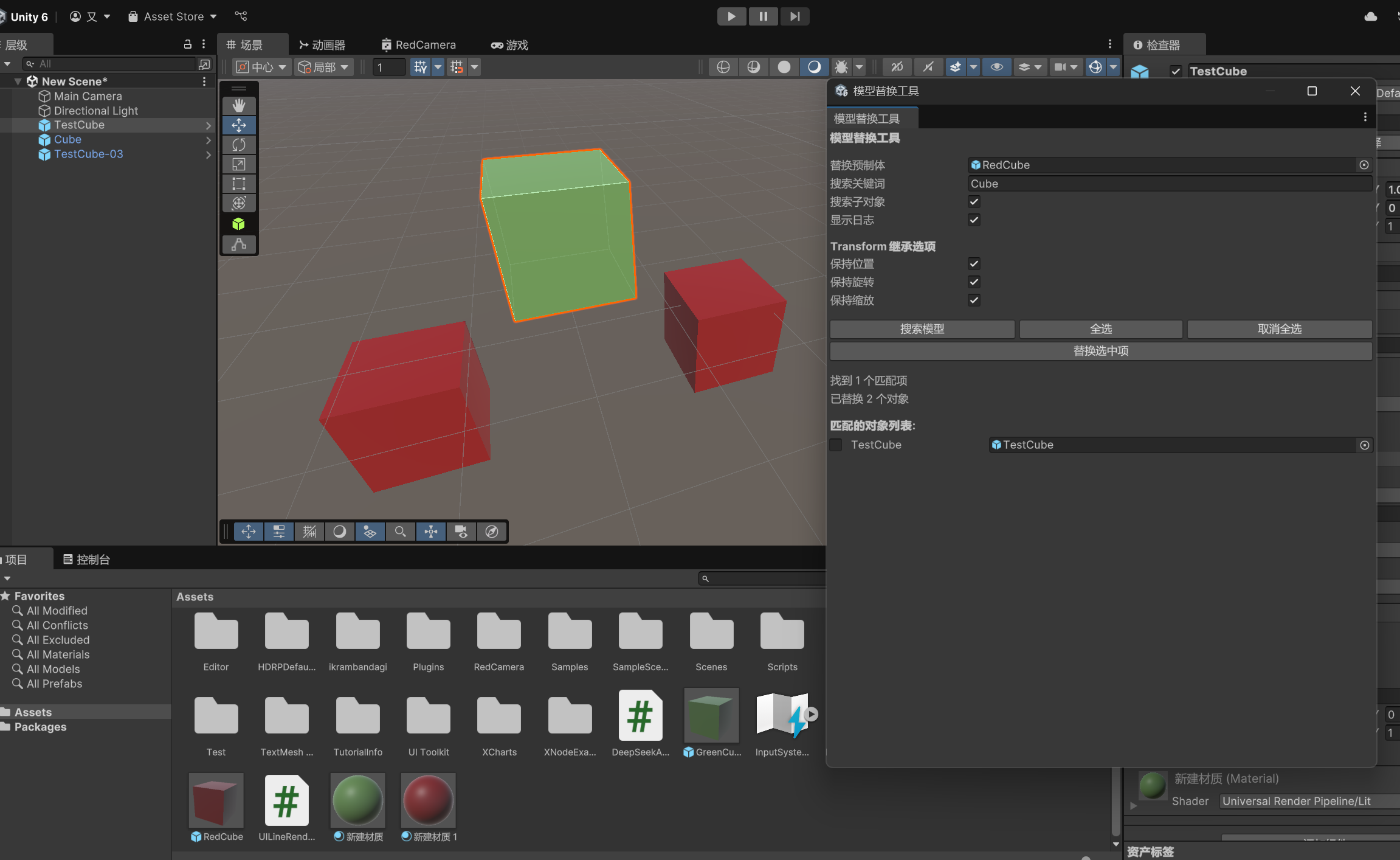
- 点击 “替换选中项” 按钮执行替换
替换前,场景内3个预制体都是GreenCube
替换后,我将GreenCube预制体替换为了RedCube预制体
代码文件
using UnityEditor;
using UnityEngine;
using UnityEngine.SceneManagement;
using System.Collections.Generic;
using System.Linq;
public class ModelReplacementTool : EditorWindow
{
private GameObject replacementPrefab;
private string searchTerm = "";
private bool replaceInChildren = true;
private bool keepPosition = true;
private bool keepRotation = true;
private bool keepScale = true;
private bool logResults = true;
private Vector2 scrollPosition;
private List<GameObject> foundObjects = new List<GameObject>();
private Dictionary<int, bool> objectSelection = new Dictionary<int, bool>();
private int totalMatches = 0;
private int replacedCount = 0;
[MenuItem("Tools/模型替换工具")]
public static void ShowWindow()
{
GetWindow<ModelReplacementTool>("模型替换工具");
}
private void OnGUI()
{
GUILayout.Label("模型替换工具", EditorStyles.boldLabel);
GUILayout.Space(10);
replacementPrefab = (GameObject)EditorGUILayout.ObjectField(
"替换预制体", replacementPrefab, typeof(GameOb 最低0.47元/天 解锁文章






 扫一扫
扫一扫


 7134
7134

 被折叠的 条评论
为什么被折叠?
被折叠的 条评论
为什么被折叠?
 到【灌水乐园】发言





